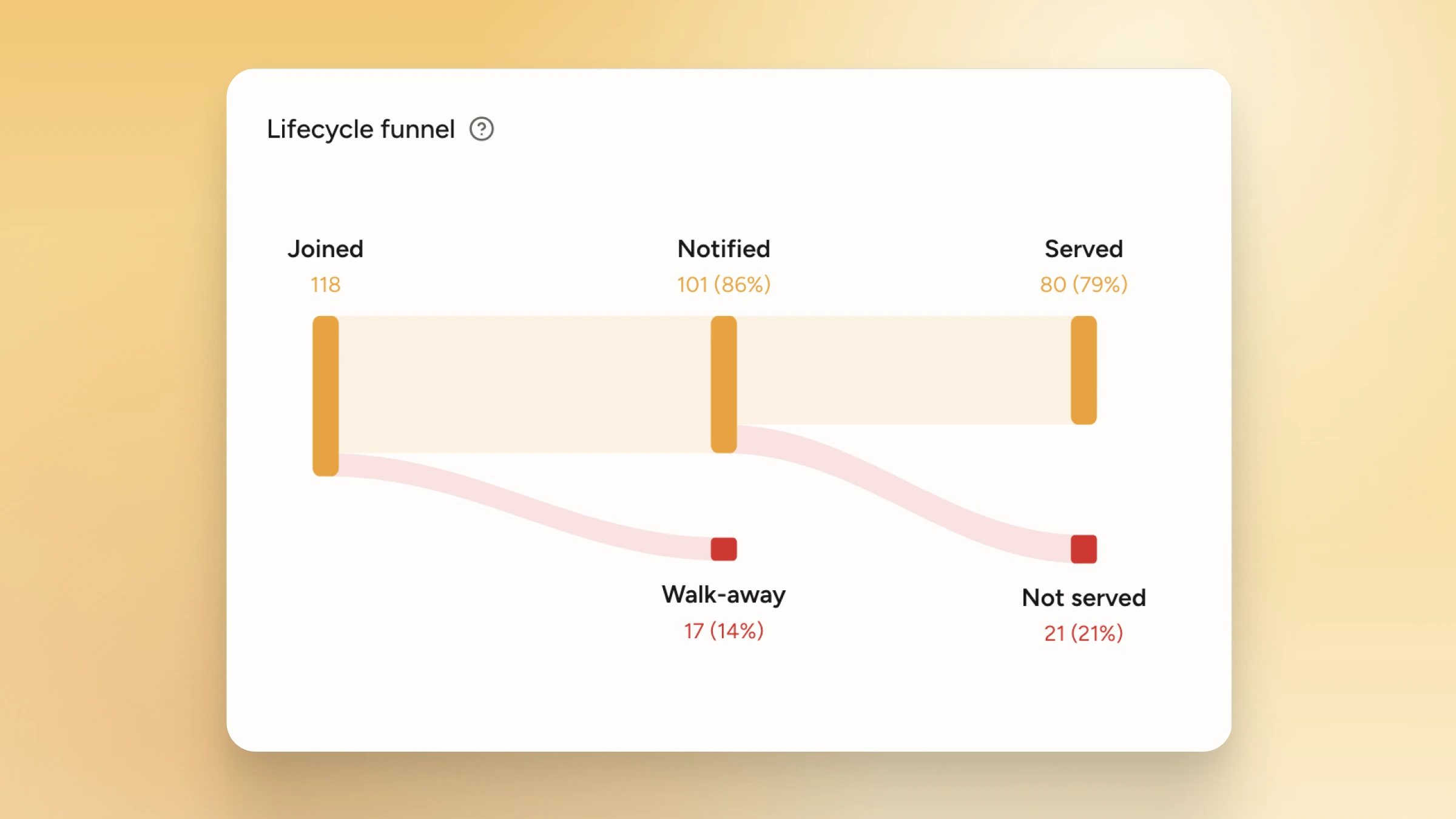
Wait analytics that power business decisions
WaitQ analytics surface insights and patterns from your queues for data-driven business decisions. Updated in real-time, without manual calculations or spreadsheets.

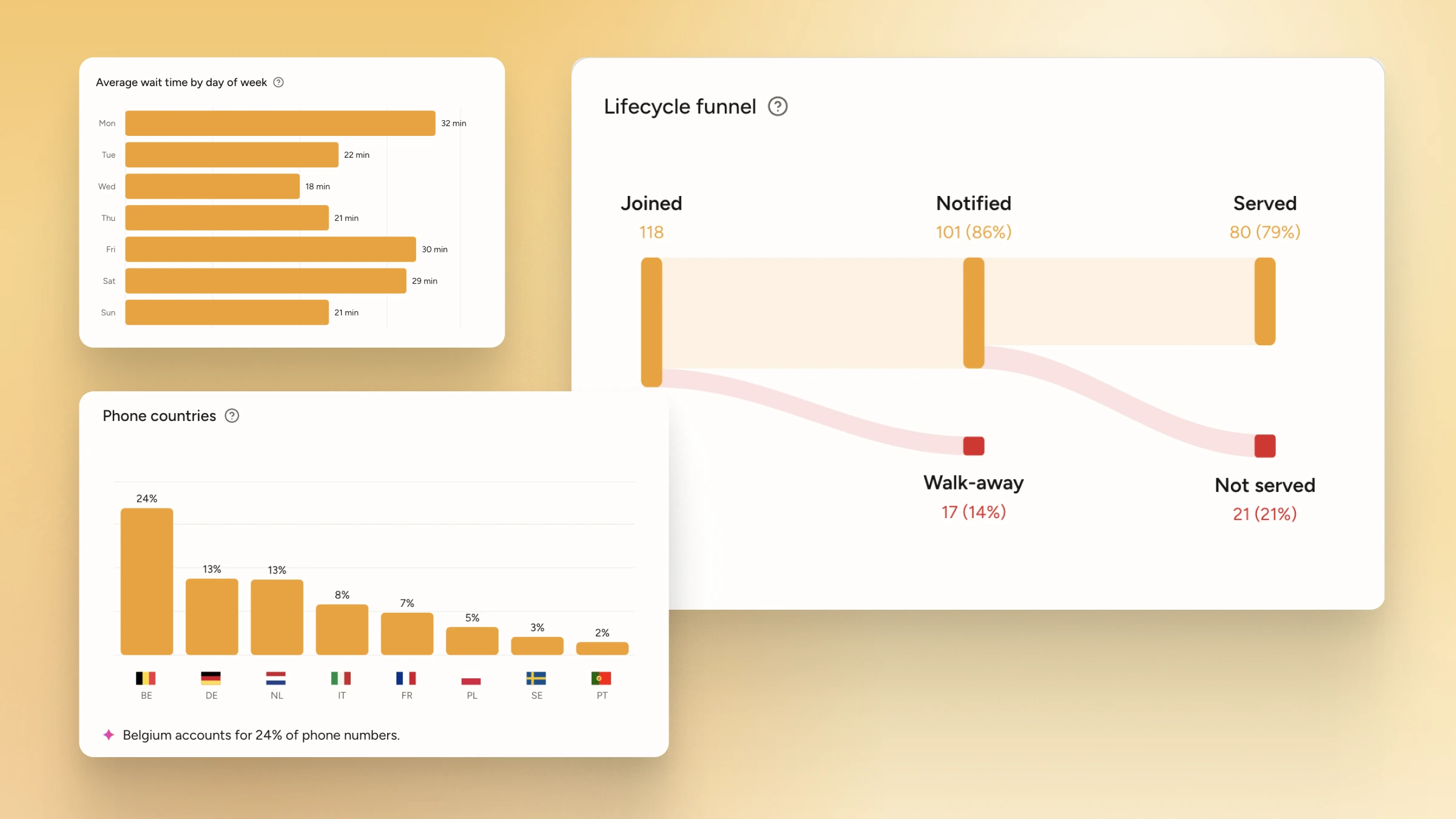
Spot trends and fix bottlenecks
Historical reports reveal patterns. Compare weeks, months, or custom ranges and use that data to staff smarter and seat faster.
- Identify long-wait spikes that lead to walk-outs
- Align headcount and roles to real peak patterns, not gut feel
- Measure if changes are working with confidence
What metrics does WaitQ track?
Break down customers and wait times for each location, queue, group size, or stylist.
Number of customers
How many people joined per hour, day and week, and whether they came in by QR code, kiosk or staff entry.
Walk-away rates
Unlock patterns on when is your service most pressured.
Average wait times
How long customers wait on average, and how that changes from one week to the next.
Peak hours
See which days and hours fill your queue, so you can schedule staff around real demand.
Run the queue with real-time clarity
See who’s waiting, who’s next, and who’s been notified to keep service under control.
- Assess live queue length and wait times
- Move faster with a single view for the team
- Keep the queue fair and consistent, even when the shift gets hectic