

One branded booking page for every way customers reach you
Set up your branded check-in page and let customers join a walk-in queue or book an appointment, all from one link.
5-minute setup • Unlimited visits on every plan • No app downloads

What can customers do on your check-in page?
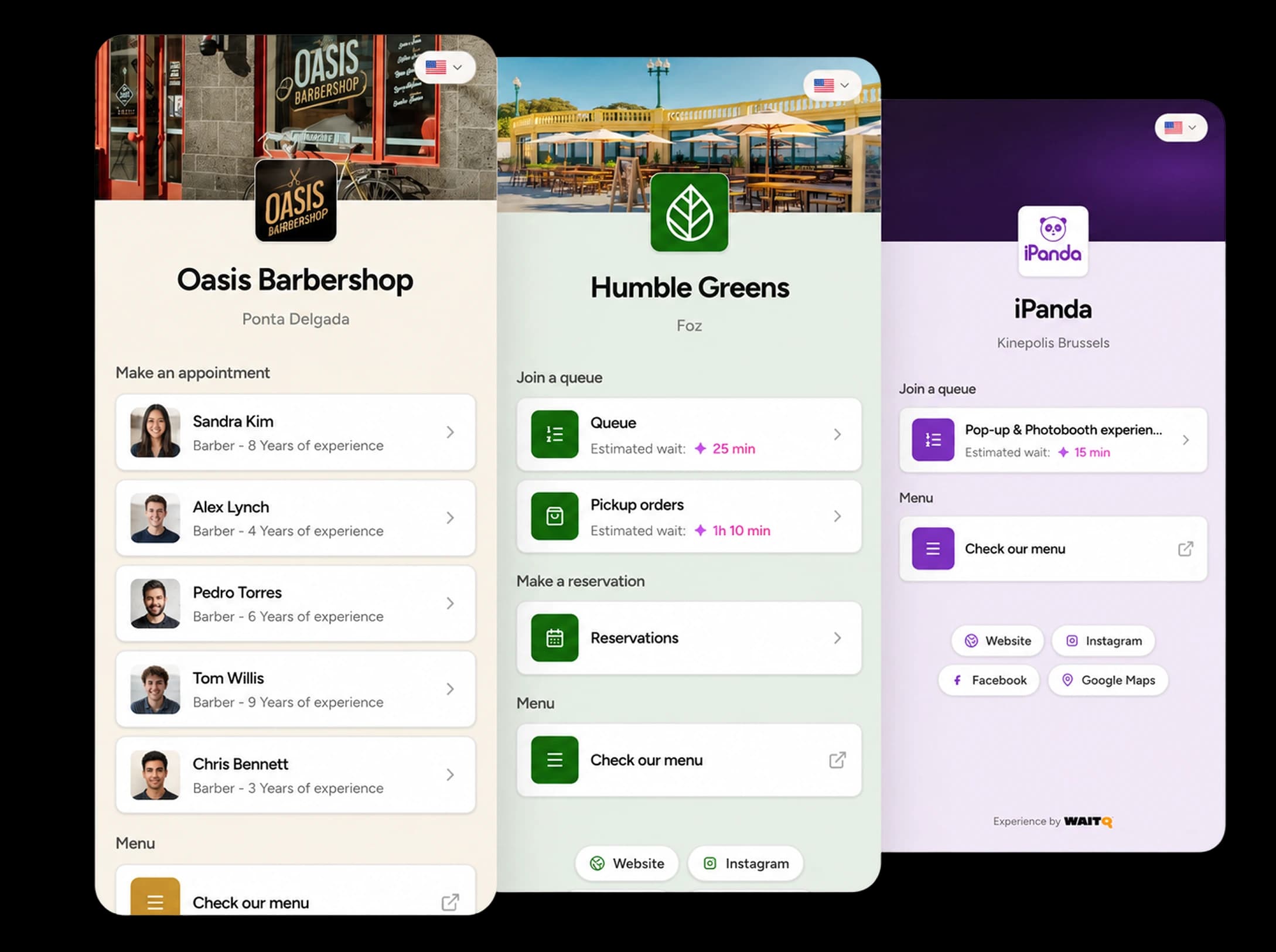
Your check-in page shows the options each location offers. Customers can join a walk-in queue, book an appointment or add themselves to a guest list, all from their own phone with no app to download.
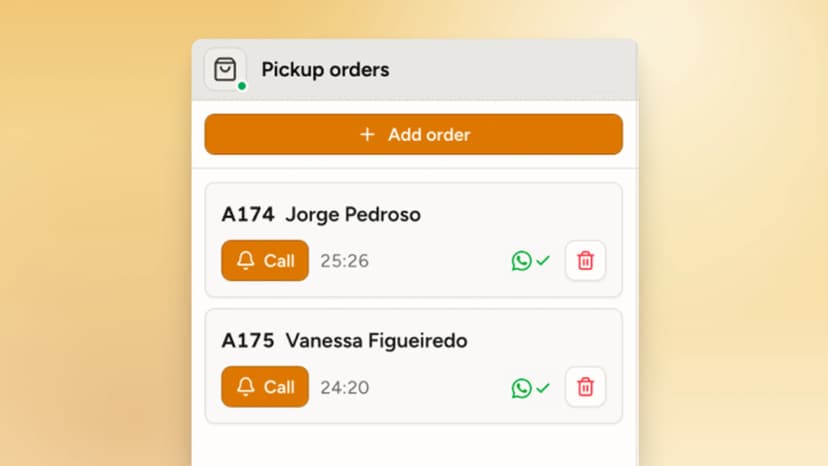
Join a queue
Customers join a walk-in or pickup queue, see their live position and estimated wait, and get notified when it’s their turn.
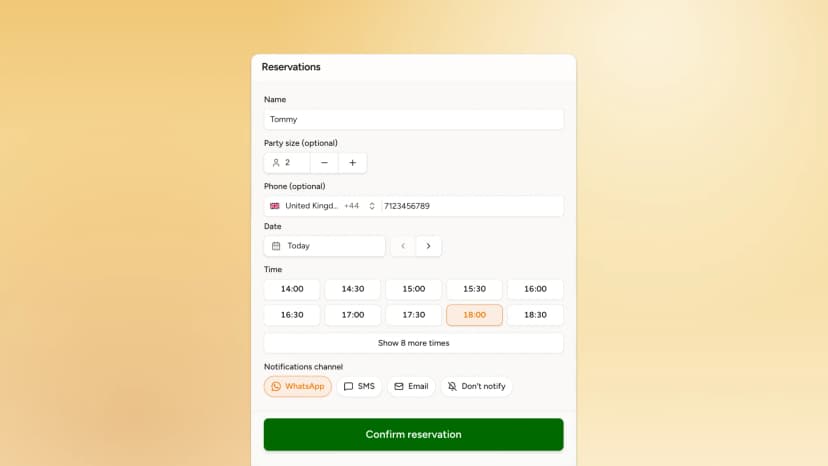
Book an appointment
Customers pick a service, a time slot and, if you allow it, their preferred staff member. Bookings appear next to your queue on one dashboard.
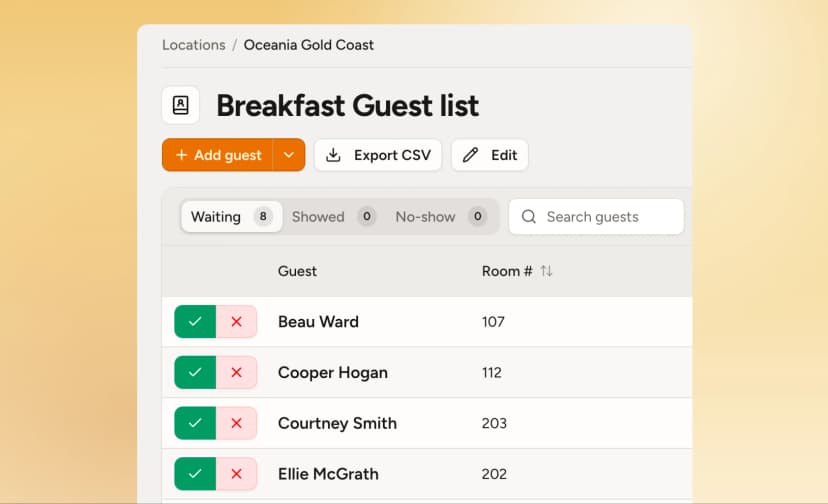
Join a guest list
For launches, pop-ups and private events, customers add themselves to the list ahead of time.
Match the way your business operates
- Shows only what you offerTurn queues, appointments and guest lists on or off for each location.
- Cover image, logo, and colorsThe page looks like part of your brand from the first tap.
- Menu and social links in one placeCustomers can open your menu, website, social profiles or directions while they wait.
- Ask for the details you needCollect name, phone, group size or your own custom fields at check-in.
Your check-in page works anywhere you put it
Print it as a QR code, load it on a kiosk or link it from your website and social profiles. Every check-in lands in the same page, updated in real-time.
QR code
Put a QR code at the entrance or counter. Customers scan it with their phone camera and join in seconds.
How QR code check-in worksKiosk or tablet
Set up a dedicated check-in device at your entrance for guests who prefer a larger screen.
How kiosk check-in worksWebsite
Add a “Join the queue” or “Book now” button to your website.
Google Business
Add your WaitQ link to your Google Business Profile so people can join the queue or book from Google Maps and Search.
Social media
Put your check-in link in your Instagram or Facebook bio, or anywhere else your customers follow you.
... and more
Share your full check-in page, or link straight to a single queue in emails, confirmations or printed materials.
Everything customers need, on one link you control
Replace separate booking sites and scattered links with one branded page that every location shares.
A better first impression at every location
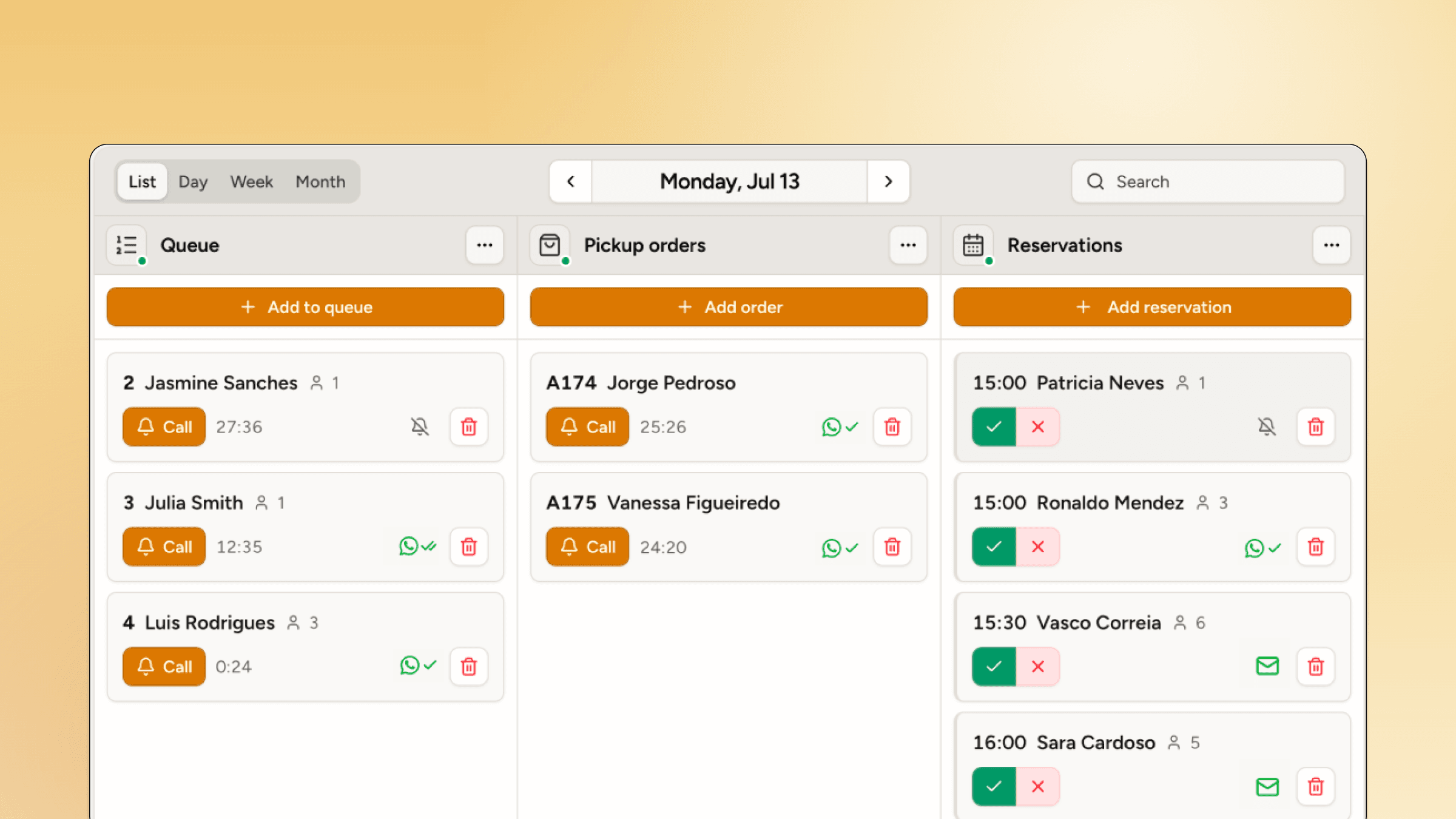
A single entry point for customer arrival
- Every queue, pickup, or reservation in one page
- Set different rules and check-in details per location
- Looks and feels like part of your branding
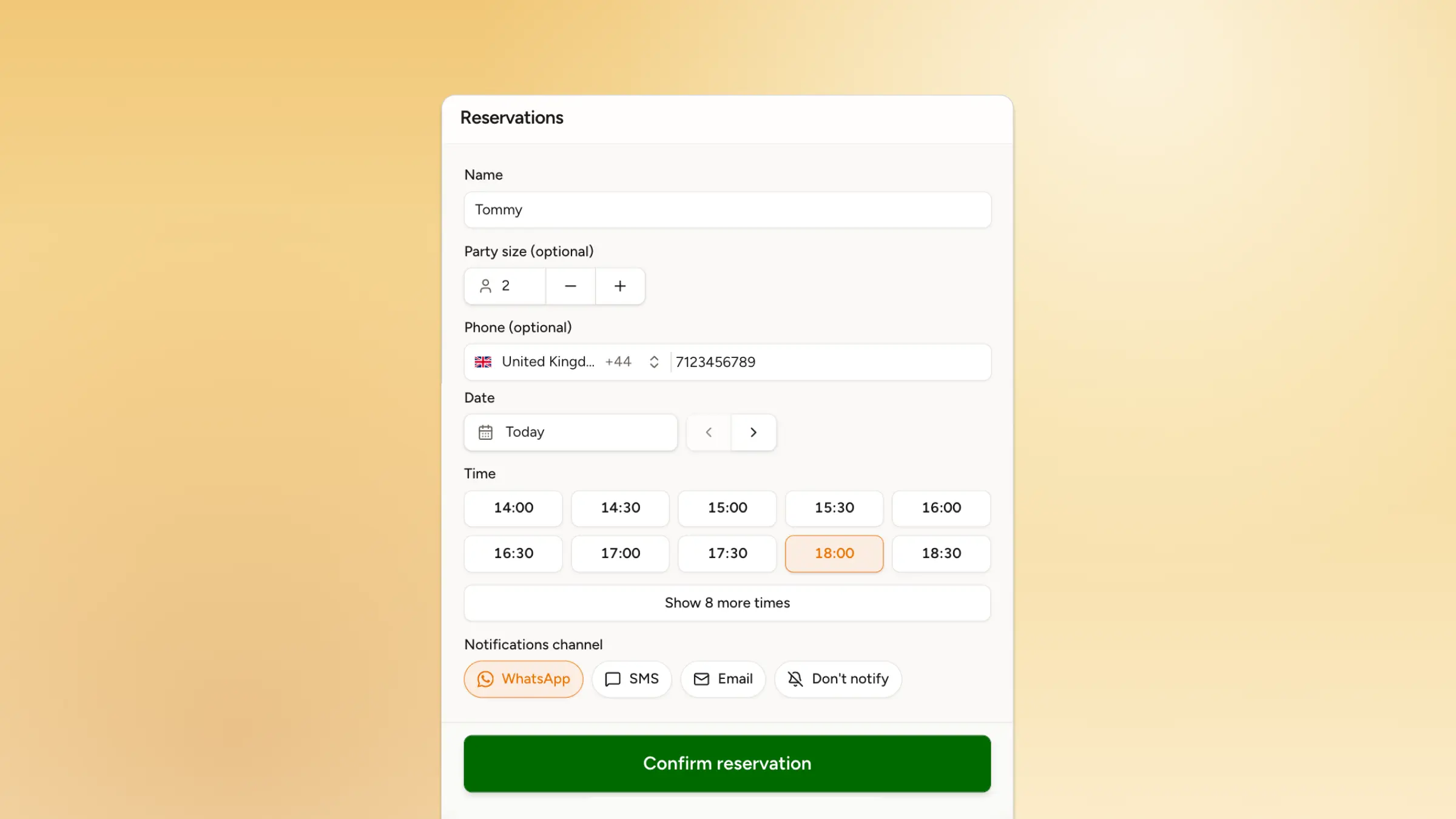
Book confidently from any device
- Only one link to bookmark
- No separate tools to figure out
- Options that match what the business offers in real-time
A check-in page for every walk-in and appointment business

Join the queue, check in for a pickup or reserve a table, all from one link.
WaitQ for restaurants & cafes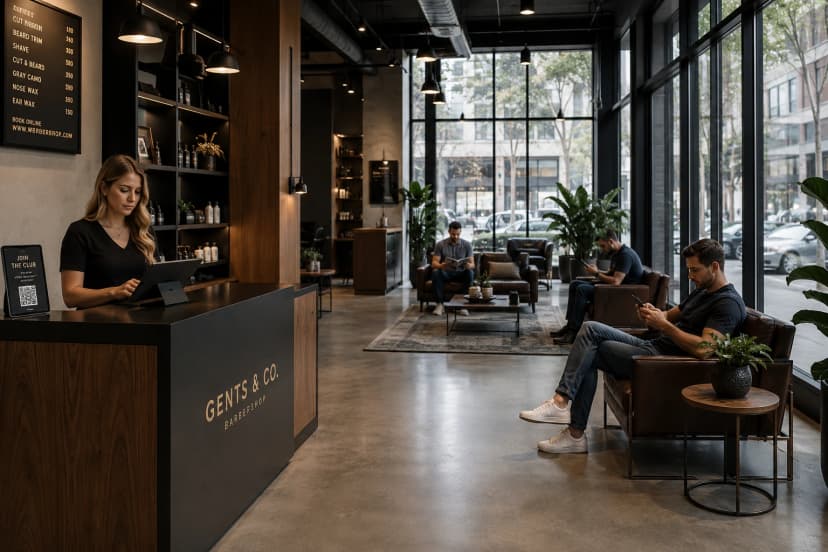
.webp&w=828&q=75)
Shoppers join the queue for returns, fitting rooms or a specialist and keep browsing
WaitQ for retail shops
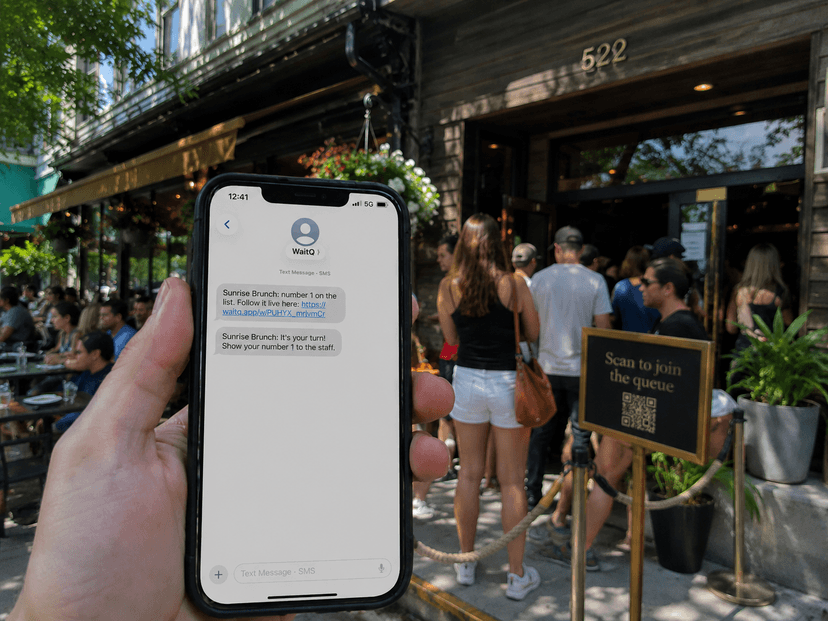
One link runs the guest list and the queues for photo booths and activations.
WaitQ for events & activations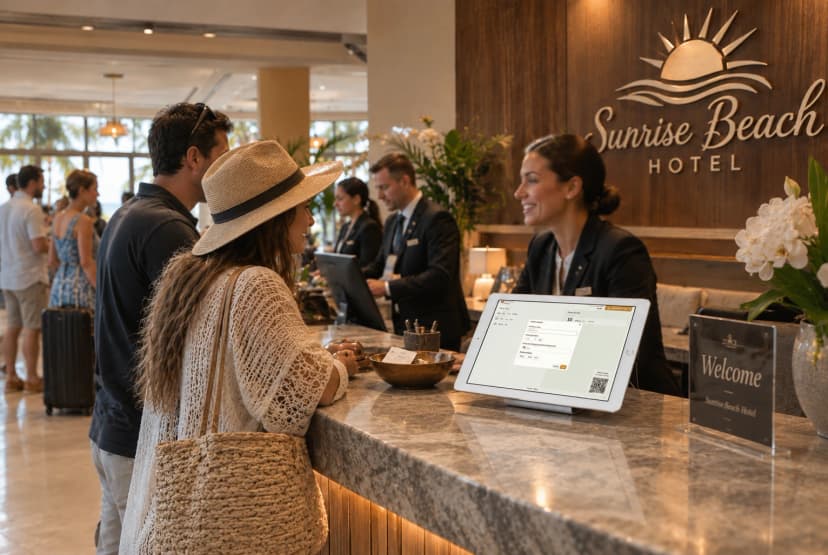
Guests queue for the front desk, book activities or reserve a breakfast table.
WaitQ for hotels & resortsMake it easy for your customers to arrive
Have your check-in page live today and share it everywhere your customers already look.