

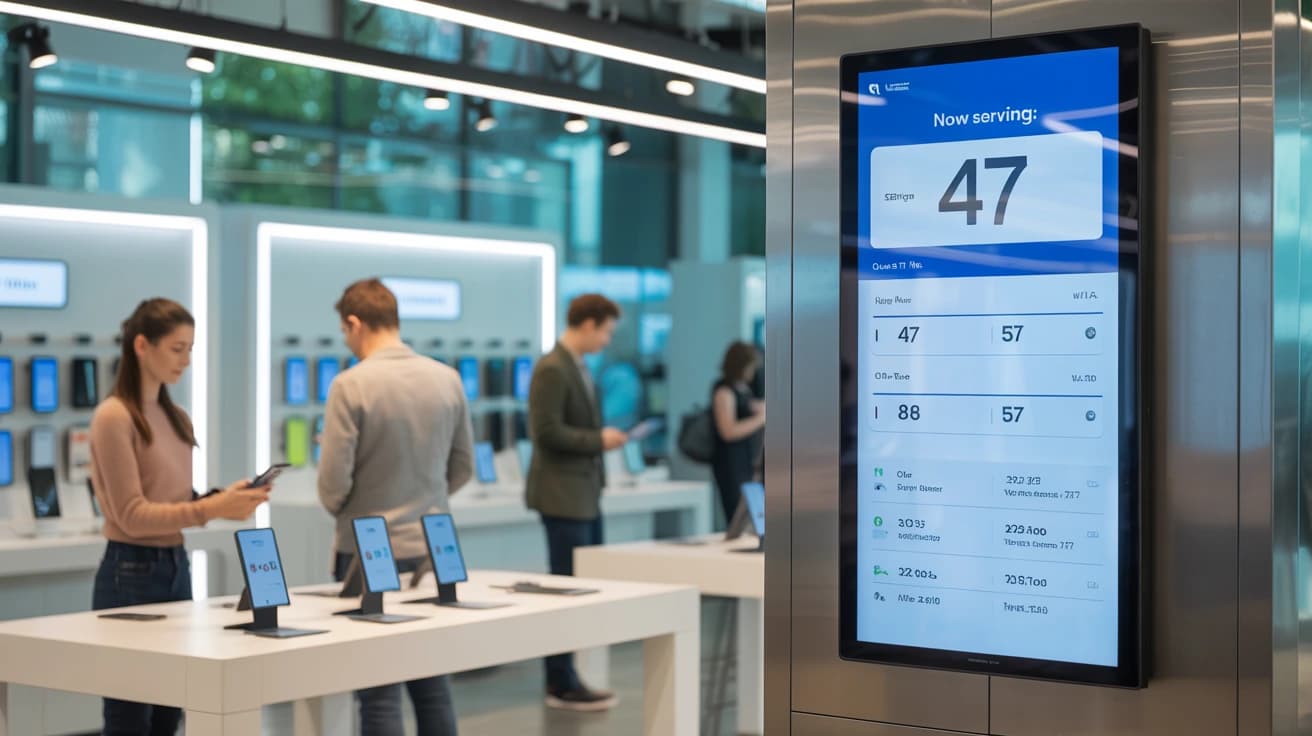
Long lines cost retail stores more than just patience. Research shows sales decrease with every minute a customer waits, and uncertain waits drive walkouts faster than long ones. Retail queue management brings order to that chaos through digital tools that track who's waiting, estimate wait times, and notify customers when their turn arrives.
What is retail queue management?
Retail queue management is the process of organizing how customers wait for service in a store. Instead of paper lists and shouting names across the floor, digital tools track who's waiting, estimate wait times, and notify customers when their turn arrives. The goal is straightforward: keep the line moving while making the wait feel shorter.
This applies to any retail environment with walk-in traffic. Electronics stores, telecom shops, boutiques with fitting room queues, service counters, and pickup areas all benefit from organized customer flow. Virtual queuing, separate queues per service type, and real-time analytics are the main tools that make this work.
Where do queues form in a retail store?
The checkout gets the attention, yet many of the longest waits in retail happen at service points where each customer takes several minutes. These are also the queues a digital system handles best.
| Queue point | What customers wait for | What helps most |
| Repair and tech support desk | Device diagnosis, setup, warranty claims | Digital queue for walk-ins, bookings for known repairs |
| Telecom and account services | New contracts, SIM swaps, plan changes | Self check-in with a service-type field |
| Fitting rooms | A free room during peak hours | Digital queue with a text or WhatsApp alert |
| Click-and-collect counter | Staff to fetch an online order | Separate pickup queue from in-store service |
| Returns and exchanges | Refund checks, stock returns | Own queue, so returns don't block sales |
| Personal shopping and consultations | Time with a specialist | Appointments booked ahead |
| Product launches and restocks | Limited stock on release day | Virtual queue opened before doors open |
What does a long queue cost a retail store?
Customers leave when they can't tell how long they'll wait. Staff lose time answering "how much longer?" instead of serving. A crowded entrance also shapes the first impression before anyone reaches the counter.
Research on real store data puts a number on it. Shoppers decide whether to join a queue based on how many people are in it, largely ignoring how fast it moves. At a supermarket deli counter, queues of 15 or more people cut purchases by about 10%, and a moderate increase in queue length hurt sales as much as a 5% price increase. The shoppers most likely to walk away were also the least sensitive to price, which means long queues push away some of a store's most valuable customers.
The business impact shows up in predictable ways:
- Walk-aways: Customers abandon a purchase when the wait feels uncertain
- Staff overload: Constant interruptions pull team members away from service
- Crowded entrances: A disorganized front of store creates stress for everyone
- Missed revenue: Every walk-away is a lost sale, and sometimes a lost repeat visit Queue management addresses each of these at the door. Visible wait times, a calm entrance, and staff who know exactly who's next change the whole dynamic. For more benchmarks, see these customer wait time statistics.
Types of retail queue management systems
Three main approaches exist, and each suits a different store environment.
Physical queue systems
Stanchions, barriers, and take-a-number tickets organize the physical flow of a queue. They work for quick transactions in smaller stores. They leave the length of the queue fully visible, which is the cue that makes shoppers turn away, and they capture no data about customer patterns.
Virtual queuing solutions
Virtual queues let customers join a queue digitally through their phone, a kiosk, or a QR code. Customers can browse the store, grab a coffee, or wait in their car until they receive a notification. The crowd at the counter disappears, and waiting time becomes shopping time.
Hybrid customer queue systems
Some stores combine physical and virtual elements, giving customers the choice. This works well for retailers moving away from traditional methods or serving a mix of customers, some of whom prefer to stand and wait.
| System type | How customers wait | Best for |
| Physical | Standing in a queue with barriers or tickets | Small stores, quick transactions |
| Virtual | Remotely via phone or kiosk | High-traffic stores, longer service times |
| Hybrid | Choice of physical or virtual | Stores transitioning to digital |
How to reduce queues in a retail store
Most retail queues shrink through a mix of layout decisions and digital tools. These are the tactics with the clearest effect.
- Separate queues by service type. Give pickups, returns, and repairs their own queue. Short tasks stop waiting behind long ones, and staff can be assigned where demand is.
- Move predictable services to bookings. Consultations, fittings, and scheduled repairs can be booked as appointments, which leaves walk-in capacity for customers who just show up.
- Let customers join before they reach the counter. A QR code at the entrance or a link on your website lets people join the queue from the door, the car park, or home.
- Show the estimated wait along with the queue length. When customers only see a crowd, they judge by headcount. A live estimate on a screen or on their phone gives them a better reason to stay.
- Keep waiting customers occupied. Unoccupied time feels longer than occupied time, so a customer browsing the shelves tolerates the wait better than one staring at a counter.
- Staff to your real peaks. Use queue data by hour and weekday to schedule staff, instead of relying on memory of which days felt busy.
- Plan launch days separately. Open a virtual queue before a product release, cap entries to available stock, and notify customers in batches.
Key benefits of a retail queue management system
The right system delivers measurable improvements across operations, customer experience, and revenue.
Less time standing in the queue
Customers keep their place while they browse, shop elsewhere, or wait nearby. Real-time visibility also helps staff serve customers in order without confusion, and accurate estimates make a wait easier to accept.
Fewer walk-aways and lost sales
When customers know their position and can see it move, they're far more likely to stay. Uncertainty drives walk-aways, while a visible position keeps people engaged.
Improved staff efficiency
Staff spend less time managing crowds and fielding questions about wait times. Crossed-out names, misheard details, and disputes about who arrived first go away.
Better customer satisfaction and loyalty
A calm, informed wait shapes how customers remember your store. The wait is part of the service, and customers notice when it's handled well.
Actionable data for smarter operations
Queue analytics track peak times, average waits, and no-show rates automatically. This data informs staffing decisions and helps identify bottlenecks without manual tracking or spreadsheets.
How a retail queue system works
The customer and staff experience follows a simple flow.
1. Customers join the digital queue
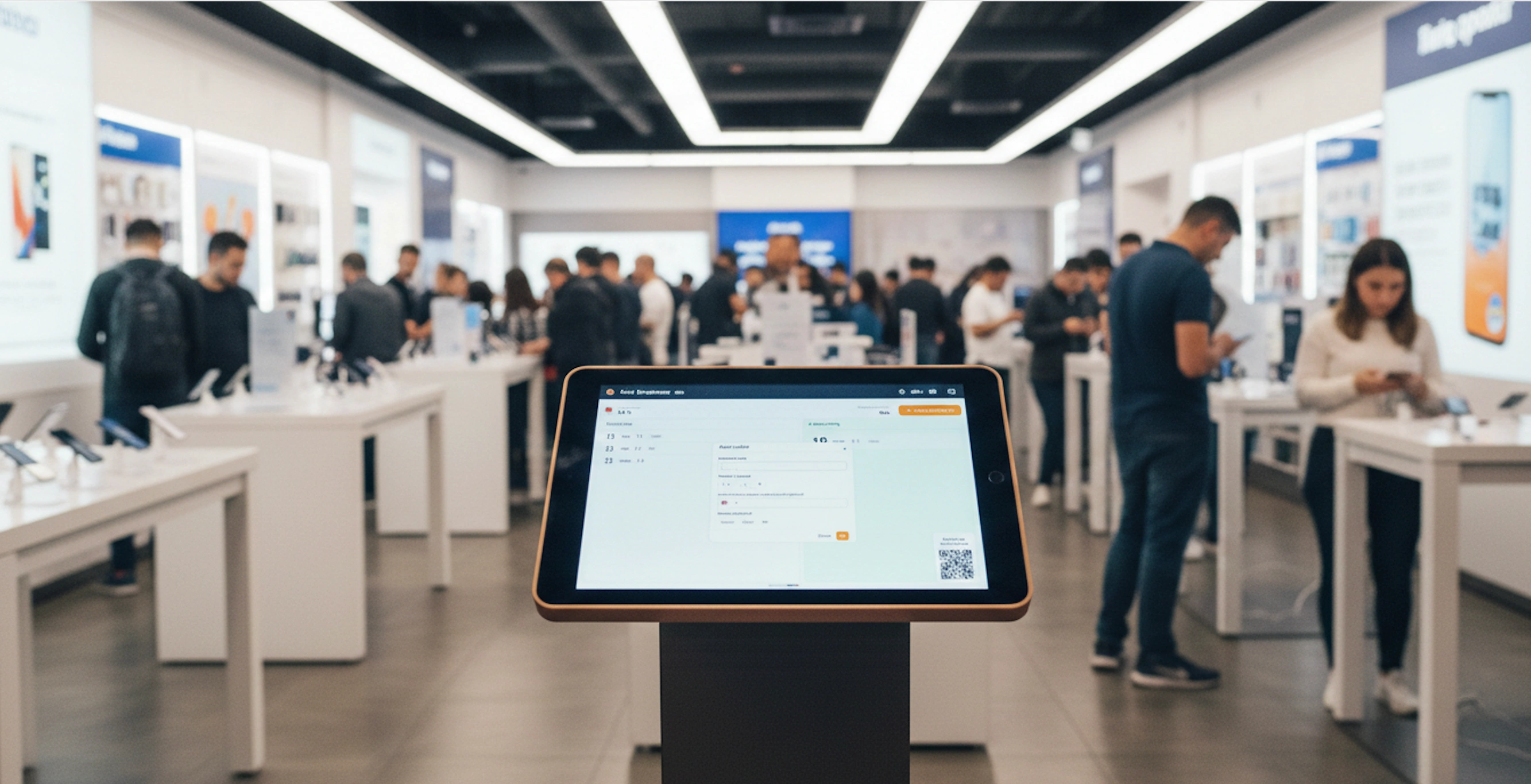
Customers enter the queue through several entry points. They can use self check-in via QR code, a tablet kiosk, a link on your website or branded check-in page, or have staff add them from any device. No app download is required, only a short form with a name and phone number.
2. The system tracks position and wait time
Once they join, customers can see their position and estimated wait. Staff see the full list of waiting customers, updated in real time as people are served or leave.
3. Notifications alert customers when it's their turn
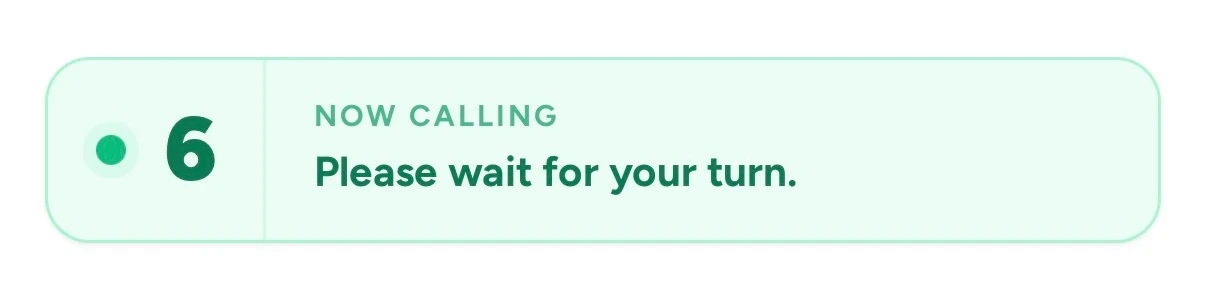
When it's nearly their turn, customers get a message by text, WhatsApp, or email, or see an update on a public display. They can wait anywhere, whether browsing the store, sitting in the car, or grabbing lunch nearby, instead of hovering at the counter.
4. Staff serve customers in order
Staff use a tap-to-serve workflow. They see who's next, notify them, and mark them as served, and every customer is called in the order they joined.
Must-have features in retail queue management software
When evaluating solutions, certain capabilities separate effective systems from basic ones.
- Real-time queue visibility. Staff see who's waiting, who's been notified, and who's next at a glance, so there's no confusion about who arrived first.
- Self-service check-in. Customers add themselves via QR codes, tablets, or web links. This reduces staff workload during rushes and prevents bottlenecks at the entrance. The best systems require no app download from customers.
- Automatic notifications. "You're next" messages by text, WhatsApp, or email replace names called across the store. Customers can step away knowing they won't miss their turn.
- Service-type fields. Custom check-in questions (repair, pickup, returns, new contract) let you route customers to the right queue and staff member.
- Bookings alongside walk-ins. Appointments and walk-in queues in one view, so staff can plan around both.
- Public wait time displays. Live wait times shown on any TV or screen set expectations and reduce interruptions.
- Queue analytics and reporting. Historical data on KPIs like wait times, peak hours, and no-show rates supports staffing decisions and reveals patterns you might otherwise miss.
- Multi-location support. For retailers with several stores, managing separate queues from one system simplifies oversight and standardizes the customer experience.
- No-hardware device compatibility. Modern queue software runs on phones, tablets, TVs, and kiosks you already own, with no specialized hardware to install.
Which queue metrics should retail stores track?
Start with a short set of numbers you'll review every week:
- Average and peak wait time, by hour and day of week
- Walk-away rate: the share of customers who leave the queue before being served
- Longest queue per day: how often the queue passes a length customers won't tolerate
- Service time per queue type, so repairs and pickups are staffed differently
- No-show rate for bookings Averages hide the moments that cost the most sales. The same supermarket research found that the effect of queues on purchases is strongly non-linear, so tracking how often your queue gets long matters more than the daily average.
How to choose the best queue management system for your store
Finding the right fit depends on your store's size, traffic, and services. For a side-by-side view of specific tools, see our roundup of the best queue management systems.
Assess your store traffic and peak patterns
Consider your daily customer volume, busiest hours, and whether you serve walk-ins, appointments, or both. A high-traffic electronics store has different requirements than a boutique with occasional rushes.
Prioritize ease of setup and daily use
Look for interfaces that need no formal training. Staff turnover is real, and if the system takes hours to learn, adoption suffers. Signs of low-friction deployment include "live in minutes" setup and no setup fees.
Evaluate notification and communication options
Check which channels are included and how message allowances work. SMS notifications are standard, WhatsApp matters in countries and regions where it has higher open rates, and some tools charge per message or cap monthly credits. Confirm customers can track their position without downloading an app.
Review data and analytics capabilities
Make sure the system gives you insights you'll use: wait time trends, peak hour reports, walk-away and no-show tracking. Data only helps if it's easy to find and act on.
Compare pricing and flexibility
Transparent pricing matters. Check whether plans cap the number of customers or visits per month, since a store that grows into a busy season can outgrow a capped plan quickly. Enterprise platforms built for large chains usually sell on custom quotes, while tools built for independent stores publish flat monthly prices.
How to implement a retail queue management system
Most cloud-based solutions make this faster than you might expect.
1. Define your queue management goals
Identify what you want to solve: fewer walk-aways, a calmer entrance, better wait data, or all of these. Clear goals guide configuration choices.
2. Select the right software
Use the evaluation criteria above. Prioritize solutions that match your store's complexity and budget without requiring IT support.
3. Configure your queues and check-in flow
Decide what to collect, such as name, phone, and service type. Create separate queues for services with very different service times, customize branding to match your store, and set operating hours for self check-in.
4. Brief your team and go live
With software that needs no training, a quick five-minute walkthrough is usually enough. Staff typically feel comfortable within their first shift.
5. Monitor performance and refine
Use analytics to track the system's impact. Adjust check-in options, queue types, or notification timing based on what the data shows about your customer flow.
Make every wait count with modern digital queuing
Treating the wait as part of the service changes how a retail store runs. When customers feel informed, they stay. When staff know who's next, they serve better. When data replaces guesswork, staffing and layout decisions improve.
