

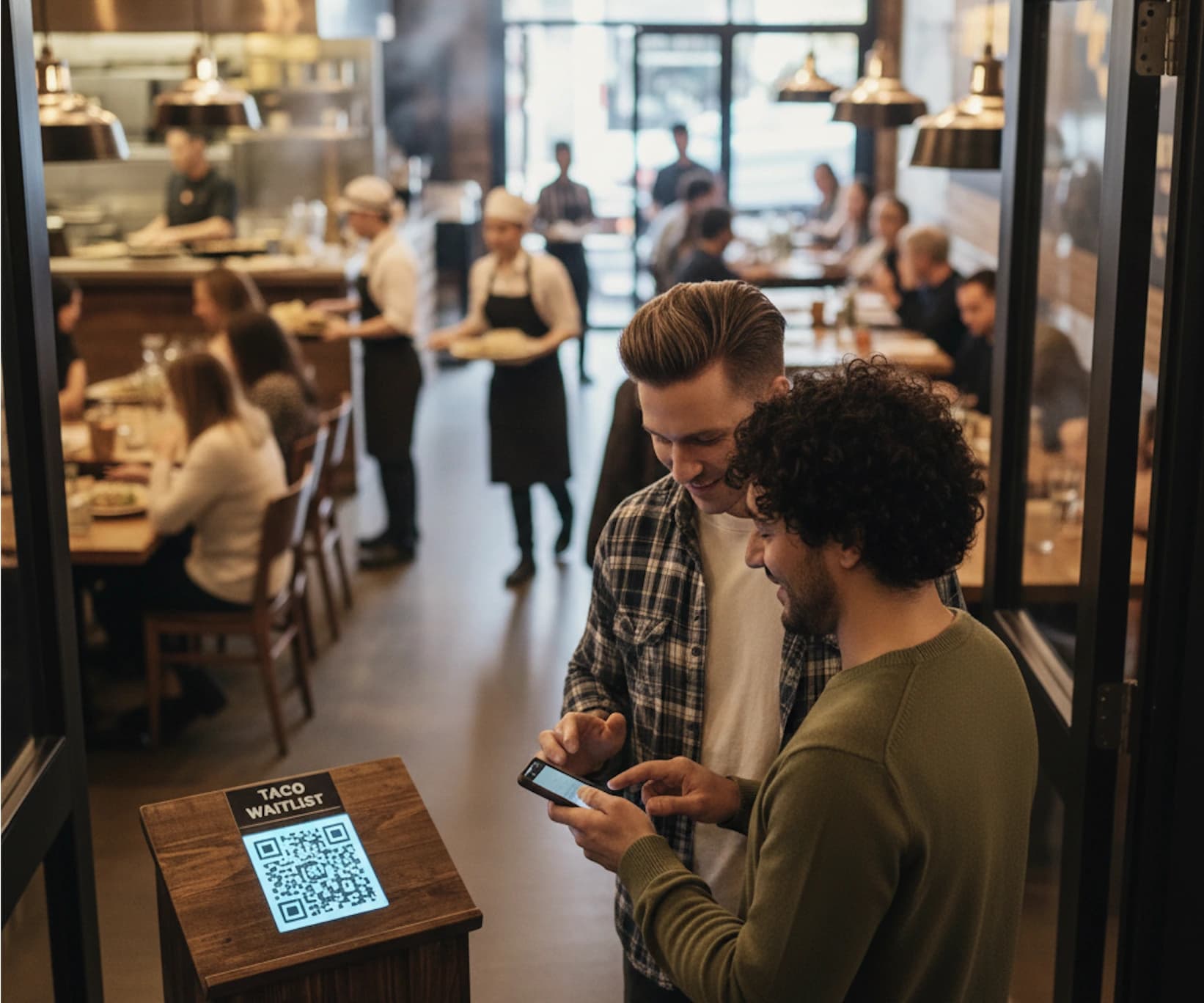
Restaurant waitlist software replaces paper lists with a live digital queue guests can join via QR code, tablet, or phone link. For walk-in focused casual dining, WaitQ is built specifically for the front door: QR self check-in, SMS and WhatsApp notifications triggered by your staff, a public display, and unlimited guest entries on every plan. For restaurants blending walk-ins with reservations, Waitwhile and TablesReady are stronger fits.
The best restaurant waitlist software options compared
These are the tools most relevant to casual dining and walk-in focused operations. Enterprise platforms like SevenRooms and OpenTable are excluded because they're designed for reservation-led businesses with significantly higher operational complexity.
| Tool | Best for | Notifications | Starting price | Standout |
| WaitQ | Walk-in casual dining | SMS, WhatsApp, email | $17/mo | Unlimited guests, no hardware, live in minutes |
| Waitwhile | Walk-ins + reservations combined | SMS, email | $31/mo | Highly configurable, wide integration ecosystem |
| TablesReady | Mixed operations with floor plan needs | SMS, two-way texting | ~$49/mo | Floor plan view, strong guest messaging |
| Hostme | Restaurants wanting AI table optimization | SMS, app | ~$59/mo | AI-driven table assignment, reservation and waitlist in one |
| Carbonara | Budget-constrained restaurants moving off paper | SMS | Free (up to 50 bookings/mo) | Simple, fast to set up, free for basic use |
WaitQ
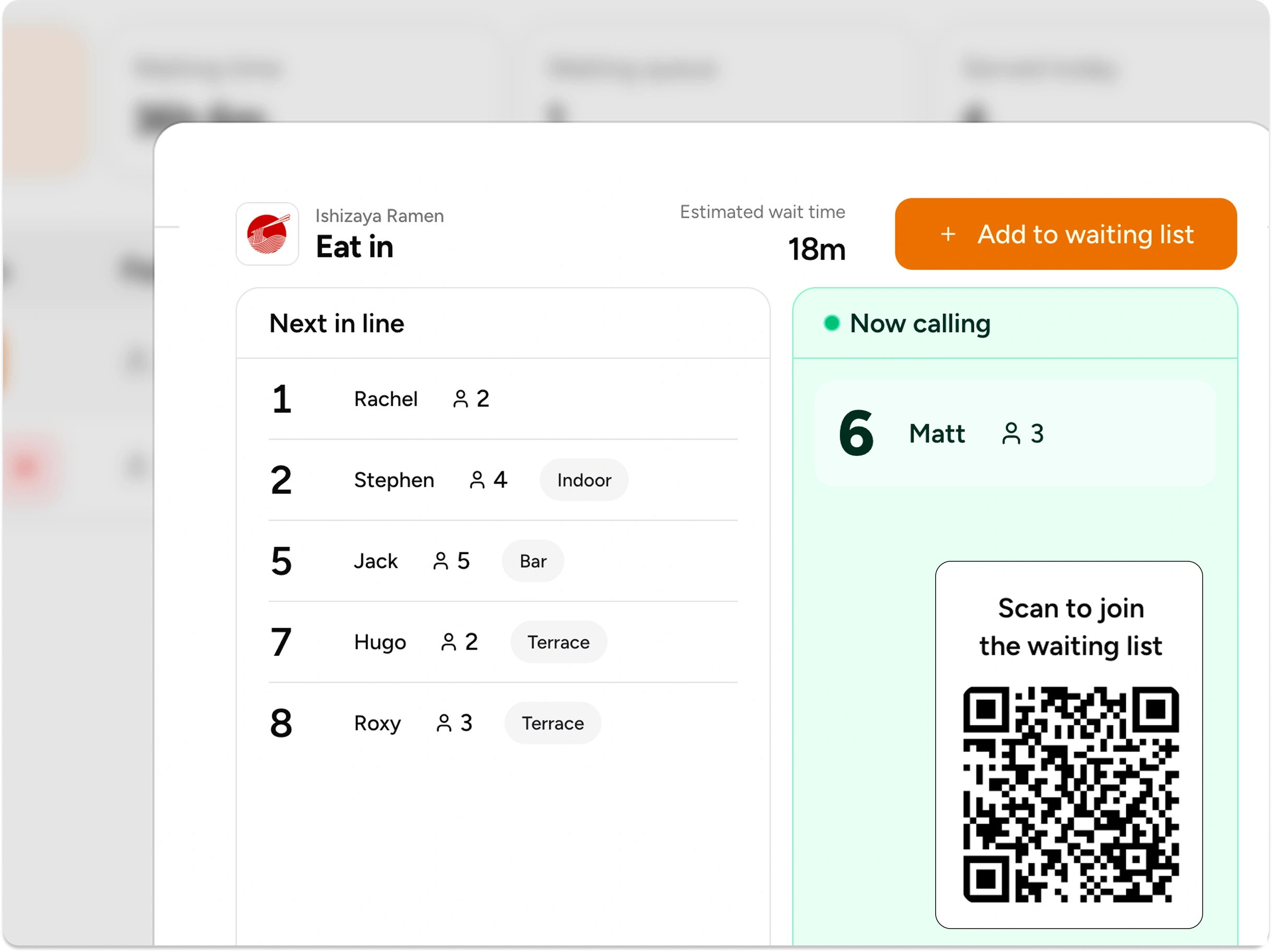
WaitQ is built specifically for walk-in focused restaurants that want a clean, fast queue without building out a full front-of-house platform. The focus is the front door: self QR check-in, SMS and WhatsApp notifications triggered by your staff when a table is ready, and a branded virtual waiting room guests can track from their phone. Setup takes under five minutes and runs on devices you already own.
The clearest differentiator for walk-in restaurants: WaitQ handles the queue without trying to replace your POS, reservations system, or table management. It does one job without the setup friction.
The pricing is straightforward, and both plans include unlimited guest entries: no monthly caps, no overage charges, no pricing that penalizes you for a busy Saturday.
| Plan | Price (annual) | Locations | Staff | Notifications included |
| Waitlist | $17/mo | 1 | 5 | None |
| Waitlist & Notify | $45/mo | 4 | 20 | 200 SMS, WhatsApp |
Waitwhile
Waitwhile is a solid option for restaurants that mix walk-ins with reservations and want both in one place. It's used across restaurants, retail, healthcare, and more. The platform is highly configurable with a broad API and integrations including Square POS, Salesforce, and Mailchimp.
**Worth noting on pricing: plans are visit-based. **The Starter plan caps at 2,500 visits per month. The Business plan caps at 5,000. Unlimited visits are only available on the Enterprise tier, which is custom-priced. For a high-volume walk-in restaurant, those caps can become a constraint.
| Plan | Starting price | Visit cap |
| Free | $0 | 50/mo |
| Starter | $31/mo | 2,500/mo |
| Business | $55/mo | 5,000/mo |
| Enterprise | Custom | Unlimited |
TablesReady
TablesReady offers two-way SMS with guests alongside a floor plan view, making it one of the more capable options for restaurants that need to manage table turns alongside the waitlist. It covers more than 60 industry types, so it's versatile, though not restaurant-specific.
The interface is easy to train staff on quickly, and pricing is competitive for what it includes.
Key features: digital waitlist, two-way SMS, floor plan view, POS integration, guest analytics. From ~$49/mo.
Hostme
Hostme is worth considering if you want AI-assisted table assignment alongside the waitlist. It handles both reservations and walk-ins and includes a guest CRM and no-show prediction tools. The price reflects the feature depth.
Key features: AI-powered table optimization, waitlist and reservation management, guest CRM, POS integrations, no-show prediction. From ~$59/mo.
Carbonara
Carbonara is an accessible option for restaurants that need to move off paper immediately. It covers the core: digital queue, SMS notifications, party management, basic analytics. The free tier caps at 50 bookings per month, which suits low-volume operations or restaurants testing a digital waitlist before committing to a paid tool. Paid plans (VIP, PX) remove those limits.
It's not built for scale and lacks some features walk-in heavy venues will eventually need, but it's a legitimate starting point.
Which restaurant waitlist software is right for your operation?
The right tool depends on how your restaurant actually runs, not on feature lists.
Primarily walk-in, casual dining: Self QR check-in, SMS or WhatsApp notifications, and a public display are the three things you need. Complexity is your enemy: it slows down staff and increases time-to-setup. WaitQ is built for this scenario. Both plans include unlimited guest entries, so you won't hit a cap on your busiest nights.
Mix of walk-ins and reservations: You need both systems in one view so hosts aren't toggling between tools. Waitwhile or TablesReady handle this without requiring a full platform replacement.
Reservation-heavy with some walk-in capacity: OpenTable or Eat App make more sense. The walk-in features are adequate, and the reservation engine earns its place.
Moving off paper with a tight budget: WaitQ's 7-day trial also lets you run it through a couple of busy shifts before committing. Plans start at $17/mo.
Need floor plan alongside the waitlist: Hostme is the most accessible option that combines both without jumping to an enterprise platform.
Do restaurant waitlist systems actually reduce walk-aways?
Yes. When guests can see their position and receive updates, they stay significantly longer. According to the National Restaurant Association, 72% of diners say they won't wait longer than 30 minutes for a table, and 30% will leave after just 15. Those thresholds shift when guests have information.
The decision to leave isn't primarily about how long the wait is. It's about uncertainty. A guest who knows they're third in line and will get a text when the table is ready behaves very differently from one who walked up to a clipboard and has no idea where they stand.
Research on virtual queue systems shows that customers who receive wait information perceive their wait as significantly shorter than those who receive none. That effect is what makes a digital waitlist a revenue decision, not just an operational one.
If you want to go deeper on the mechanics, the guide to reducing restaurant walk-aways covers the specific points in the wait where guests drop off and what you can do at each one.
How WaitQ manages walk-in traffic
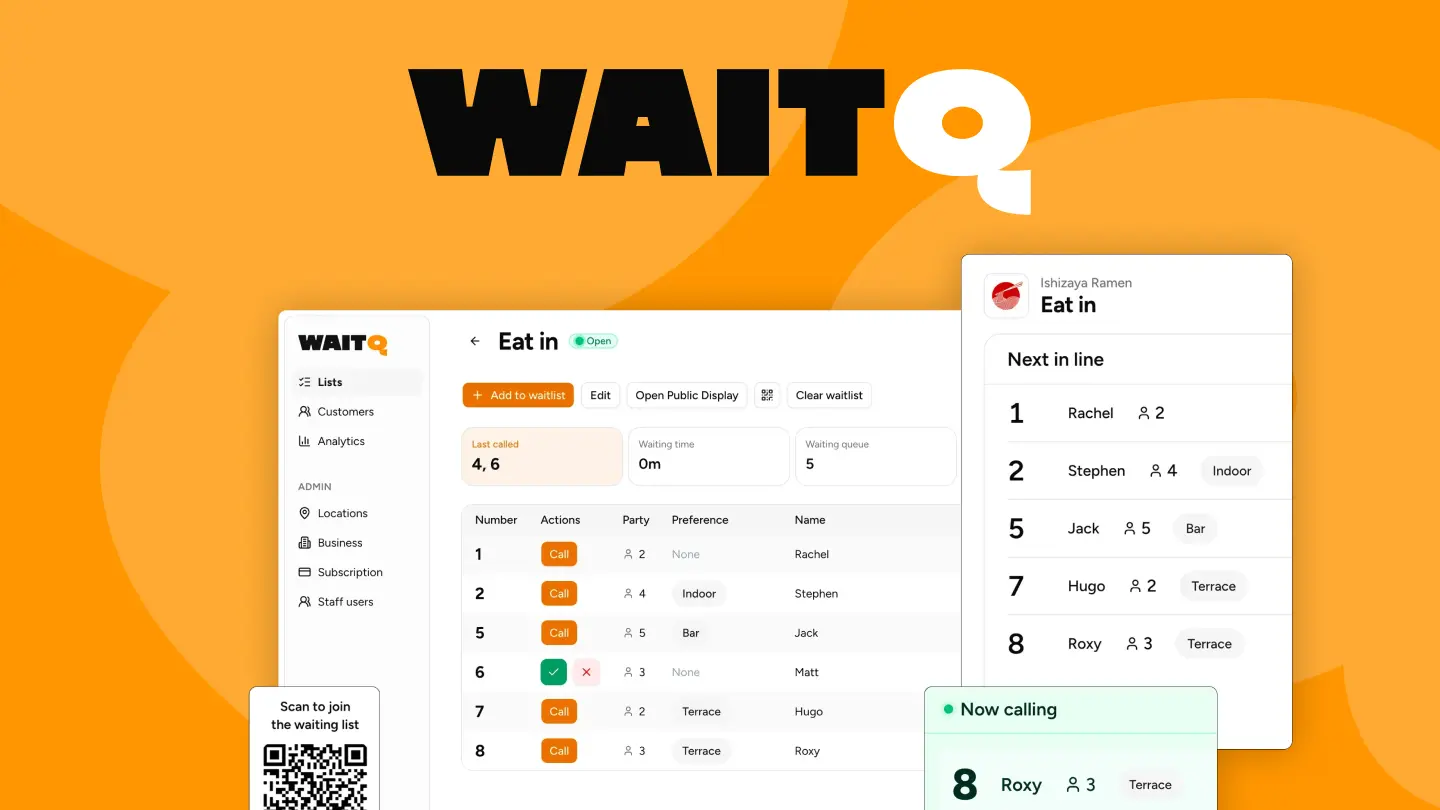
WaitQ is designed around making your front door run smoothly. That means self QR check-in with no app download for guests, SMS and WhatsApp notifications your staff trigger with a tap when a table is ready, a public TV display the waiting area can track in real time, and an analytics dashboard that shows wait time patterns over time.
There's no per-guest fee, no mandatory hardware purchase, and no enterprise sales process to get started. Plans include unlimited guest entries, so a busy Friday night won't push you into a higher tier or trigger overage charges.
Start a 7-day trial, run it through one or two busy services and see the difference it makes.