

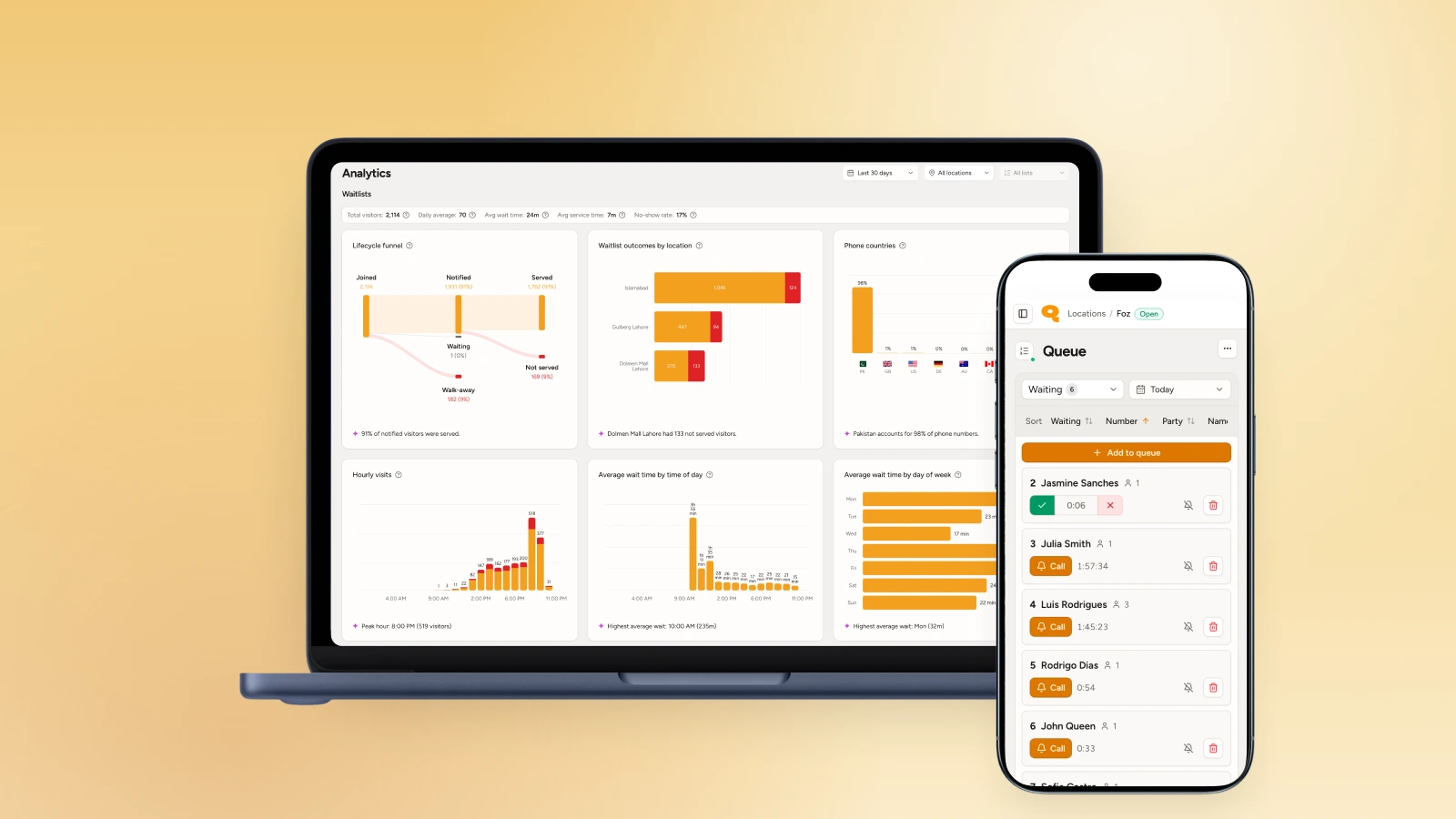
Qminder is a powerful queue management platform built for enterprise service operations. Big retail chains, telecom branches, and government offices use it. If you're running a 500-person service team across multiple locations with complex routing rules, it makes sense.
However, most businesses are not operating at such scale. For those, here are some reliable Qminder alternatives and competitors.
Qminder alternatives compared
| System | Starting price | Visit limits | Best for | |
| WaitQ | $27/mo | ✅ Unlimited customers on every plan, set amount of text notifications in each plan | ✅ | Growing restaurants, hotels, salons, barbershops, and clinics that use bookings and WhatsApp |
| TablesReady | Free, then $39/mo | ⚠️ 1,000 texts/mo on Starter | ❌ | A small restaurant that wants a simple, text-based waitlist for free |
| Waitwhile | Free, then $31/mo | ⚠️ 2,500 visits/mo on Starter | ❌ | One steady-traffic location that wants a polished guest-facing app |
| Waitlist Me | $27.99/mo per location | ✅ Unlimited | ❌ | A single location already used to billing software per site |
| NextMe | Free, then $49.99/mo | ⚠️ 100 SMS/mo on the free tier | ❌ | Restaurants, salons, and small retailers who want the lowest possible entry price |
Why look for a Qminder alternative?
Qminder is a solid product for the buyer it's built for. The thing is, that buyer is not a small or medium business. Some factors leading people elsewhere include:
- The check-in setup requires hardware. Qminder uses an iPad as the customer-facing kiosk, and an Apple TV if you want a waiting room display, purchased separately on top of the subscription (neither is required to run the software, but the interface and setup guides are built around that hardware).
- Customization limits. A thing often coming up in reviews is limited customization. The check-in form and display screens are harder or even impossible to configure unless you're on higher plans.
- Pricing is a barrier. The entry plan, includes 25 staff seats for a whopping $869 a month ($789 if billed annually). Premium jumps to $1,149 a month for 50 seats.
Now, most restaurants simply want customers to join a queue from their phone and get a text when their table is ready. Salons want walk-ins to check in without downloading anything. Hotels want guests checking in to avoid crowding the front desk.
For those use cases, Qminder can be over-engineered and overpriced. The math simply doesn't work. You end up paying for enterprise pricing for things you'll never use, and figuring out why appointments cost extra on every tier.
WaitQ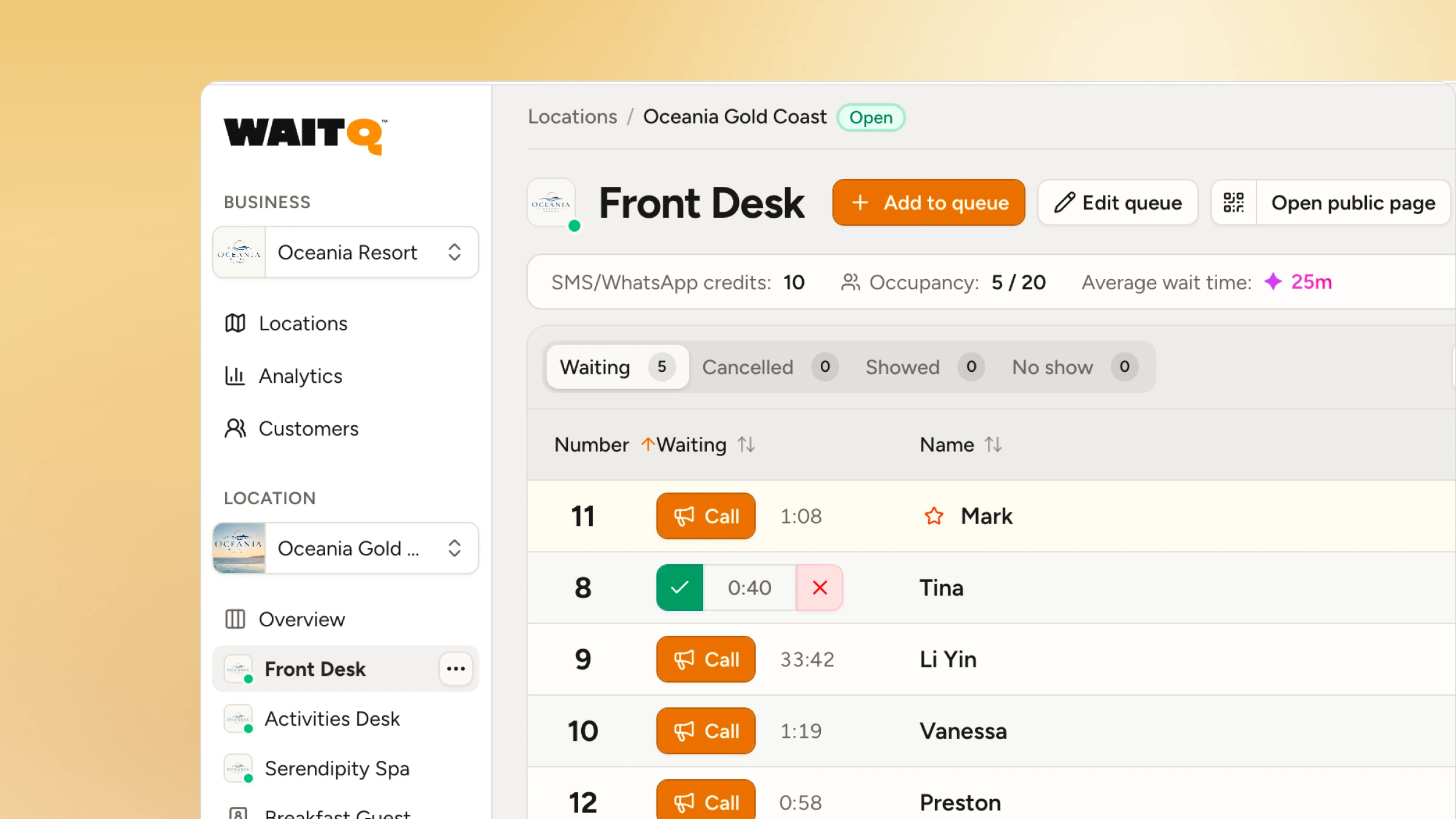
WaitQ is an intuitive digital queue and appointment management system designed specifically for service-oriented businesses. A customer arrives at your check-in page or physically scans the QR code at your entrance, and joins the queue through their browser. When staff are ready for them, they tap once to send a push notification, text message (SMS, WhatsApp) or email that meets them wherever they are. There's no hardware required for staff or apps for customers to download.
Unlike Qminder, WaitQ runs queues and appointments from the same dashboard at no extra cost, so a business taking scheduled bookings alongside walk-ins isn't stitching two systems together.
- Pricing: WaitQ's Starter plan is $27 a month (billed annually) for one location, with Grow and Business plans covering multi-location operators. All plans include unlimited visits, queues and bookings.
- Best for: restaurants, hotels, clinics, salons, barbershops that want walk-ins and appointments covered in one system without the cost or complexity of enterprise pricing or hardware.
- What to know:
- Unlimited visits, queues and bookings. Most competitors cap queue entries or charge per visit at scale. WaitQ doesn't: whether you serve 50 customers a day or 5,000, the price stays the same.
- Queues and appointments included, at no extra cost
- WhatsApp support
TablesReady
TablesReady is built for restaurants only. If you're running a salon, clinic or retail, it's not designed for you. It handles the basics of a walk-in waitlist, name-based lists, wait time estimates, and text notifications when a table's ready, inside an interface designed around parties and tables rather than a generic queue.
Higher tiers add two-way SMS chat, predicted wait times, and, on the Business tier, table management and payment integrations. It doesn't try to be anything beyond a restaurant waitlist tool.
- Best for: A single restaurant that wants a simple, text-based waitlist.
- Pricing: Free (100 parties, 150 texts/mo); Starter $39/mo (1,000 texts); Business $79/mo, both billed annually.
- What to know:
- Purpose-built for restaurant workflow
- Two-way SMS chat and predicted wait times on paid tiers
- Message volume metered by tier, so a busy month can mean an upgrade
Waitwhile
Waitwhile is a virtual queue and appointment platform with a strong free tier and a polished guest-facing interface. It's used by IKEA, Best Buy, and Applebee's, which gives a sense of the scale it can handle.
The cap is the thing to watch. A single location with predictable traffic rarely bumps into it, but a business expecting a surge, a holiday weekend, a grand opening, should count visits against that number before committing.
- Pricing: Free (limited at 50 visits/mo); Starter $31/mo (limited at 2,500 visits); Business $55/mo, both annual rates.
- Best for: retail and hospitality brands that want a refined guest-facing interface.
- What to know:
- Free tier available, even if for very low-volume locations
- No WhatsApp support
- Appointment scheduling included alongside the queue, not sold separately
Waitlist Me
Waitlist Me is a legacy player as it's the oldest name on this list by a wide margin. The app syncs across iOS, Android, and the web, and higher tiers have grown into floorplan and table management for restaurants that have outgrown a simple list.
What hasn't changed is the billing model: each location has run as its own subscription. A single restaurant or salon pays $27.99 to $79.99 a month depending on tier, with unlimited usage inside a monthly notification allotment and a per-message overage past that.
For one location, that reads a lot like WaitQ's pricing. Open a second or third site, though, and the cost stacks per location rather than folding into one multi-location plan.
- Pricing: $27.99 to $79.99/mo per location (annual rates), billed separately for each site.
- Best for: a single location already used to billing software per site.
- What to know:
- Not available globally and focused on US and Canadian restaurants
- Table and floorplan management on higher tiers
- No WhatsApp support
NextMe
NextMe is explicitly aimed at very small restaurants, salons, and small retail, and it's built that way from the ground up rather than a stripped-down trial bolted onto an enterprise product.
There's a limited Free plan and then Starter and Business plans add self check-in, a virtual waiting room, and team management as a business grows past one person running the list by hand. It stays a straightforward, no-frills queue tool without much beyond the essentials.
- Pricing: Free (limited at 100 SMS/month, 1 user); Starter $49.99/mo; Business $99.99/mo (10 users, 5,000 SMS/mo).
- Best for: very small operations who want the lowest possible entry price, and want to skip analytics and brand customization entirely.
- What to know:
- Free plan available
- Aimed squarely at restaurants, salons, and small retail from the start
- No WhatsApp support
Waitwell
WaitWell is a capable queue and appointment platform built for regulated, multi-department organizations: healthcare clinics, government offices, and higher-education service centers running configurable workflows across many teams.
WaitWell bills per location. You'll need to multiply their plan prices per each location you run. WhatsApp isn't part of the notification stack on any tier.
- Pricing: Starter is $29/month per location (up to 100 visits), Basic is $55/month per location (up to 250 visits), Enterprise and Campus are custom-priced.
- Best for: multi-department organizations like healthcare systems, government offices, and universities that need appointment and walk-in management unified across many teams.
What should a small business look for in a Qminder alternative?
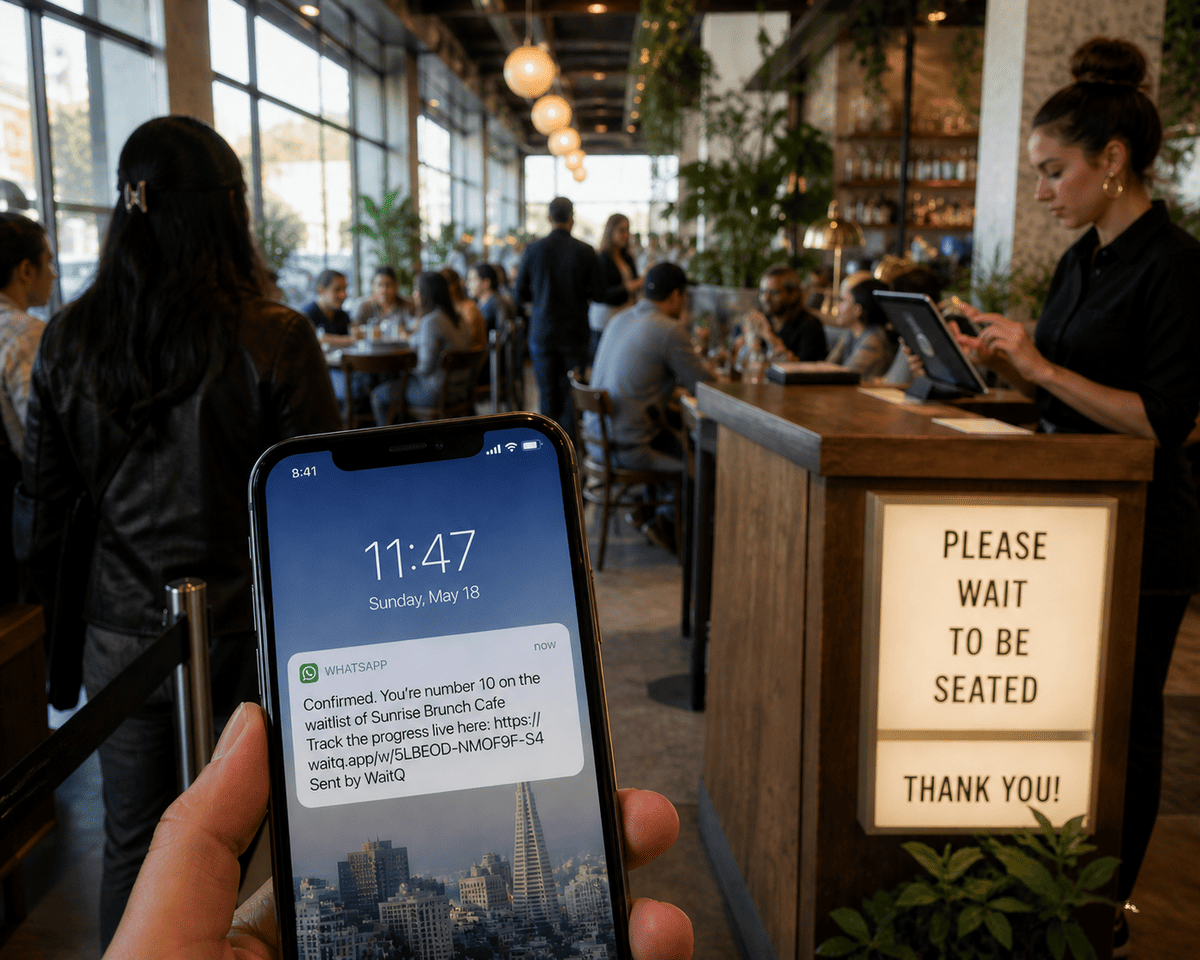
The right Qminder alternative for a walk-in business comes down to five things: no hardware requirement, no app download for customers, staff-triggered notifications, pricing by location rather than by headcount, and a setup time measured in minutes rather than weeks.
- No hardware requirement. If the system needs a dedicated iPad to work, that's a dependency and a cost. Customers should be able to join a waitlist by scanning a QR code from their own phone or through a link on your website.
- No app download for customers. Asking customers to download an app before they can join your queue creates drop-off. The best systems work in a mobile browser.
- Staff-triggered notifications. Customers should get notified when staff decide it's time, not by an automated rule. This matters more in a barbershop or hotel than in a government office.
- Per-location pricing. Walk-in businesses grow by adding locations. A pricing model that charges per customer served penalizes growth in the wrong direction.
- Fast setup. Enterprise deployments can take weeks and hide setup and admin fees. A walk-in queue tool should take an hour at most.
Which Qminder alternative fits your business?
- A single restaurant that only needs a walk-in list, no bookings or analytics, does well on TablesReady's free or Starter plan. One growing business that also want to take reservations and use WhatsApp, is a better fit for WaitQ.
- A salon, barbershop, or small clinic juggling walk-ins and scheduled appointments in the same day is the clearest case for WaitQ, since both live in one dashboard instead of two.
- A single location with steady, predictable traffic that wants a slicker guest-facing app can do well on Waitwhile's Starter plan, as long as the visit cap fits the actual volume.
- A small chain planning to open a second or third site is worth running the numbers on. Five locations on Waitlist Me's Premium tier is close to $140 a month before anyone hits an overage fee. WaitQ's Business plan covers multiple locations at $119 a month flat, which is the kind of gap that's worth checking before signing up anywhere.
- A business that just wants to try a digital queue before spending anything can start on NextMe's free tier and decide from there.
The bottom line
Qminder is a fine choice for an organization with real headcount, hardware budget, and enough queue data to make an AI analyst worth paying for. However, most small businesses have none of those three things, and shouldn't pay for a plan sized around them.
WaitQ covers check-in, notifications, and appointments for restaurants, hotels, clinics, salons, barbershops, and clinics in one system, without Qminder's per-user pricing, kiosk hardware, or appointment add-on fee, which makes it the best value pick for most walk-in businesses on this list. Try free for 7 days.
