

**How QR code check-in works, how the main platforms compare, how to choose the right one, what to put on the check-in form, where to place your code, and the mistakes that quietly kill adoption. **
What is a QR code check-in system?
A QR code check-in system replaces the clipboard, the host stand sign-in sheet, or the staff member typing names into a tablet. It's one form of self check-in: customers scan a printed or displayed QR code with their phone camera, a check-in form opens in their browser, and once submitted, they're added to the queue with a visible position and estimated wait. No app download, no account creation.
Technology adoption is no longer a question. More than three in four restaurants say technology gives their business a competitive edge, and 75% of U.S. operators now see contactless ordering and digital payment as essential to daily operations. What separates a working system from a weak one is what happens after the scan: live position updates and timely notifications, not just a confirmation screen.
How QR code check-in works
Step 1: Make the QR code visible
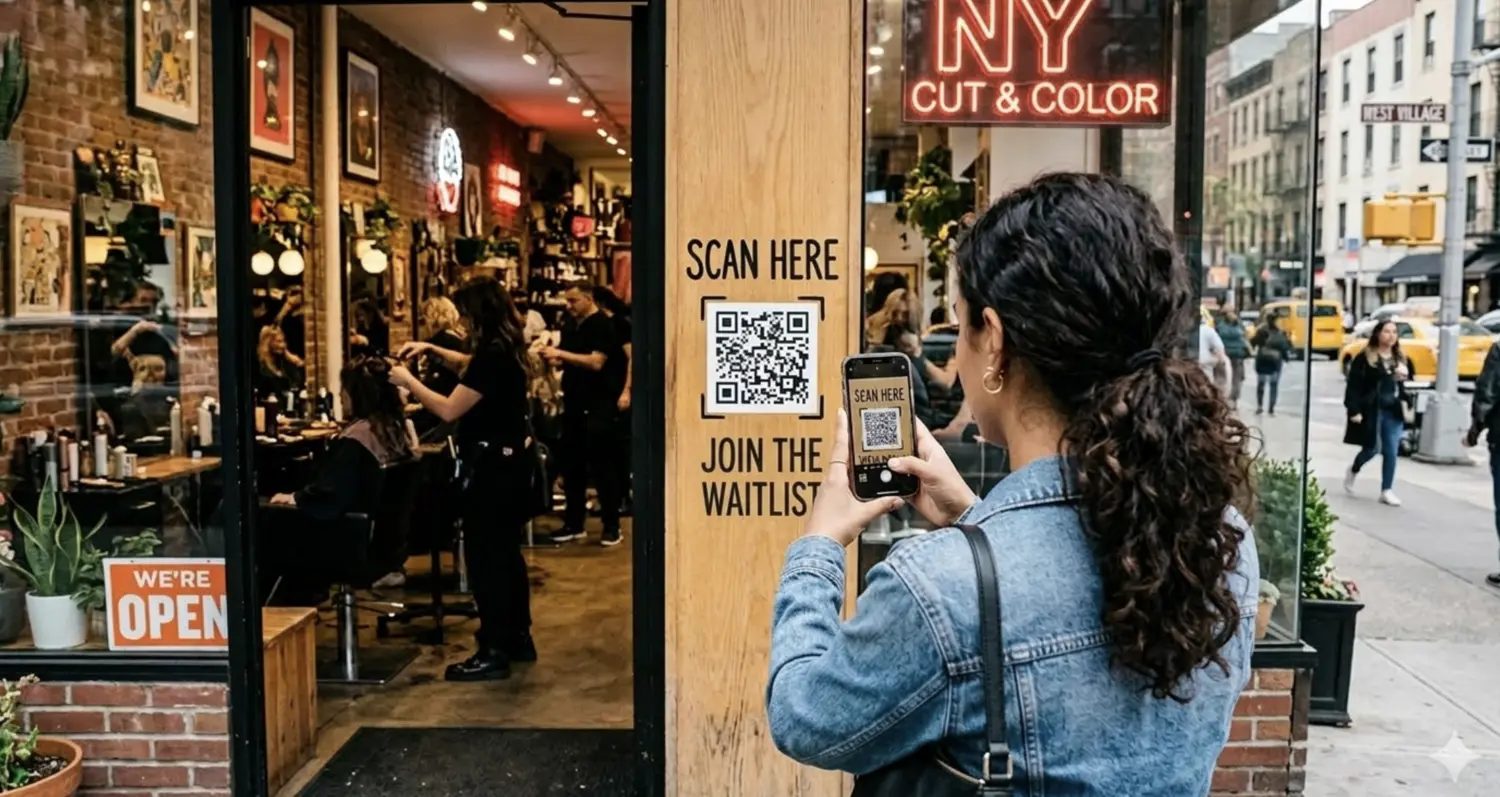
The code needs to be visible at the moment a customer decides to wait. It needs to be at the door, on the host stand, or on a stand-alone sign customers see the second they walk in.
On the digital world, share it across your website, socials or Google Business Profile so that people can join the queue before even arriving the physical location of your business.
Step 2: The customer scans and fills a short form
Any modern phone camera reads a QR code natively. It opens a mobile web page with a short form, typically name and party size, sometimes phone number or service type. This step takes 10 to 20 seconds when the form is short. Keep in mind every field added after the third one measurably drops completion.
Step 3: The customer gets a live position, not just a confirmation
A good system shows the customer their live position immediately, not just a generic "you're confirmed" message, and updates that position in real time as the queue moves.
If notifications are enabled, the customer gets a message when their turn is close. A system that stops at "form submitted, see you soon" has solved check-in but not the wait, which is the part that drives walk-aways.
Which are the best QR code check-in systems?
Pricing and feature claims for queue management tools change often and vary by plan tier. The comparison below focuses on structural differences that matter operationally, not just feature checklists.
| System | Visit/party caps | Notification channels | Pricing model | Staff interface |
| WaitQ | Unlimited on all plans | SMS, WhatsApp, email | Flat monthly, multi-location | Browser-based, any device |
| Waitwhile | Capped by plan tier, SMS disabled when exceeded | SMS, email | Tiered by usage | Browser-based |
| Waitly | Monthly party caps, SMS disabled at cap | SMS, email | Tiered by usage | iOS only |
| Qminder | Not publicly capped | SMS, email | Quote-based, enterprise-oriented | Browser-based, kiosk hardware option |
| NextMe | Uncapped on paid plans | SMS only, no WhatsApp | Tiered by plan | App-based |
Several platforms in this category cap how many customers a business can check in per month, and notifications stop working once that cap is hit mid-cycle. A busy month can silently disable the exact feature meant to prevent walk-aways. WaitQ runs unlimited customer visits on every plan, so volume never triggers a feature downgrade.
For businesses operating internationally, notification channel matters more than the comparison criteria above suggest. SMS-only systems work fine in the US, but WhatsApp adoption is significantly higher in countries and regions where WhatsApp has higher open rates, and a system without it leaves customers unreached.
See the full feature breakdown for how WaitQ's QR code check-in works in practice.
How to choose a QR code check-in system
The table above covers structural differences, but the right system still depends on what kind of business is choosing.
The mistake to avoid: picking based on the longest feature list rather than the constraint most likely to bite at scale. Most QR check-in systems handle the basic scan-to-queue flow well. What separates them is what happens when volume spikes, when a customer needs a channel the system doesn't support, or when a second location gets added.
- Single-location, walk-in heavy (restaurants, barbershops, salons): prioritize unlimited visits and notification channels over advanced analytics. A busy weekend that hits a volume cap and silently disables SMS is a worse outcome than missing a dashboard feature you'd rarely use.
- Multi-location operators: flat, predictable pricing matters more here than at a single site, since per-location pricing models compound fast. Confirm whether the staff interface works the same way across locations or requires separate logins and setup per site.
- International or non-English-speaking customer base: notification channel availability should outweigh almost everything else on the table. An SMS-only system in a market where customers expect WhatsApp will quietly underperform even if every other feature checks out.
- Healthcare, government, or enterprise service counters: look past the small-business feature set toward integration needs, since these environments often require more structured routing than a typical walk-in queue.
What to include on a queue check-in form?
The form fields you choose directly affect both completion rate and how useful the data is afterward. A clinic checking in patients needs different fields than a barbershop. The principle holds across verticals: every field is a tax on completion. Ask only what staff will use before the customer is served.
Keep it to three fields or fewer for walk-in queues:
- Name (always required)
- Party size or service type (restaurants and salons need this for staffing and seating)
- Phone number (only if you're sending SMS or WhatsApp notifications)
Skip these unless you have a specific reason:
- Email, unless you're running post-visit marketing with a clear opt-in
- Custom fields beyond what staff act on in the next 30 minutes
Where to place your QR code
A correctly built system with badly placed codes still produces empty queues.
What works:
- At eye level, at the point of entry, not behind a counter customers haven't reached yet
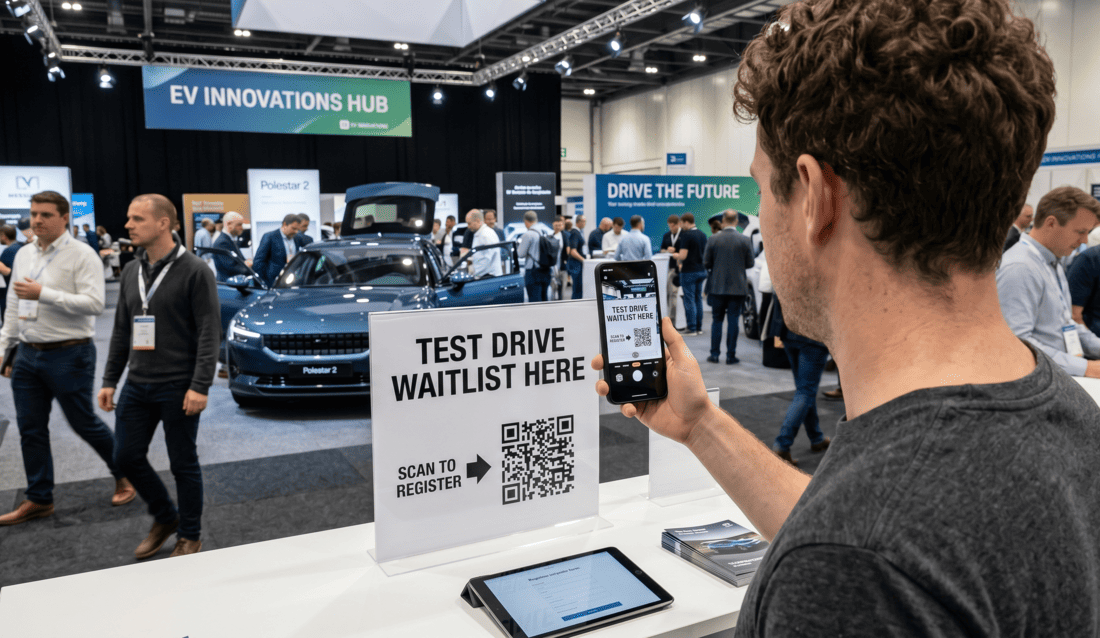
- On a stand-alone sign or stand rather than relying on customers to find it on a menu or wall poster
- On a TV or tablet display showing both the code and the live queue, which builds trust that the system works. For locations that want a dedicated stand instead of a sign, a kiosk check-in setup serves the same purpose with hardware on-site.
What doesn't:
- A code printed small on a receipt or business card, scanned long after the customer has already waited
- Multiple codes for different queues with no visual distinction, which causes customers to check into the wrong line
Benefits of QR code check in
- Contactless check-in removes friction at the point of arrival. No pen, no shared clipboard, no waiting for a staff member to be free. This matters most in high-traffic moments, like a Saturday dinner rush or a packed waiting room.
- Faster service is a separate outcome that depends on what happens after check-in, not the scan itself. A queue system that shows live position and sends a notification when it's the customer's turn reduces the in-person hovering that slows staff down and crowds the entrance. The scan gets someone into the system. The notification gets them seated.
Common mistakes that quietly kill QR check-in adoption
These failure points tend to show up weeks after launch, not during setup.
- No fallback for customers who can't or won't scan. A small percentage of customers, often older or unfamiliar with QR codes, will need a staff member to help. A system with no manual entry option for staff forces an awkward workaround at the exact moment a business is trying to look efficient.
- Static information after check-in. If the confirmation screen shows a fixed message instead of a live position, customers stop trusting it and start asking staff anyway, undoing the point of self-check-in.
- No notification when wait estimates shift. Queues don't move at a constant rate. A customer told "15 minutes" who's still waiting 40 minutes later with no update is more likely to walk away than one who was never given a number at all.
- Treating the QR code as a one-time setup task. Codes get worn, signage gets moved, and screens go dark. Check placement and the live experience periodically, especially after any change to the physical layout of the entrance.