

Let customers join your queue with a QR code
Customers scan the code at your door, add their details on their own phone and watch their place in the queue update live. Your team lets them know when it’s their turn.

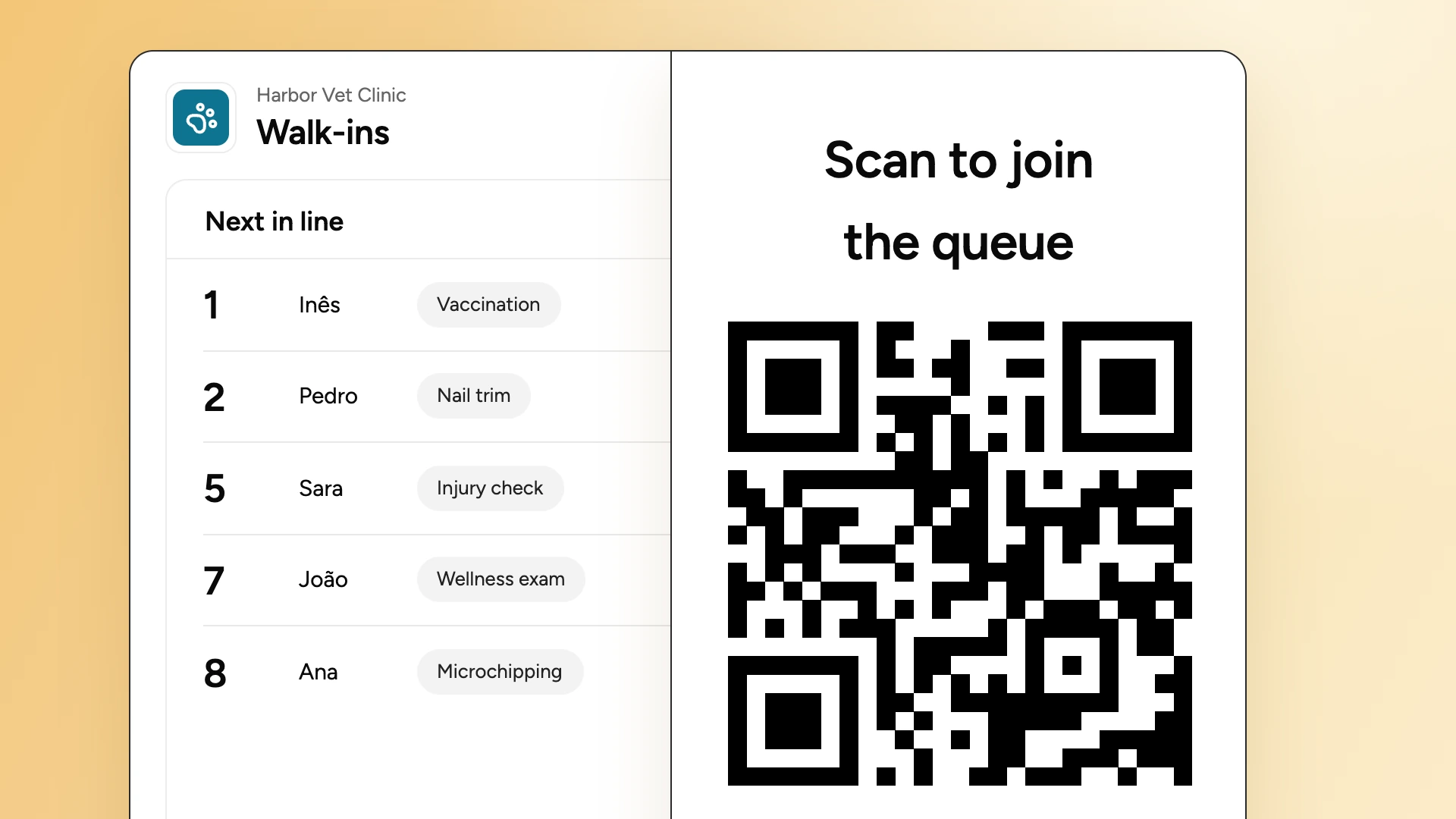
What is a QR code queue?
A QR code queue is a digital alternative to paper sign-up sheets, clipboards and buzzers that makes your queue virtual through a QR code workflow. Customers scan a QR code with their phone camera, enter their details, and track their wait live, without having to stay around. They get alerted it's their turn through a push or text notification.
How does a QR code queue work for your customers?
Every WaitQ queue comes with a check-in page and a QR code. Customers scan it with their phone camera, fill in a short form and join the queue instantly.
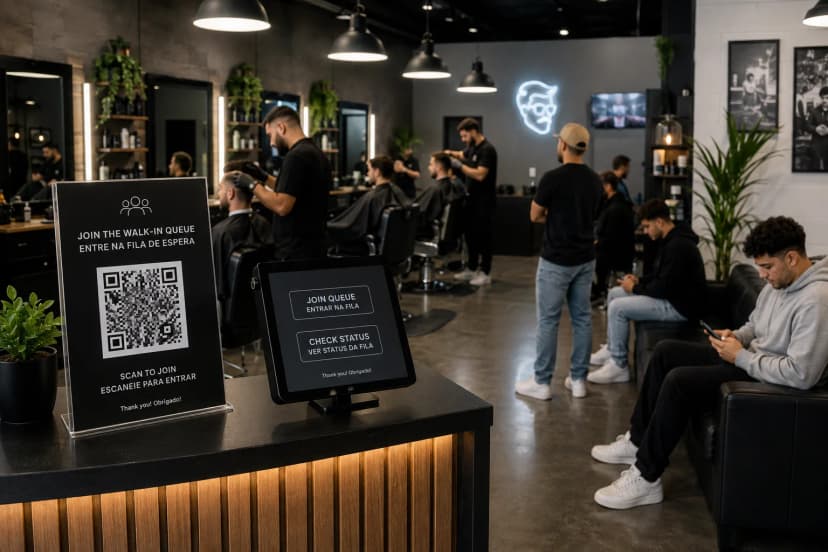
Scan the code at the door
The customer points their phone camera at your QR code and your check-in page opens. There's no app to download and no account to create.
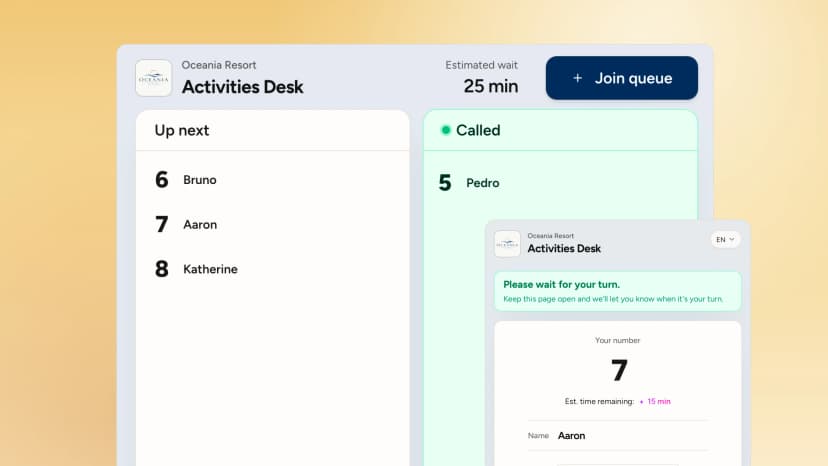
Join and wait anywhere
They add their details and get a live ticket with their number and estimated wait, so they can grab a coffee instead of standing at the desk.
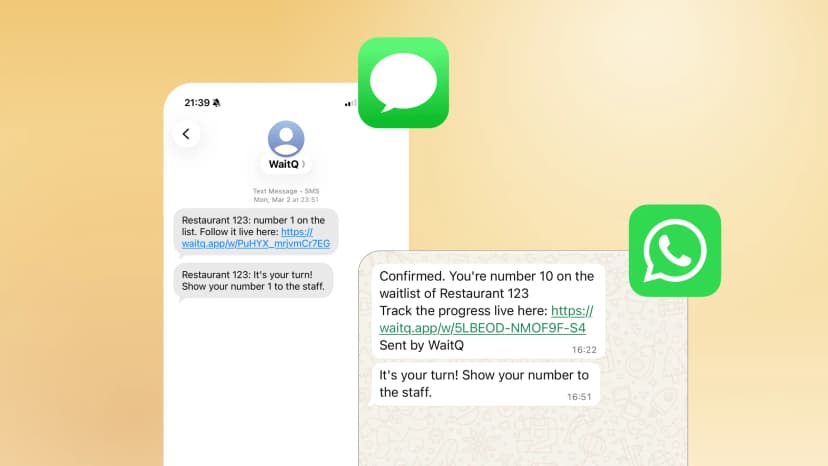
Come back when called
When it's their turn, your team calls them with one tap and the message reaches them by text message, push notification or email.
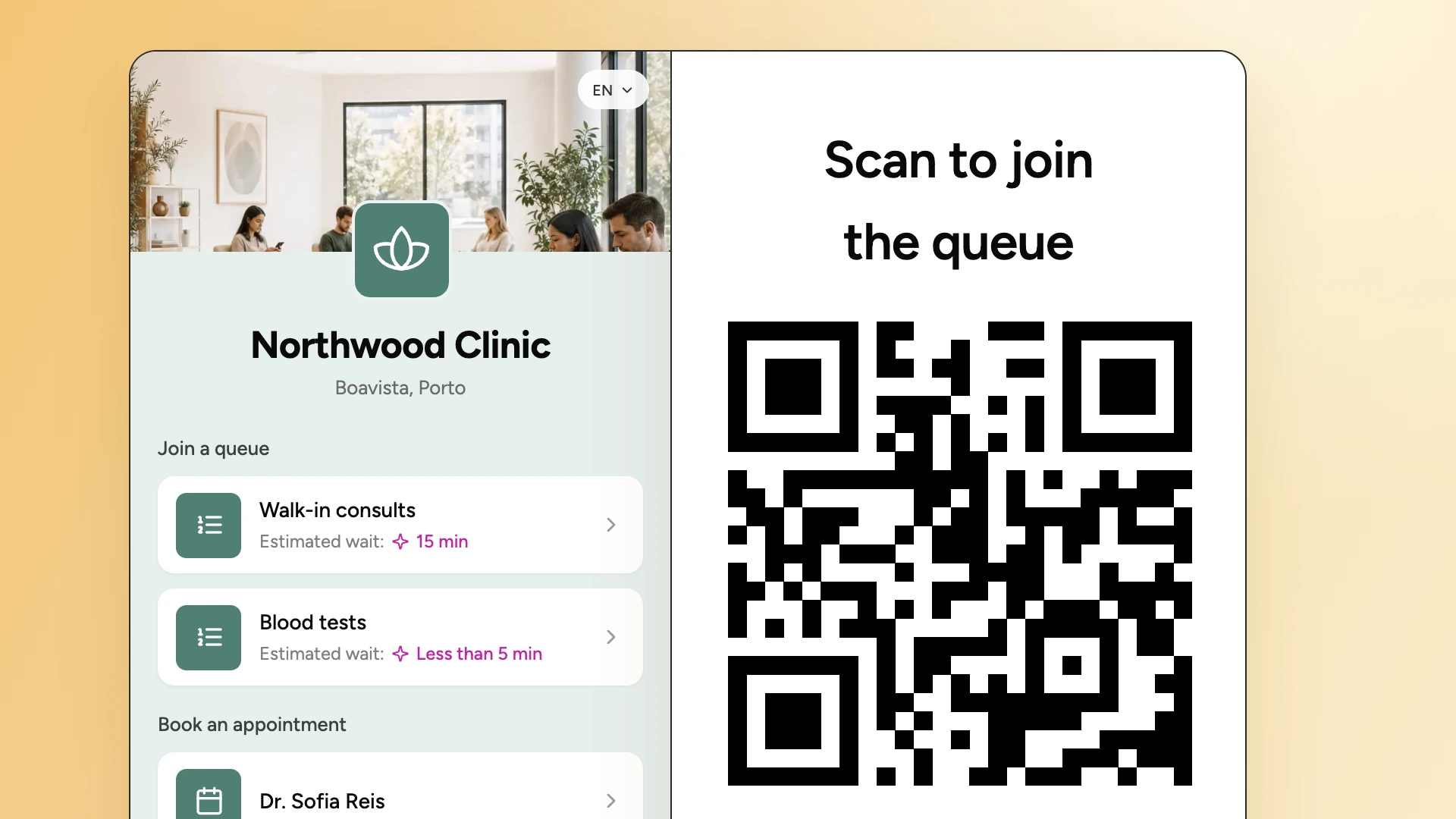
You customize the whole check-in experience
Your staff sees each arrival on a live dashboard and notify customers by push notification, text message or email when it’s their turn.
- Your brandingAdd your logo, cover image and colors, and name each queue the way your customers know it.
- Custom check-in fieldsAsk for what you need: name, phone, email, group size, preferences or fields of your own.
- Waitlist rulesSet specific capacity and check-in hours for each location and the queue follows them automatically.
Put your walk-in queue on autopilot
Let anyone add themselves to the list, keep the line moving, without the stress, and focus on great customer experience, not taking names.
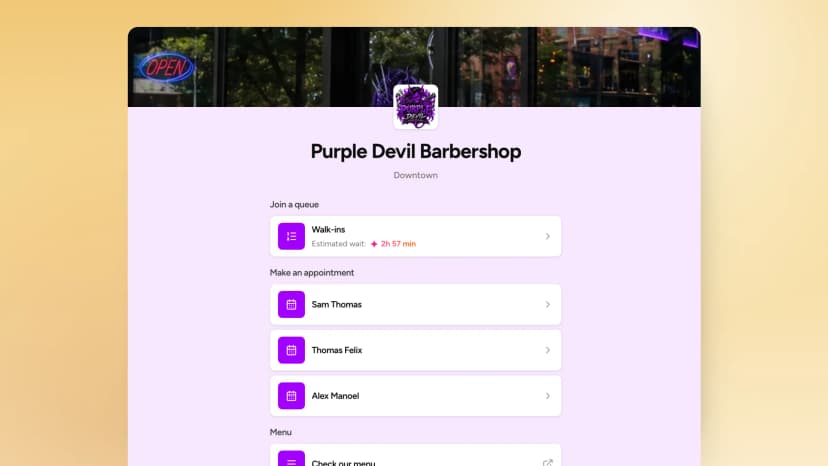
Print the QR code
Set up your queue with your branding on WaitQ and print the QR code and display it where customers arrive.

Customers scan & join
Customers scan the QR code with their phone camera, pick a service or queue and join the waitlist.
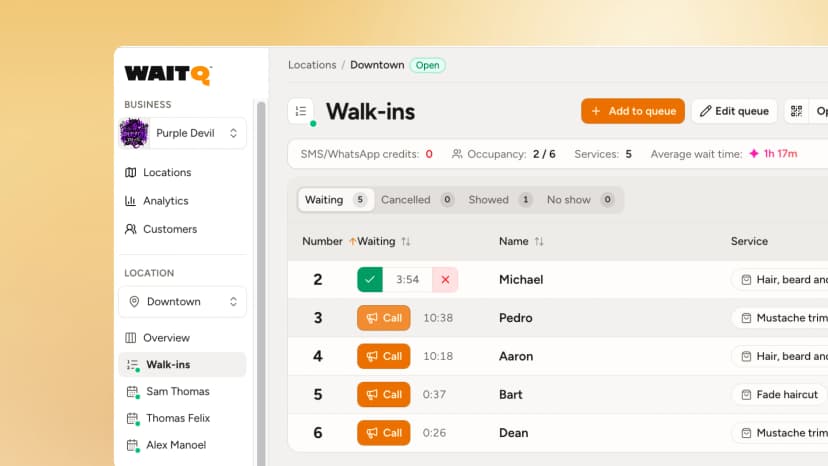
See the real-time queue
Your staff sees each check-in on a live view and call customers when ready.
Your customers are already on their phones. Meet them there.
Start your WaitQ trial for free today.
QR code queue vs Paper sign-in sheet
Paper sign-in sheet
Names nobody can read
Rushed handwriting, crossed-out lines and missing phone numbers leave staff guessing who's next.
A crowd by the entrance
Customers hover near the desk so they don't miss their name being called.
Staff manually managing the line
Someone has to write names, answer "how much longer?" and keep the order straight by hand.
Nothing left at closing time
The sheet goes in the bin, along with any idea of how busy you were or how long people waited.
QR code check-in with WaitQ
Customers type their own details
Each person fills in a short form on their own phone, so every entry is complete and easy to read.
Free to wait anywhere
Customers follow their place in line live and get called back by text message, WhatsApp, push notification or email.
The line keeps itself in order
Positions update as staff serve or remove customers, and everyone sees the change on their phone.
Every visit becomes data
See arrivals, wait times and your busiest hours in the analytics dashboard.
Who uses QR code check-in systems?
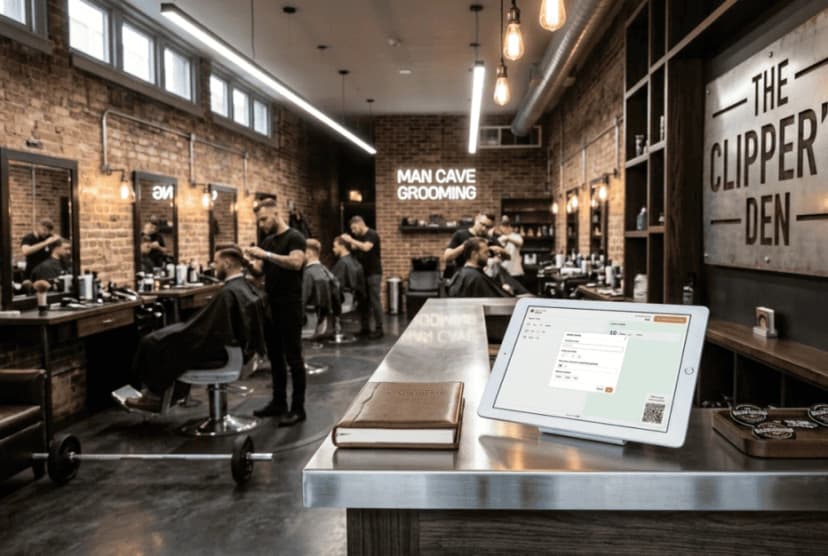 Barbershops
Manage walk-ins automatically and let clients wait anywhere after they join.
WaitQ for barbershops Restaurants & cafes
Guests join the walk-in queue at the host stand, or even before arriving.
WaitQ for restaurants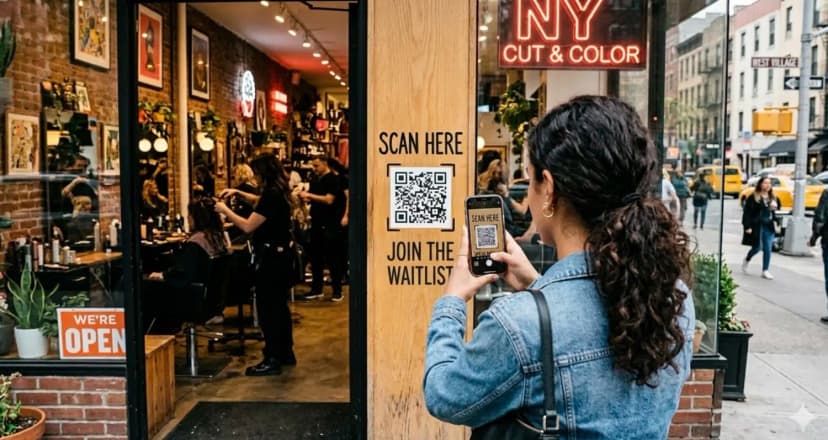 Hair & beauty salons
Clients join from their phone, pick their stylist and wait without crowding your waiting room.
WaitQ for salons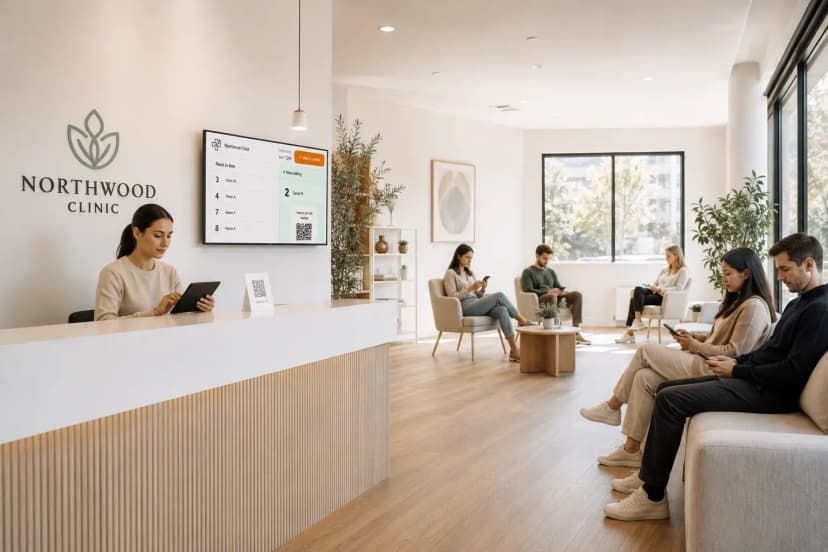 Clinics
Patients check in by QR code and wait in the car or outside, without crowding your waiting room.
WaitQ for clinics Retail & services
Let shoppers continue browsing the store while they wait for a service desk or fitting room.
WaitQ for retail shops Events & activations
Guests join the virtual queue at your venue and get a text when it's their turn.
WaitQ for eventsFAQs: QR code check-in at WaitQ
What is QR code check-in?
How do customers join a QR code queue?
Do customers need an app?
Can customers join before they arrive?
In WaitQ, can I control when QR code check-in is available?
Can customers track their wait time after checking in?
Is QR code queue check-in secure?
Can I customize the check-in page to match my brand?
Replace clipboards and buzzers with a QR code queue
Customers join the queue in seconds, your staff focuses on service, and your business becomes more efficient.