

The digital queue system that keeps customers in the loop
Manage walk-in guests with ease and give them a real-time status of their place in line, from their own phone. A smoother waiting experience without paper or any app downloads.

How WaitQ’s digital queue system works
Customers check in remotely or in-person, track their spot live, and get notified the moment it's their turn. Try it for yourself.

See the queue in action
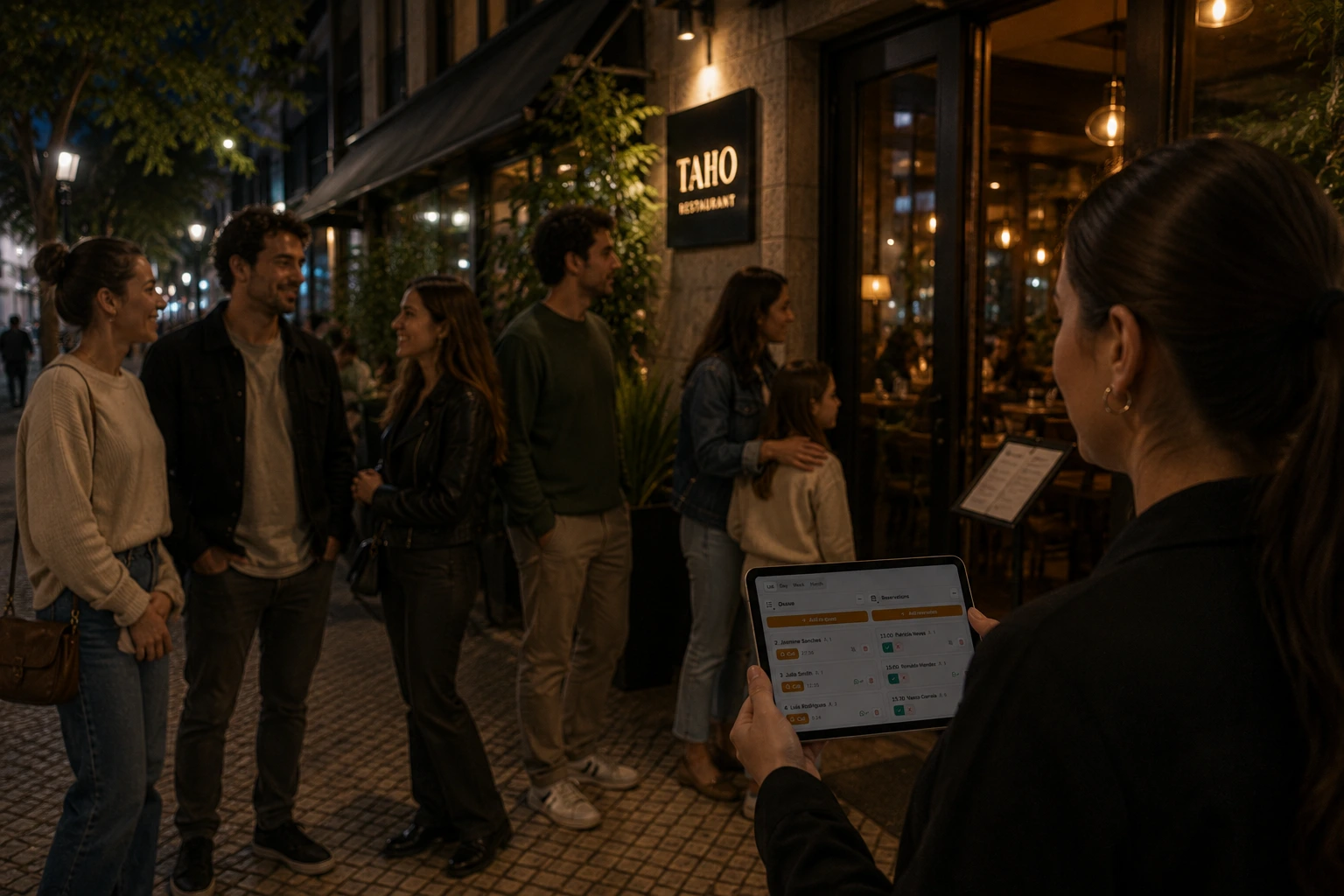
Let your guests wait anywhere
Open this page on a computer or tablet to try the live demo, or start your own queue free.
What is a digital queue?
A digital queue, also called virtual queue, is software that replaces a paper list, ticket machine or physical line with a queue customers join from their phone. They check in by QR code, link or kiosk from their phone, see their position and estimated wait time. Customers don't need to stand in line: they can explore nearby shops, or grab a coffee, until staff notifies them it's their turn on a real-time dashboard. A digital queue reduces perceived wait times and walk-aways.
Your queue, from check-in to called
Customers join from their phone and wait wherever they like until you call them back. Your team runs every queue from a browser, and the reports show where waits built up and who walked away.
 1
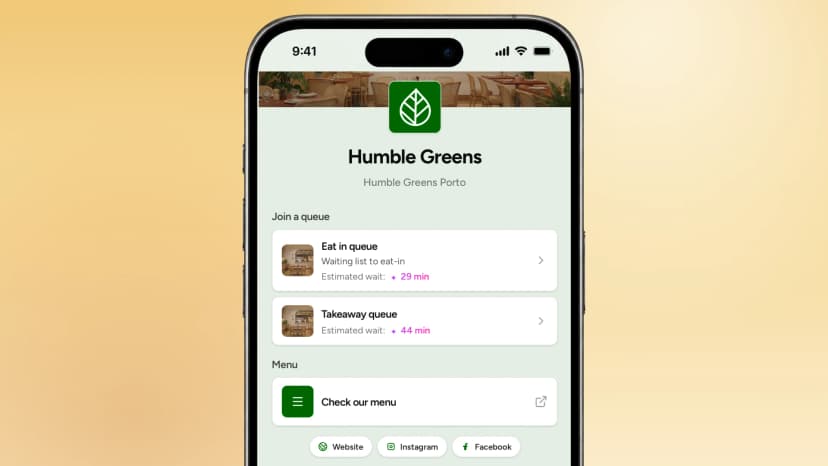
Check in customers fast
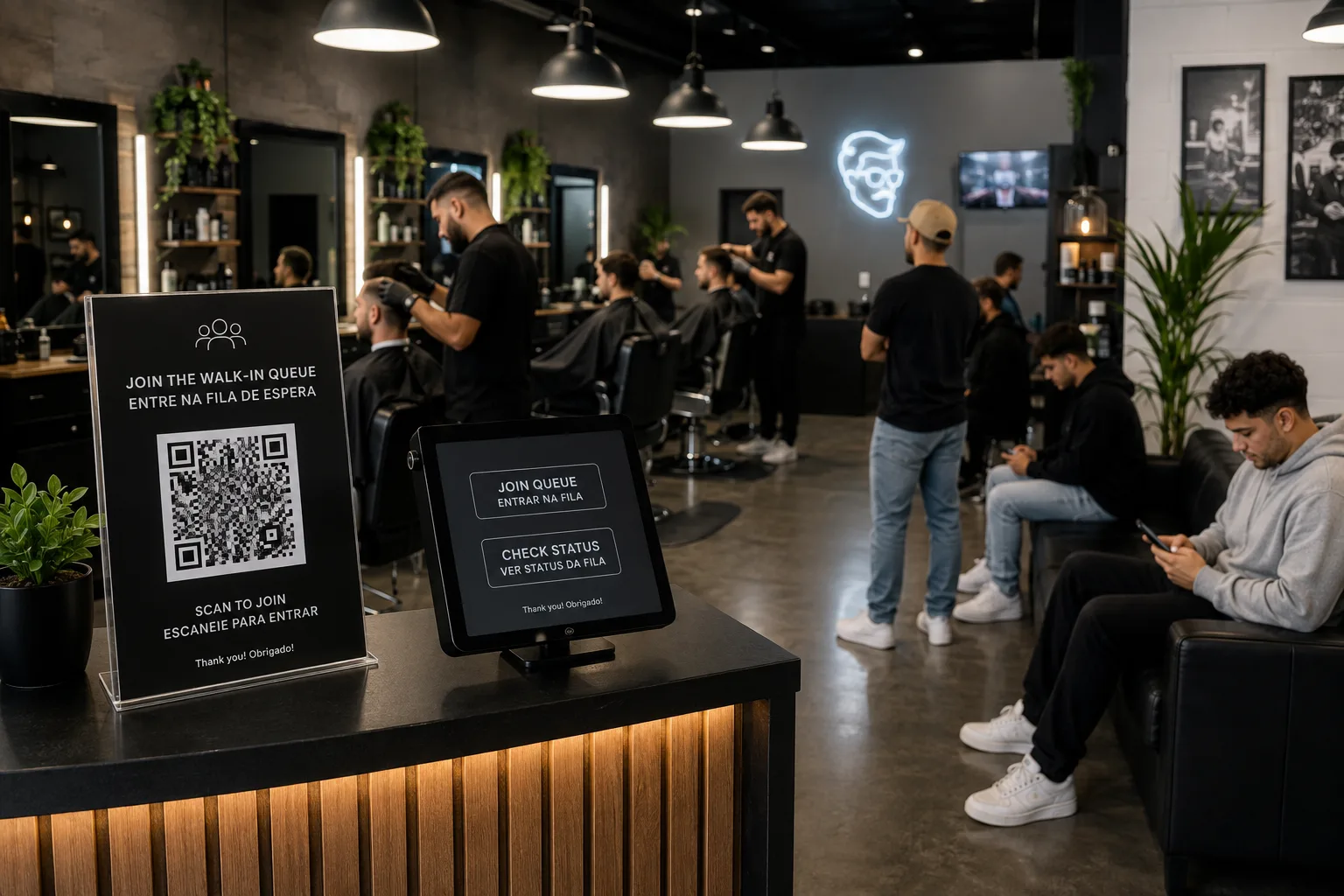
They join from their phone with QR code, a kiosk or your desk, on a check-in page that carries your brand.
Set up your check-in page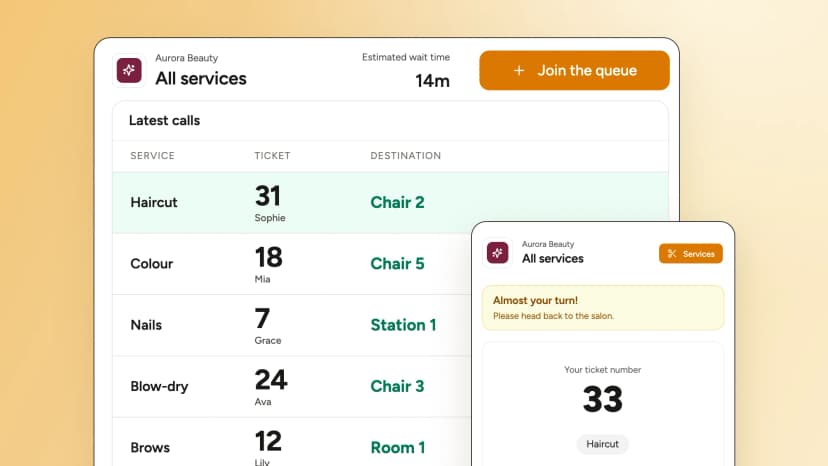 2
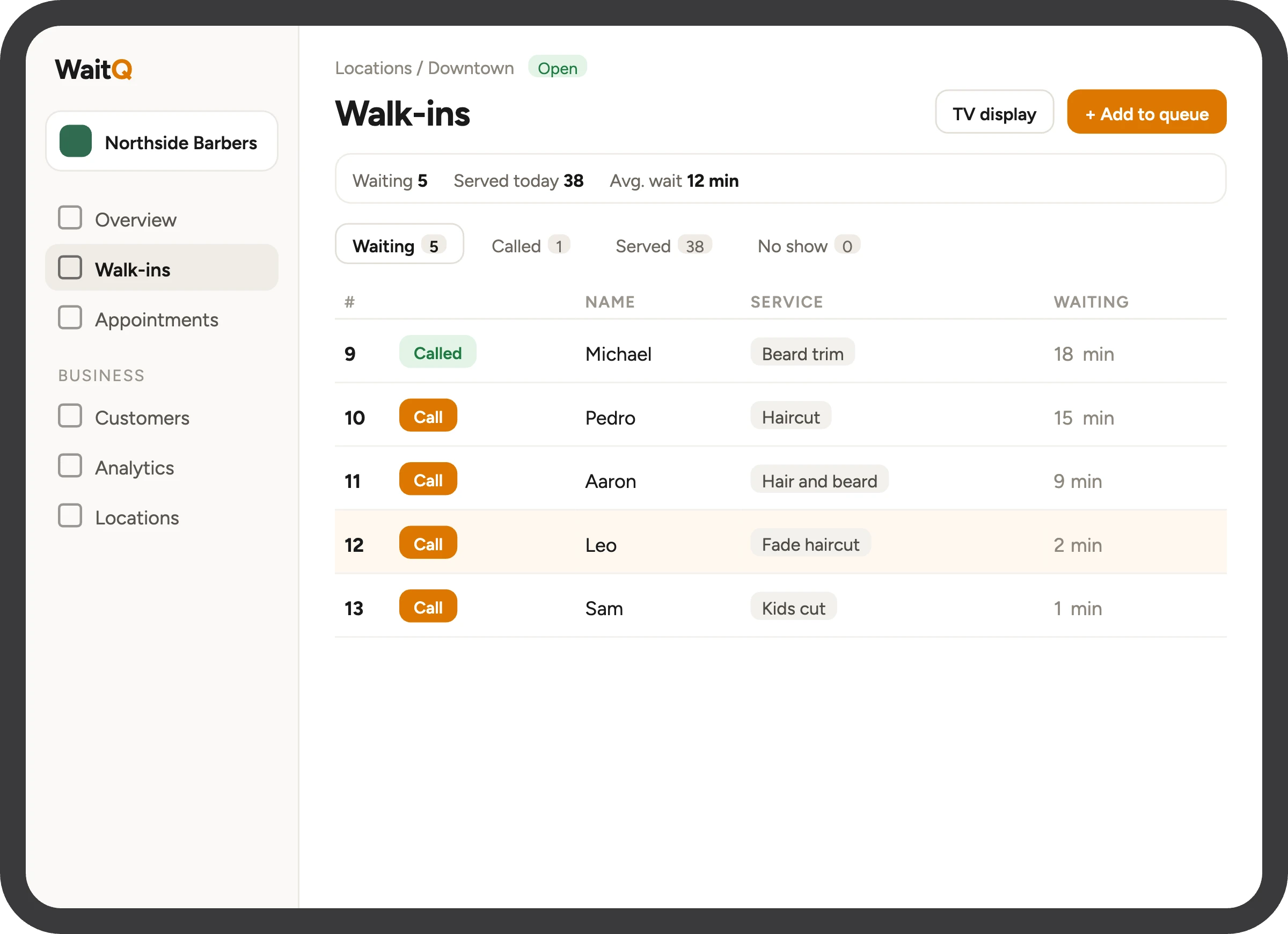
You run the queue internally...
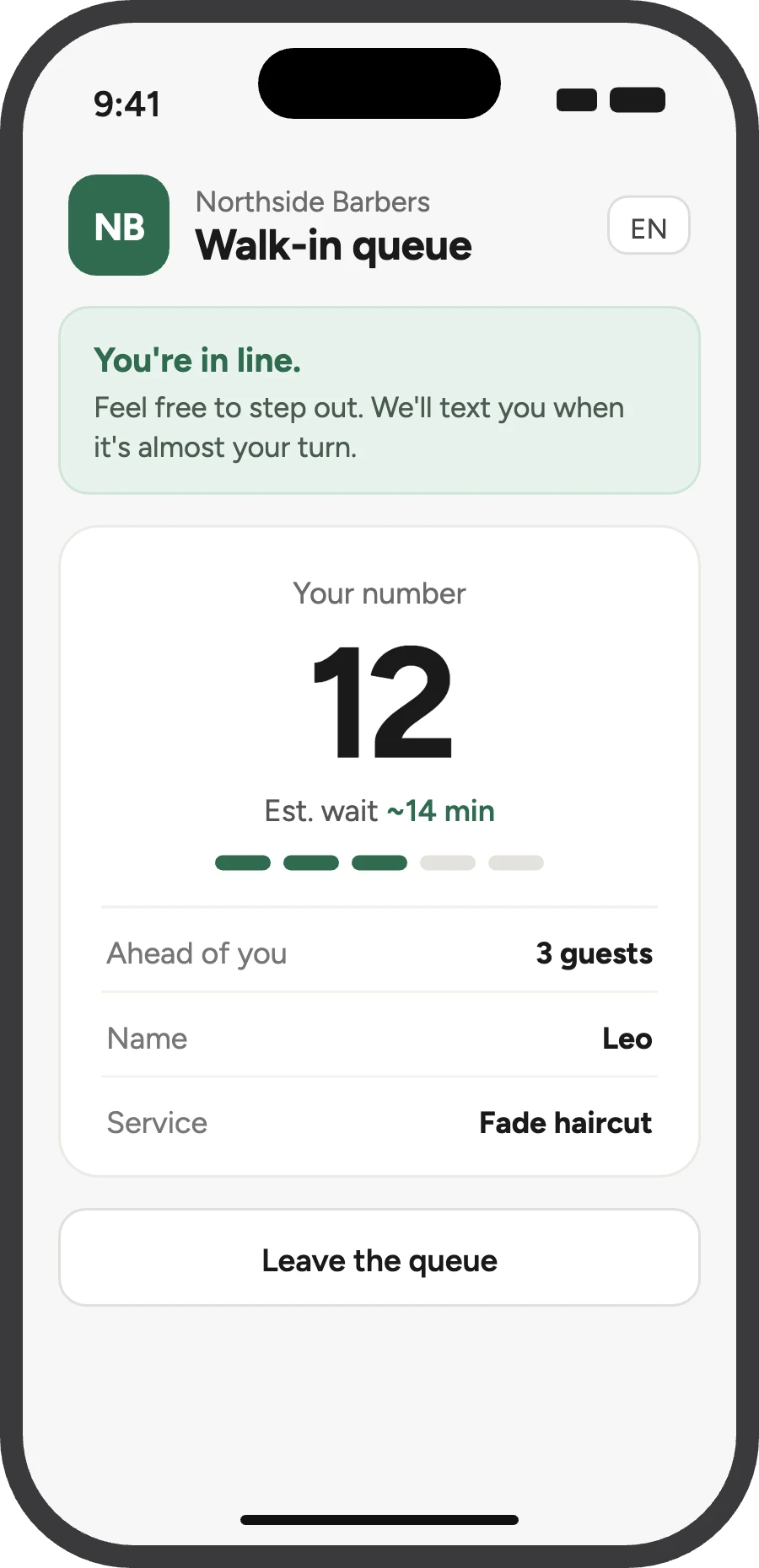
... and each customer sees their place and estimated wait. A TV screen can show the whole line.
How the virtual waiting room works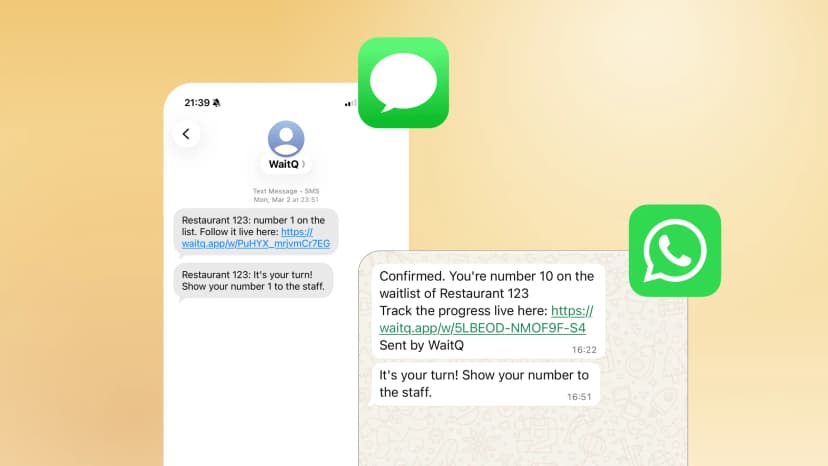 3
Notify customers when it's their turn
Send a push notification, text, or an email the moment you're ready to receive your new customer.
See all notification options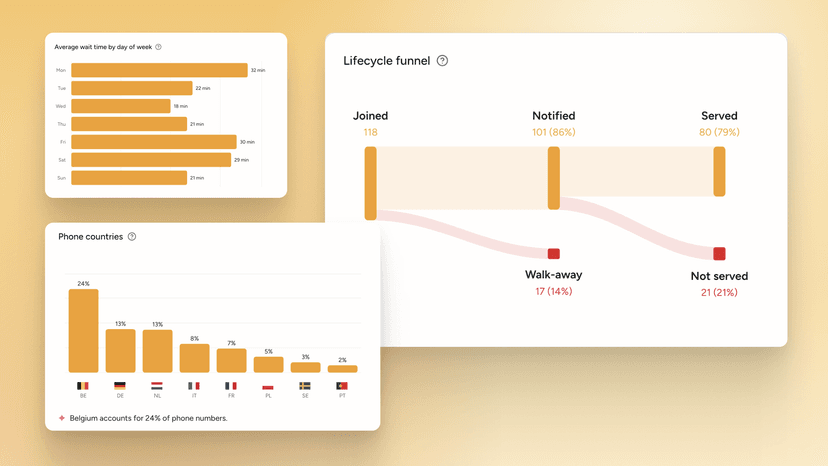 4
Turn wait data into decisions
Peak hours, wait times and walk-aways for every queue show where you need more hands.
Explore wait analyticsSet up your queue your way
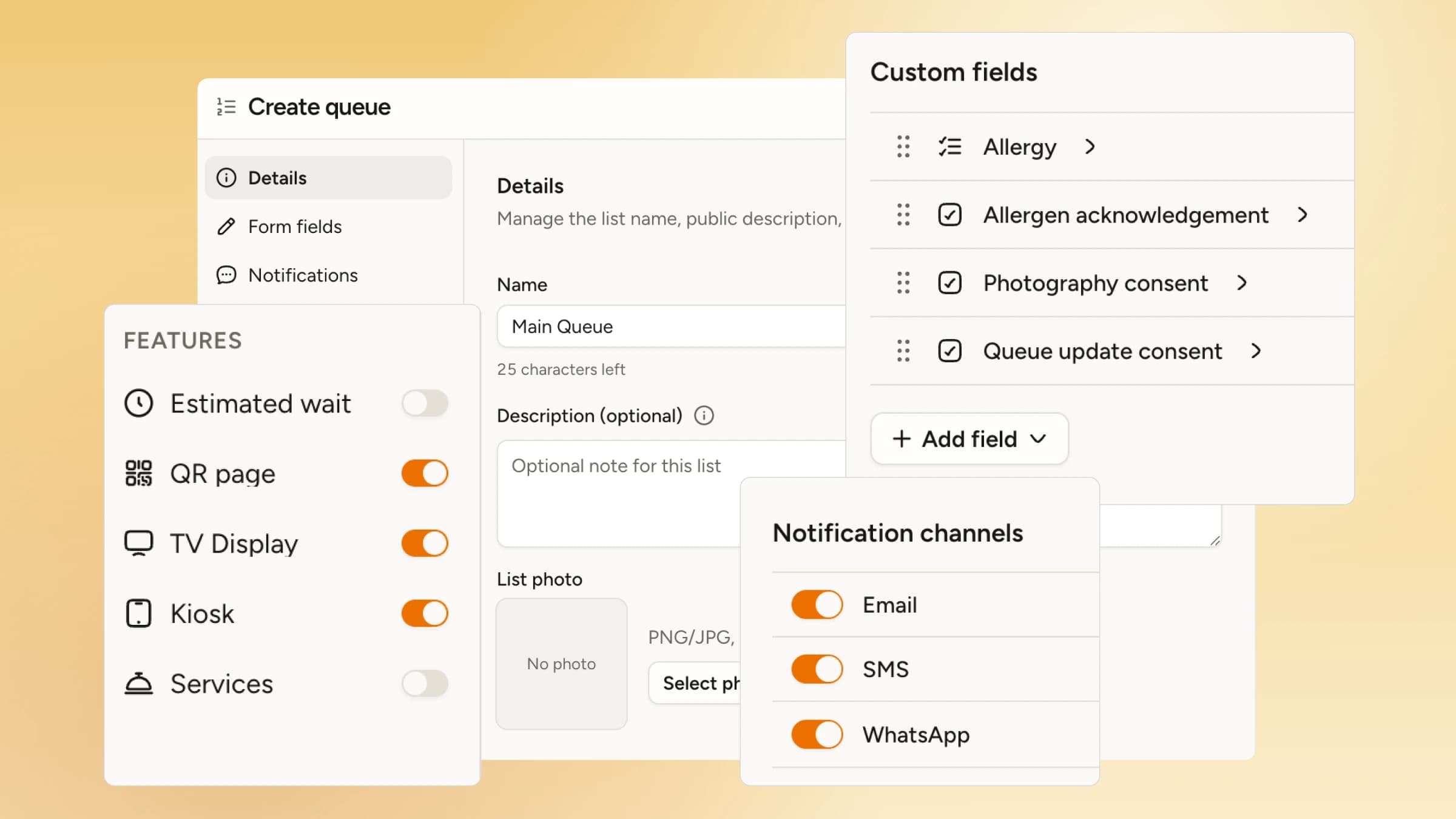
- Custom form fieldsSwitch standard fields (name, phone, email, party size, etc) on or off and add your custom ones.
- NotificationsSet push notifications, text (WhatsApp, SMS), or email as the default per queue.
- Display featuresEnable features like QR code check-in, kiosk and public display to let people join your queue.
The modern queuing system that increases walk-in revenue.
No special equipment. No training. No app downloads.
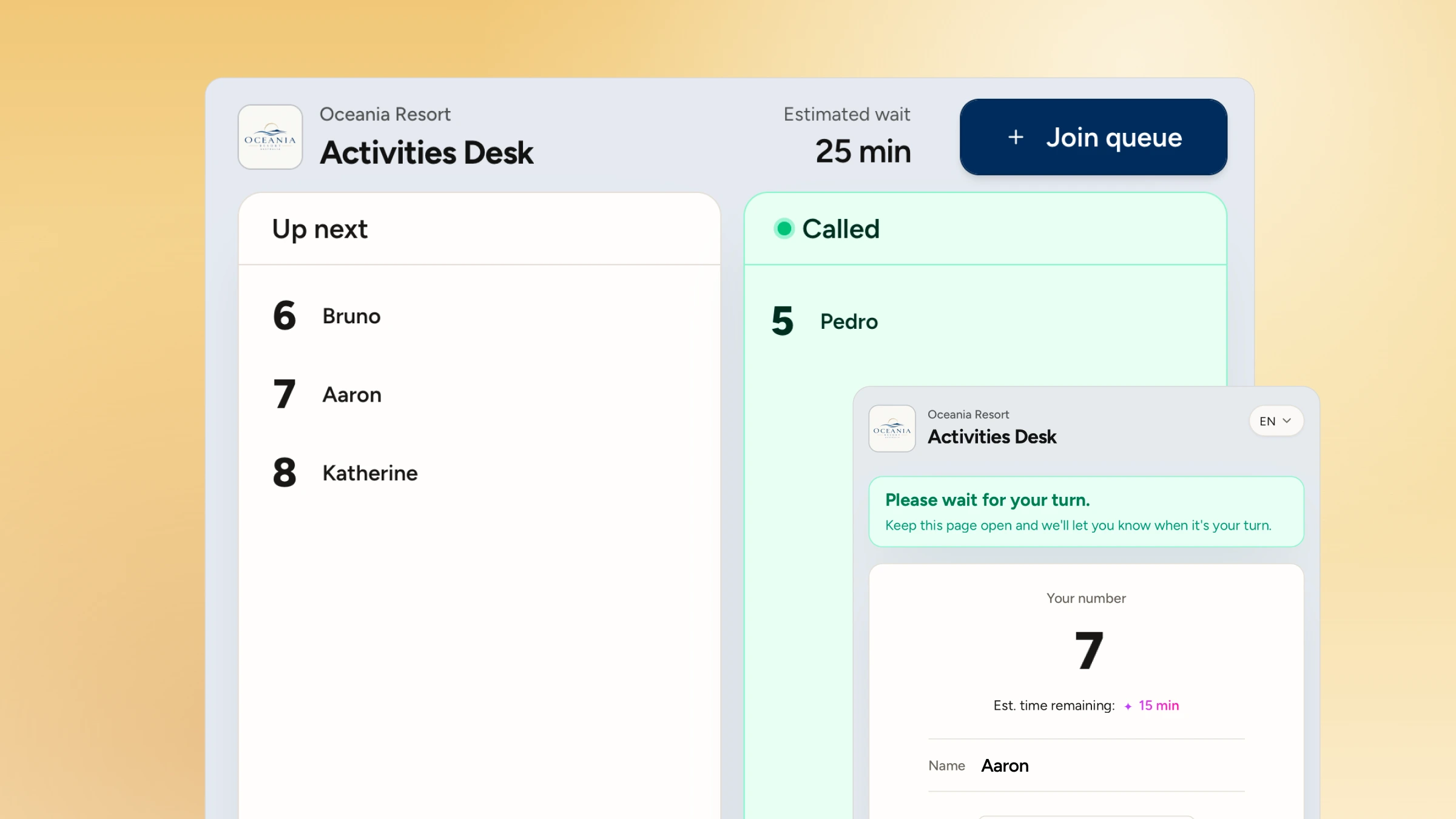
Show on any screen, no hardware to set up
WaitQ's display runs in a browser, so your live queue can show up on a TV or tablet, with nothing to install or wire in.
What's included in WaitQ's digital queue
Custom check-in fields
Turn the standard fields (name, phone, email, party size) on or off and add your own.
Estimated wait times
Customers see an estimate that updates as the queue moves.
Priority customers
Flag VIP guests for differentiated service
Name privacy
Show or hide names based on privacy preferences.
Services and staff
Display the services or professionals each person is queueing for.
Geofencing
Only let customers join when they're nearby.
The queue is virtual, but the gains are real
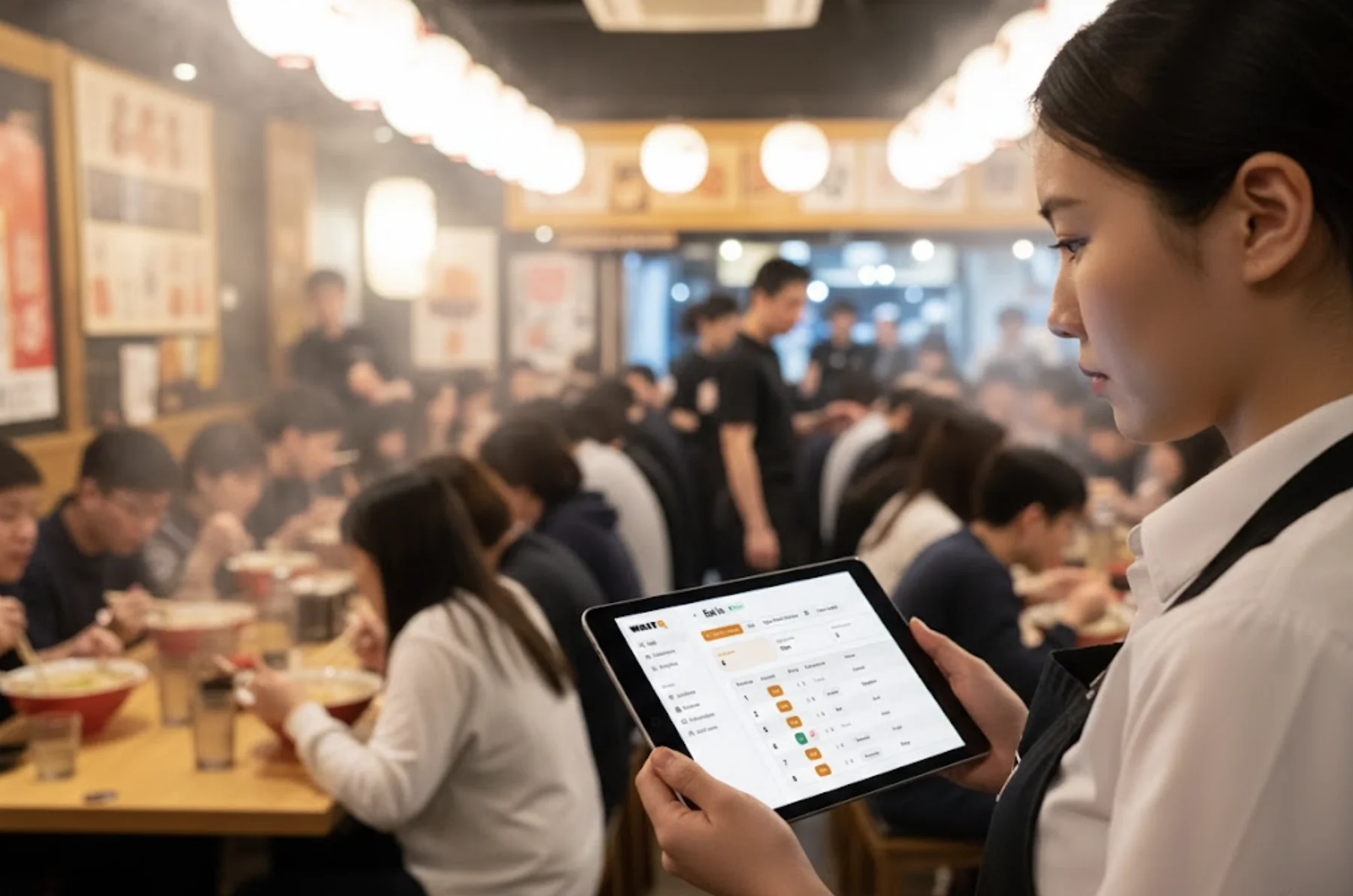
Keep hosts calm and the floor moving
- See who's waiting and who's next in a glance
- Less time handling the line and more time focusing on great customer service.
- Run separate queues for different services, counters or staff, each with its own wait time
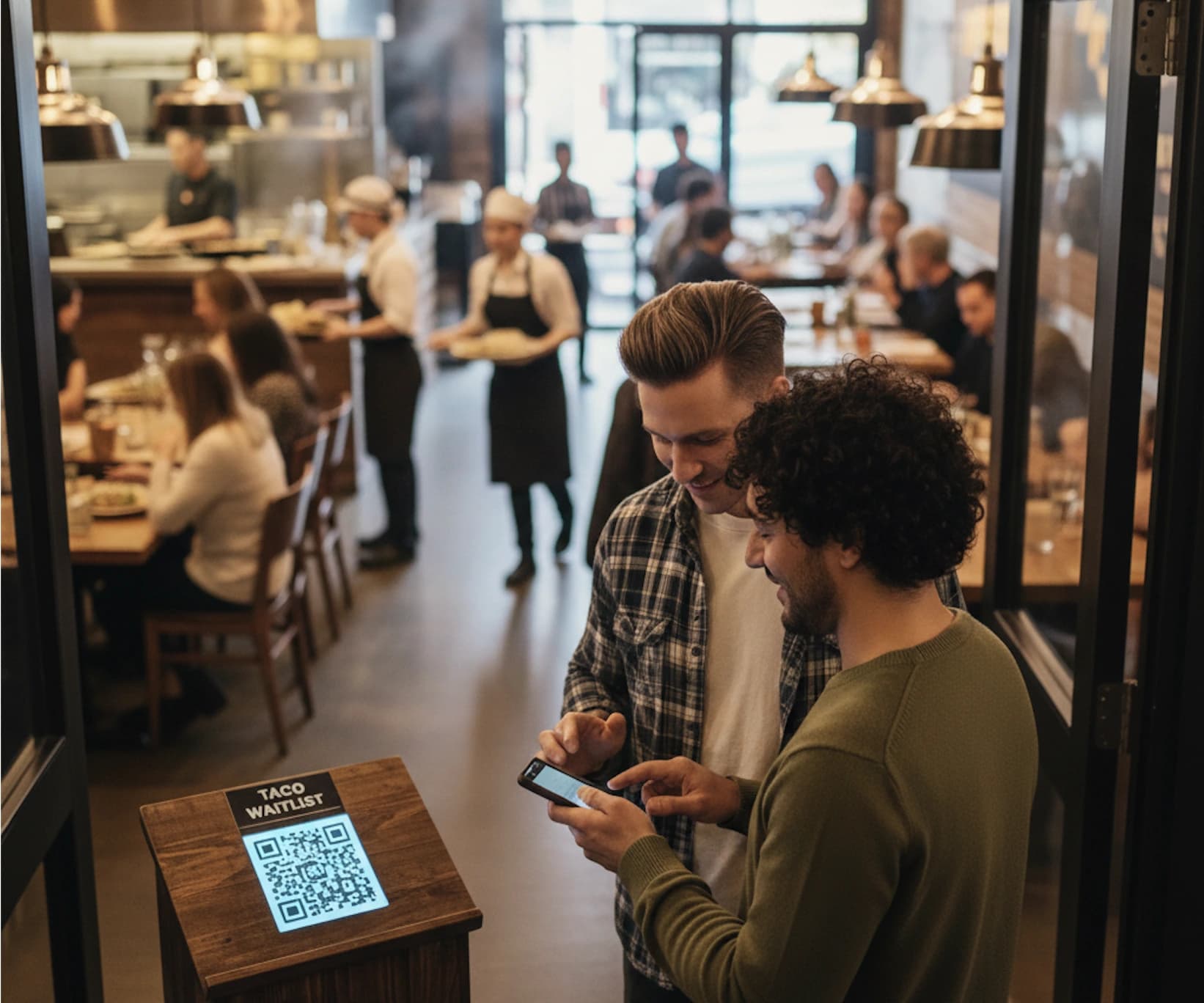
Customers queue, but without queuing
- Anyone can add themselves to the list from their phone or at your kiosk
- Provide honest wait times that update in real time
- Better experience with lower perceived wait times
Smarter digital queues start here
Calm waits mean happier customers, more walk-in business and better reviews.