

A waiting room, visible wherever customers wander off to
WaitQ is virtual waiting software that updates in real time as your physical queue moves. Customers always know where they stand, even if they step aside to grab a coffee.

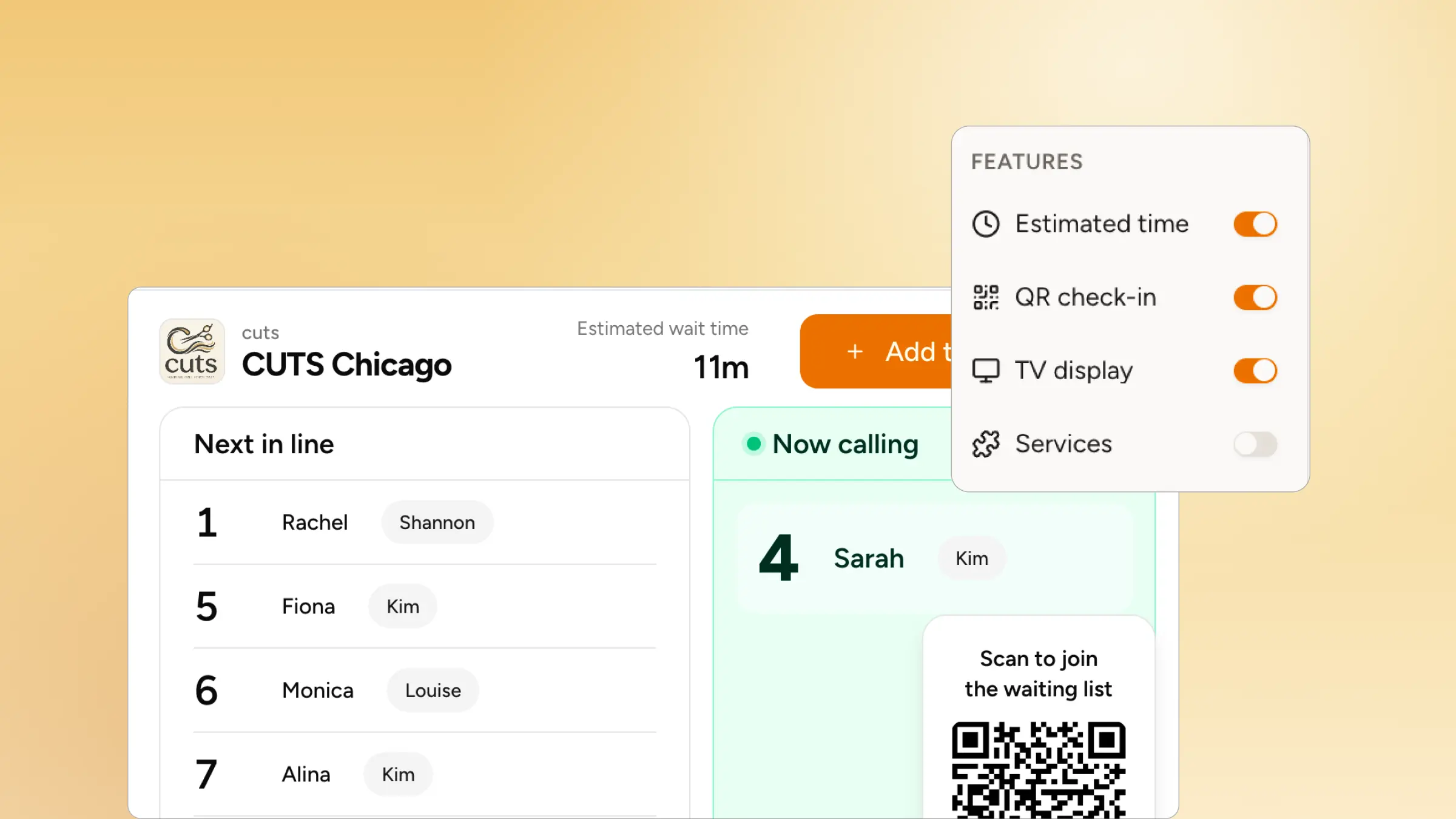
Customize the entire waiting experience
- Your brandingLogo, colors, and cover image carried through the waiting room, so it looks like part of your business, not a generic tool.
- Personalize the fieldsEnable and show names, services, group size or any custom field of your preference.
Show it on a screen
Put the waiting room on a TV or tablet where everyone can see it. Customers watch their position move without checking their phone, and anyone who hasn't joined yet sees the line moving.
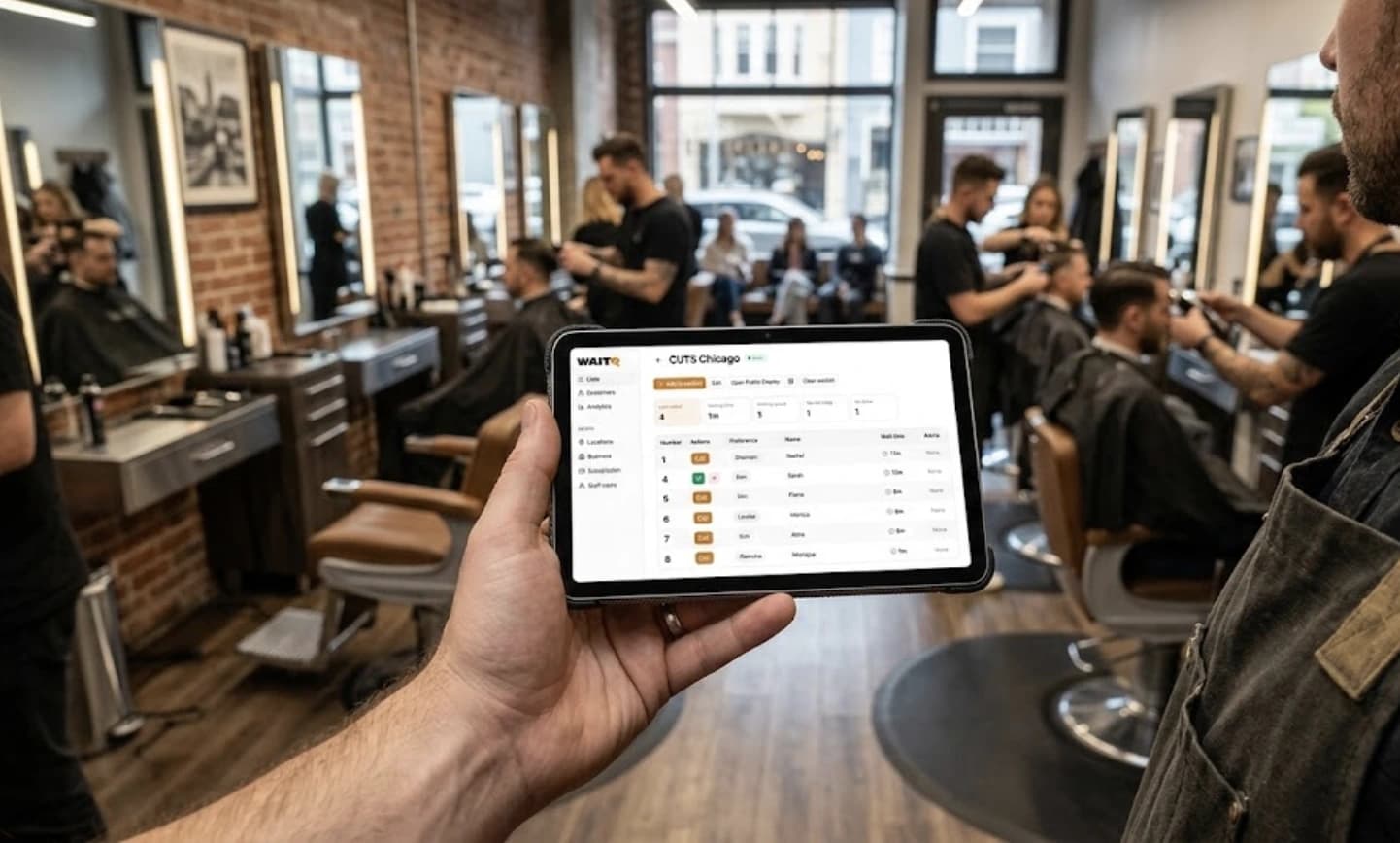
The modern queuing system that increases walk-in revenue.
No special equipment. No training. No app downloads.
Switch on the display options right for your business
TV display
Show the live queue on any TV or tablet
Estimated wait time
Customers always know how long until their turn
Priority customers
Flag VIP guests for differentiated service
Customer names
Show or hide names based on privacy preferences
Kiosk
Dedicated screen where customers check-in themselves
Takeaway mode
Assign each customer an order number at check-in
The waiting room may be virtual, but the gains are real
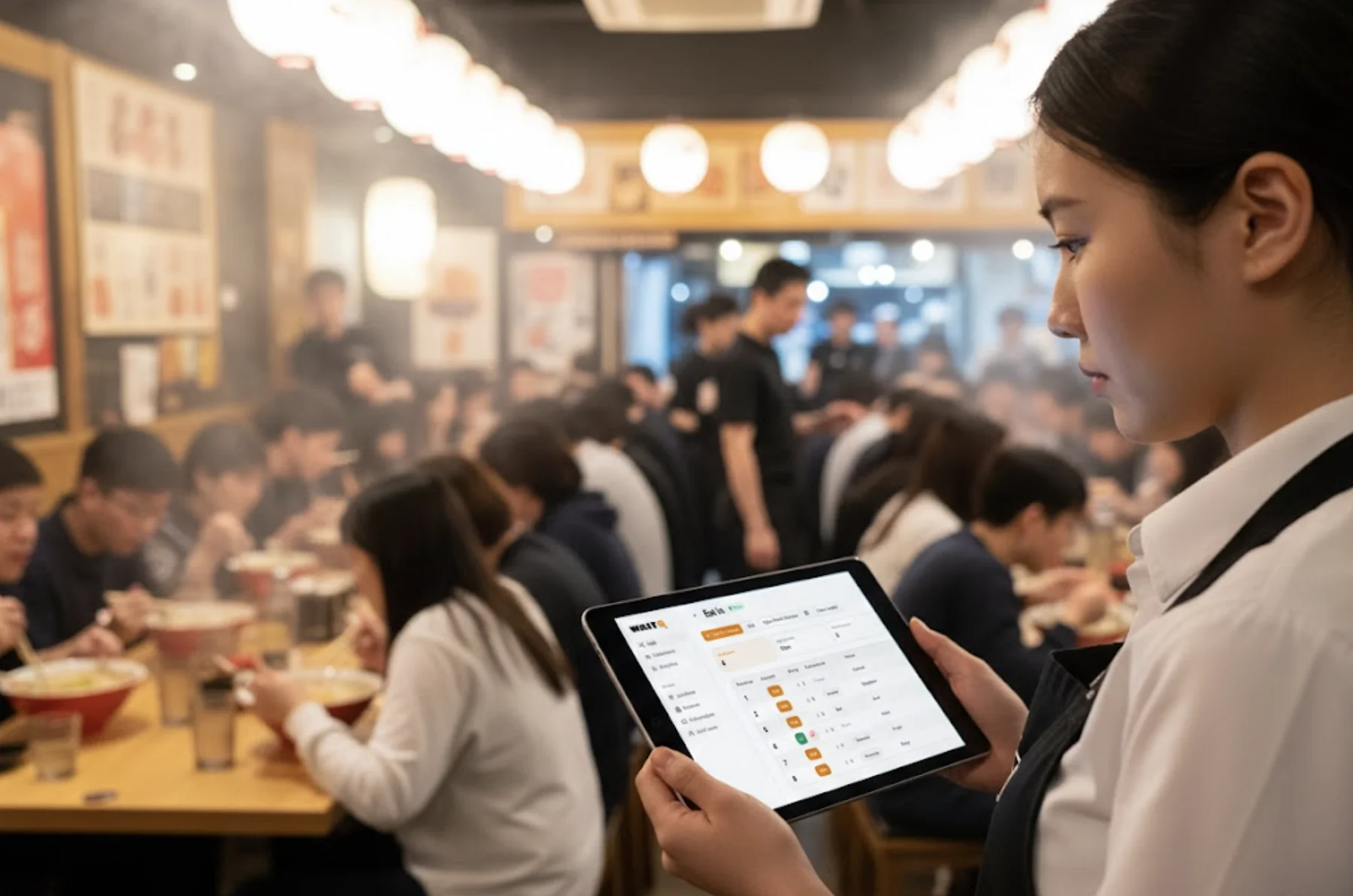
Keep hosts calm and the floor moving
- See who's waiting and who's next in a glance
- Less time handling the line and more time focusing on great customer service.
- Send “ready” texts and reduce walk-aways
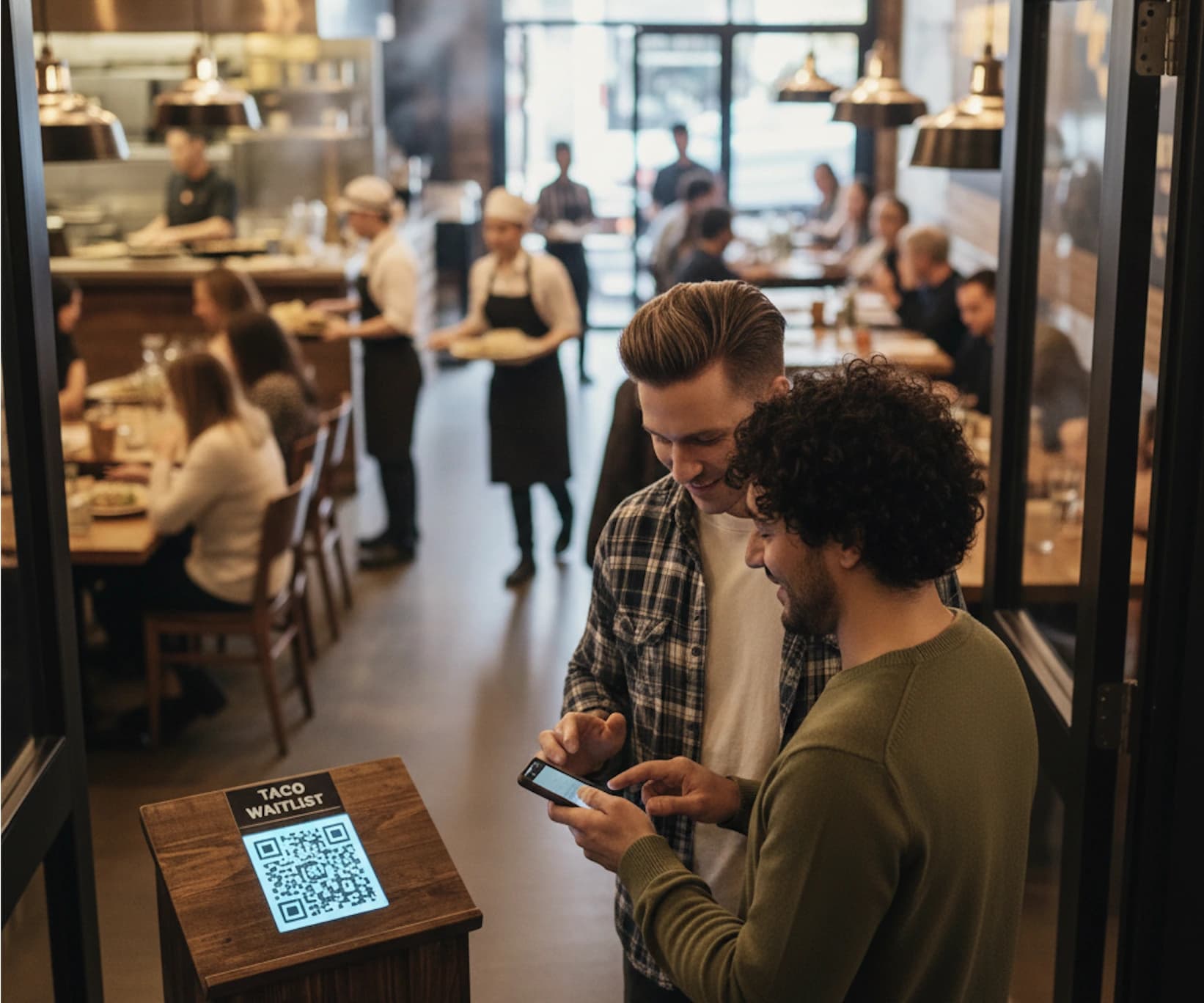
Customers queue, but without queuing
- Anyone can add themselves to the list from their phone or at your kiosk
- Provide honest wait times that update in real time
- Better experience with lower perceived wait times
Smarter queue management starts here
Calm waits mean happier customers, more walk-in business and better reviews.