

Know exactly which table to seat next
Set up your floor plan once, then see open tables, track status, and seat waitlist or booked guests without walking the room.
How table management works in WaitQ
From open table to seated guest in three steps
1
Guest check-ins
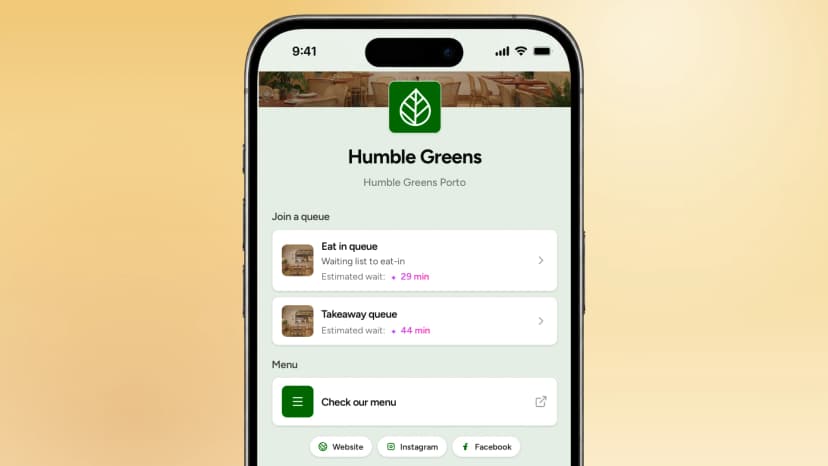
Guests join a waitlist or book a table for a specific day and time through the public check-in page.
2
Seat automatically
Seat waitlist or booked guests automatically
3
Stay in control
Make manual adjustments or welcome guests in person.
Create your digital floor plan
Give your team one view of the floor and customize your floor map using a drag-and-drop builder with different shapes, sizes and table party sizes, each in different areas.
See what's free at a glance
- Every table shows its live status, so no one has to walk the floor to check
- Easily see which tables are available on a timeline view
Know exactly which table to seat next
Combine tables, reassign guests to a different table or reserve last-minute guests easily.
Give every table a plan and every guest a seat
Unlimited queues and tables • Free 7-day trial • No app downloads