

WaitQWaitQ

Retail queue management system for stores and walk-in services

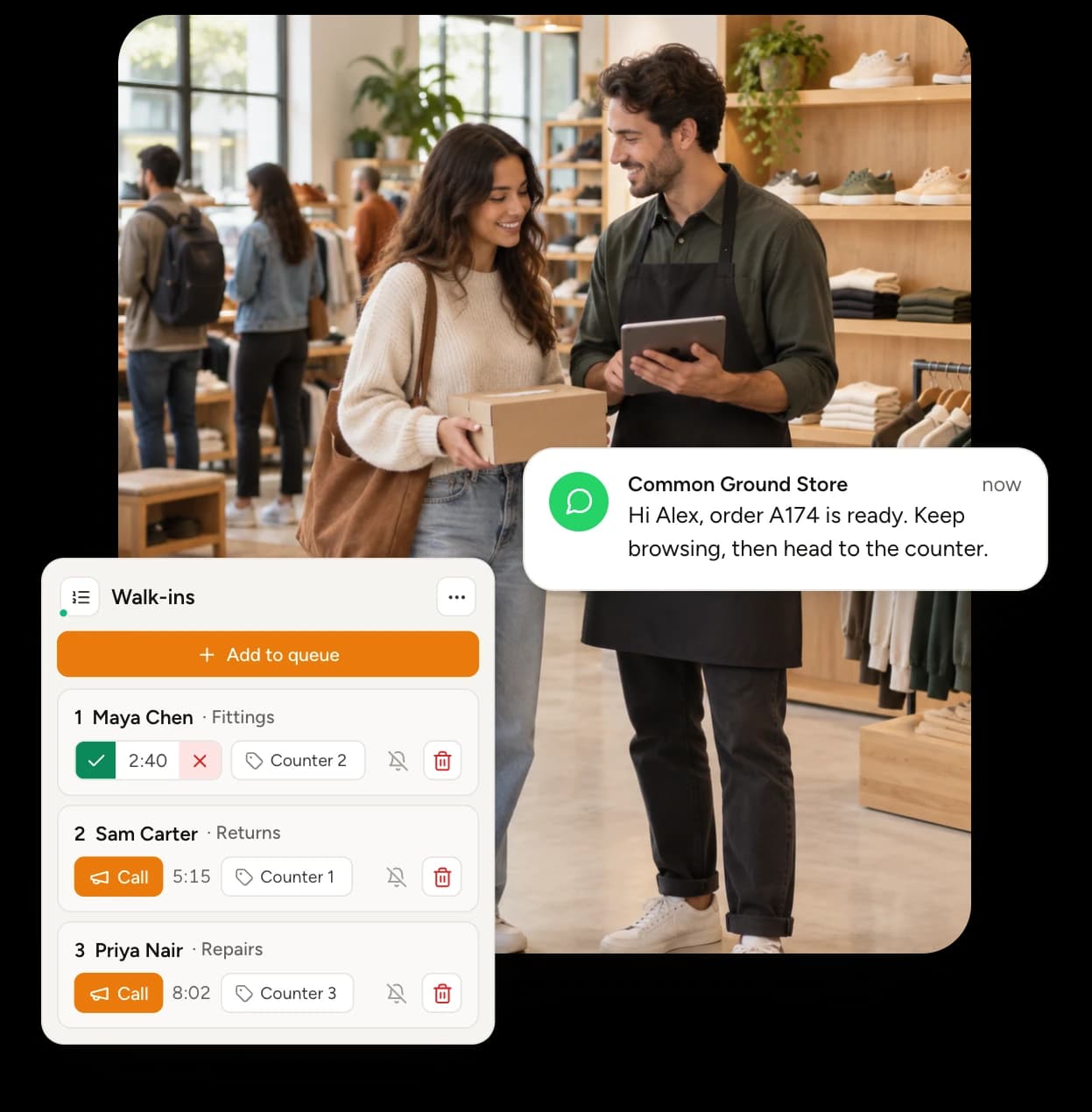
Shoppers join a service queue or book a consultation, then keep browsing. Your team calls them back with one tap when their counter is ready.

Free 7-day trial • Unlimited visits • No app downloads
Retail queue management system for stores and walk-in services

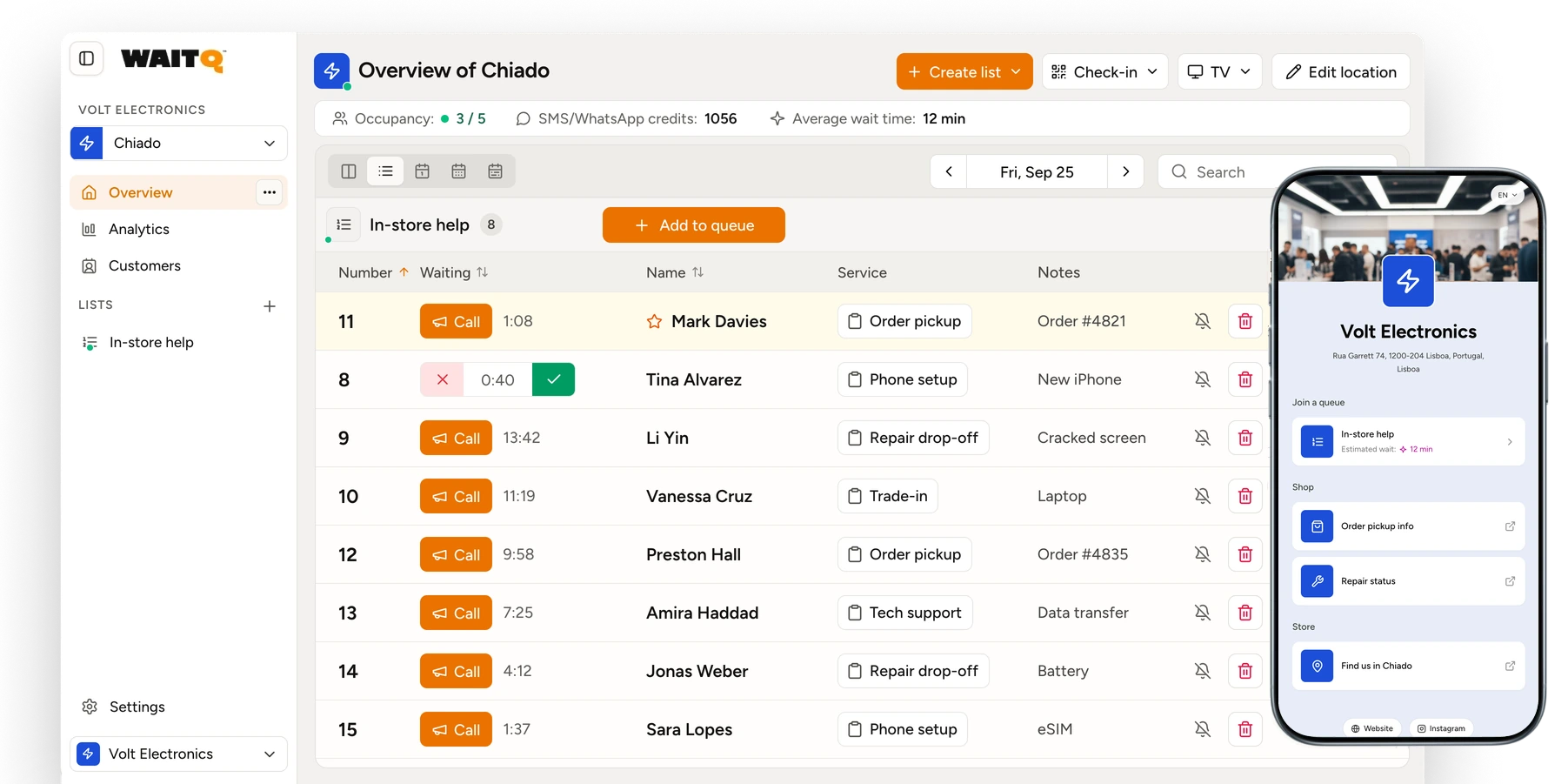
See every service queue in one live view
Retail queue management system

How does queuing for in-store services work with WaitQ

The wait doesn't have to feel like a wait. Reduce perceived wait times and improve the way you welcome customers with WaitQ.

Customers check in
1

Customers check in

Customers self check-in at the entrance via QR code or public link.
Your staff stays in control
2

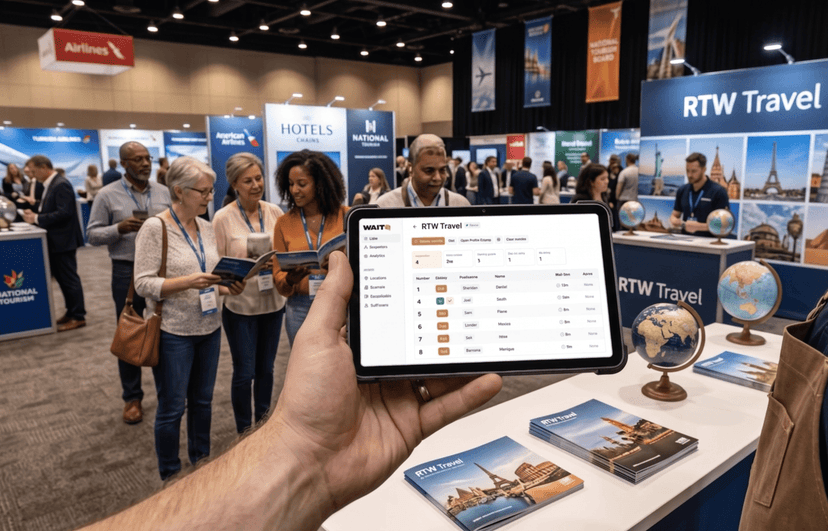
Your staff stays in control

See every customer in the queue in real time and display it on a TV screen.
You get wait data insights
3

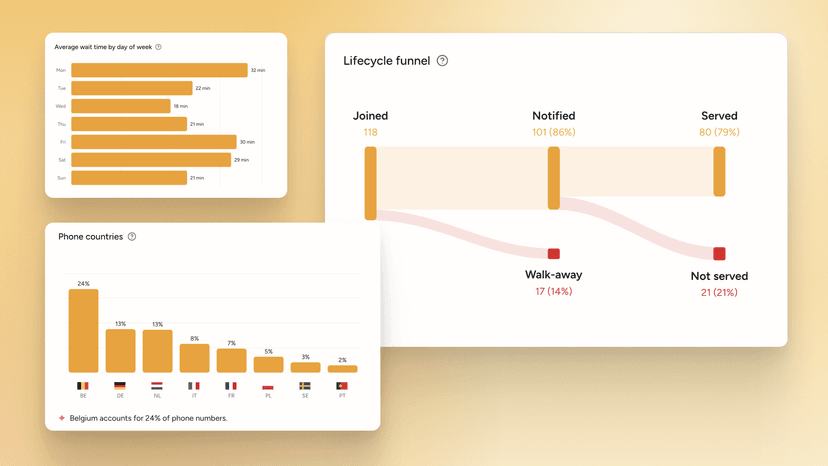
You get wait data insights

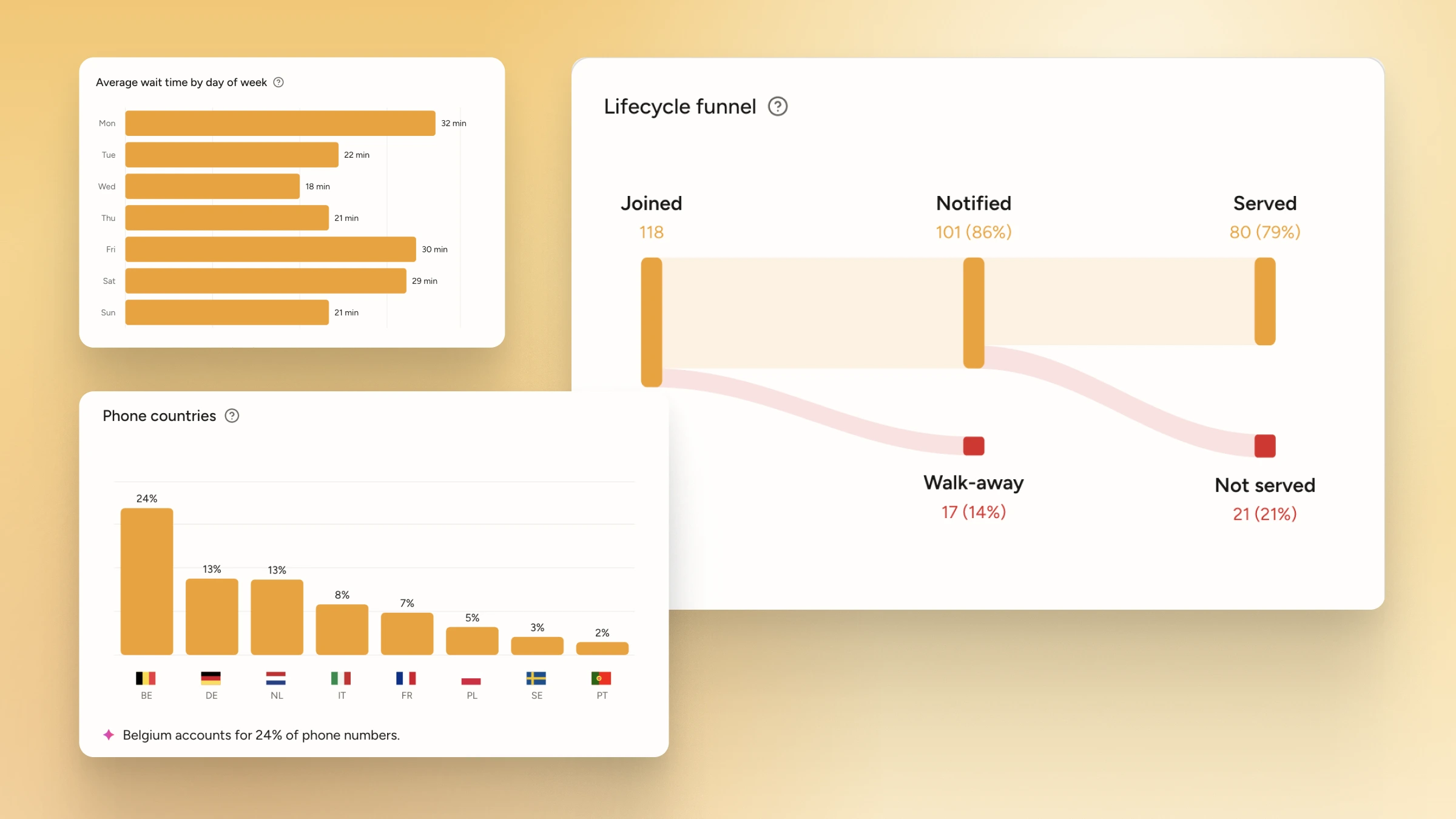
Spot your busiest hours and adjust staffing before the rush hits. Your data helps you run an efficient store.

Estimate how much you're losing in queues 💸

Work out what long counter waits cost your store each month.

Why retail and service businesses choose WaitQ

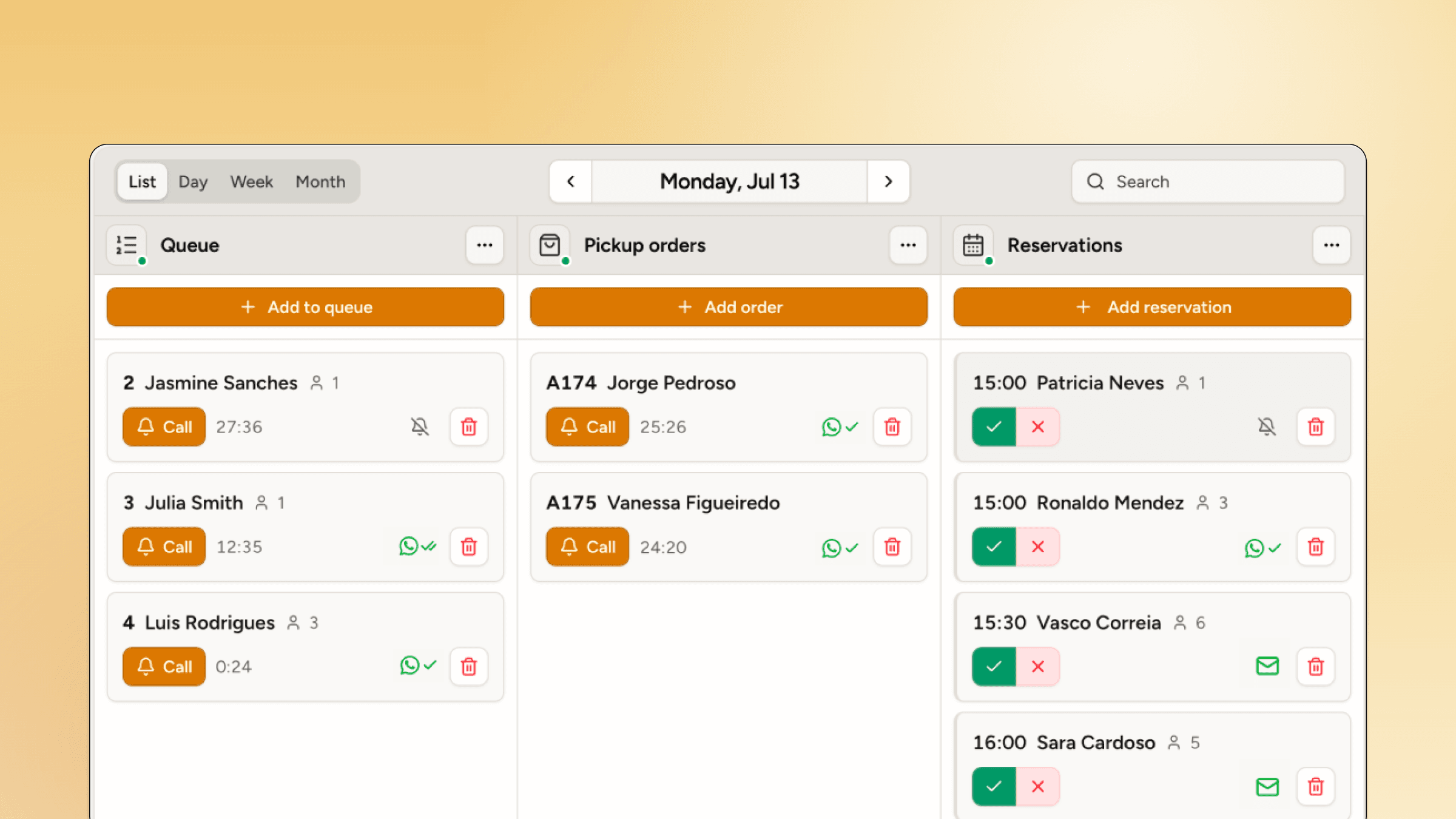
Unlimited customers

Holiday returns and launch weekends are included. Every plan covers unlimited visits, queues and appointments.
Unlimited customers

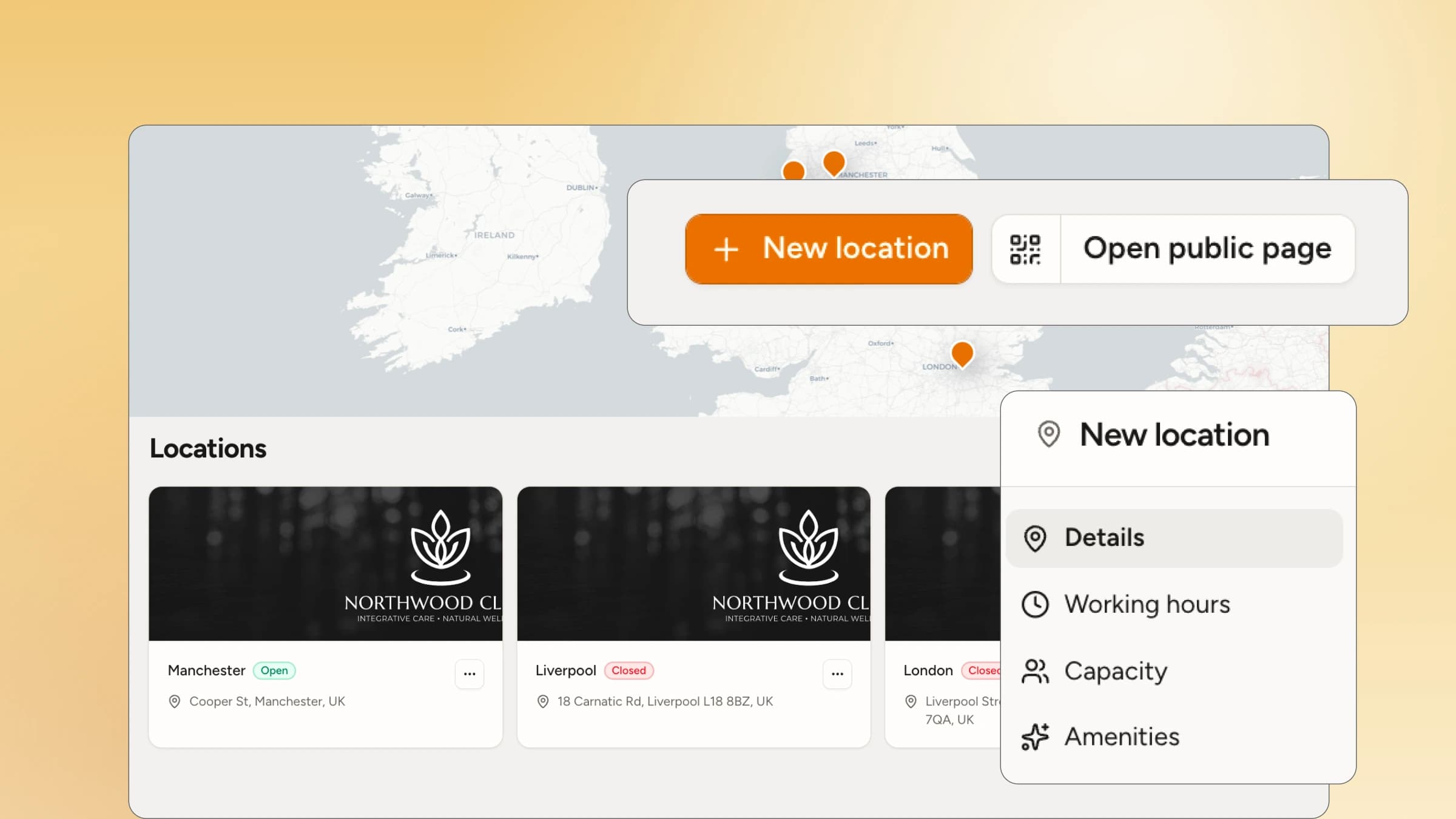
Multi-location

One system for every service point, in every store but all under the same account.
Multi-location

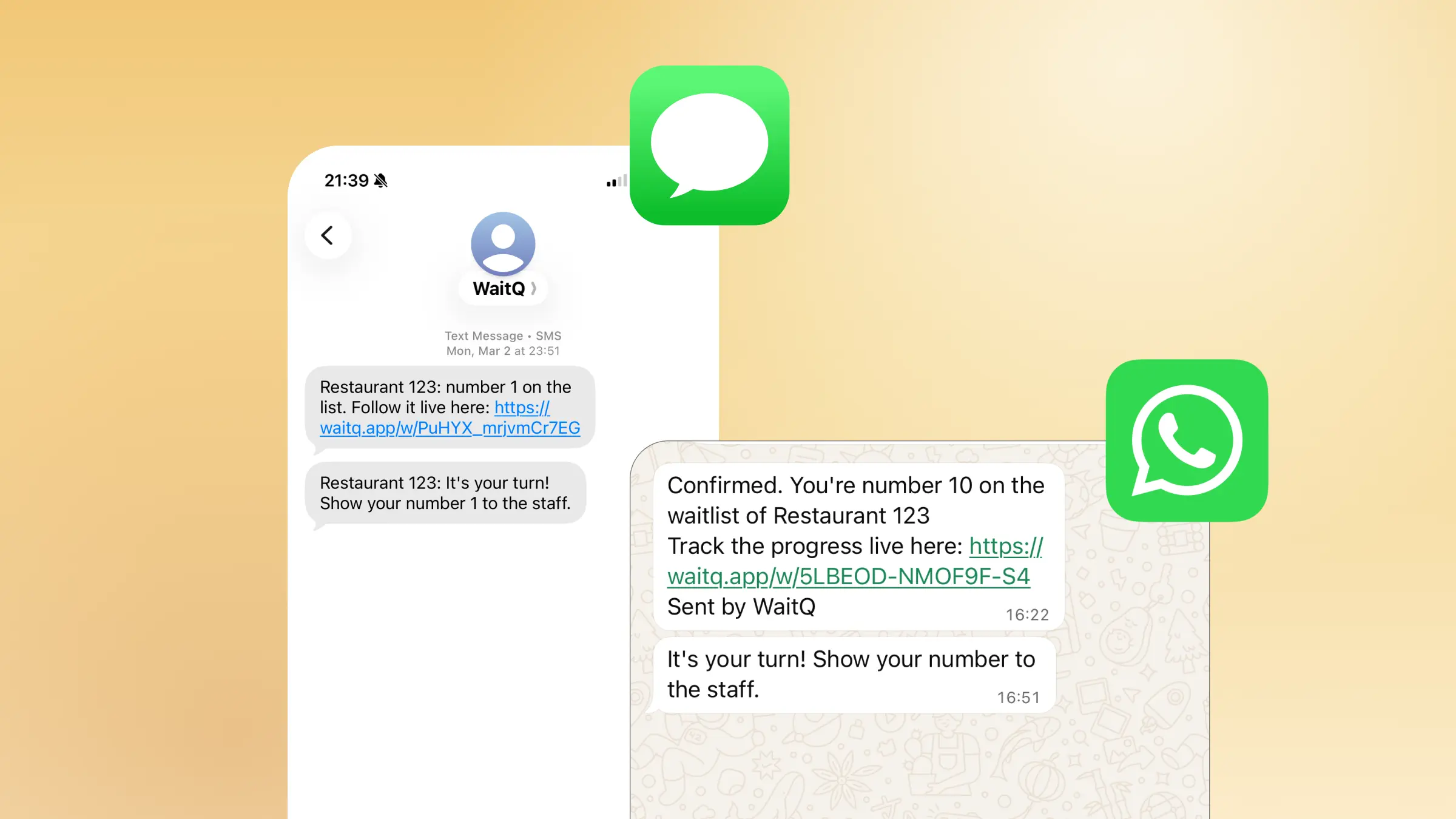
Always reach your clients

Call shoppers back by push notification, text message (SMS and WhatsApp) or email. Shoppers choose the channel they prefer.
Always reach your clients

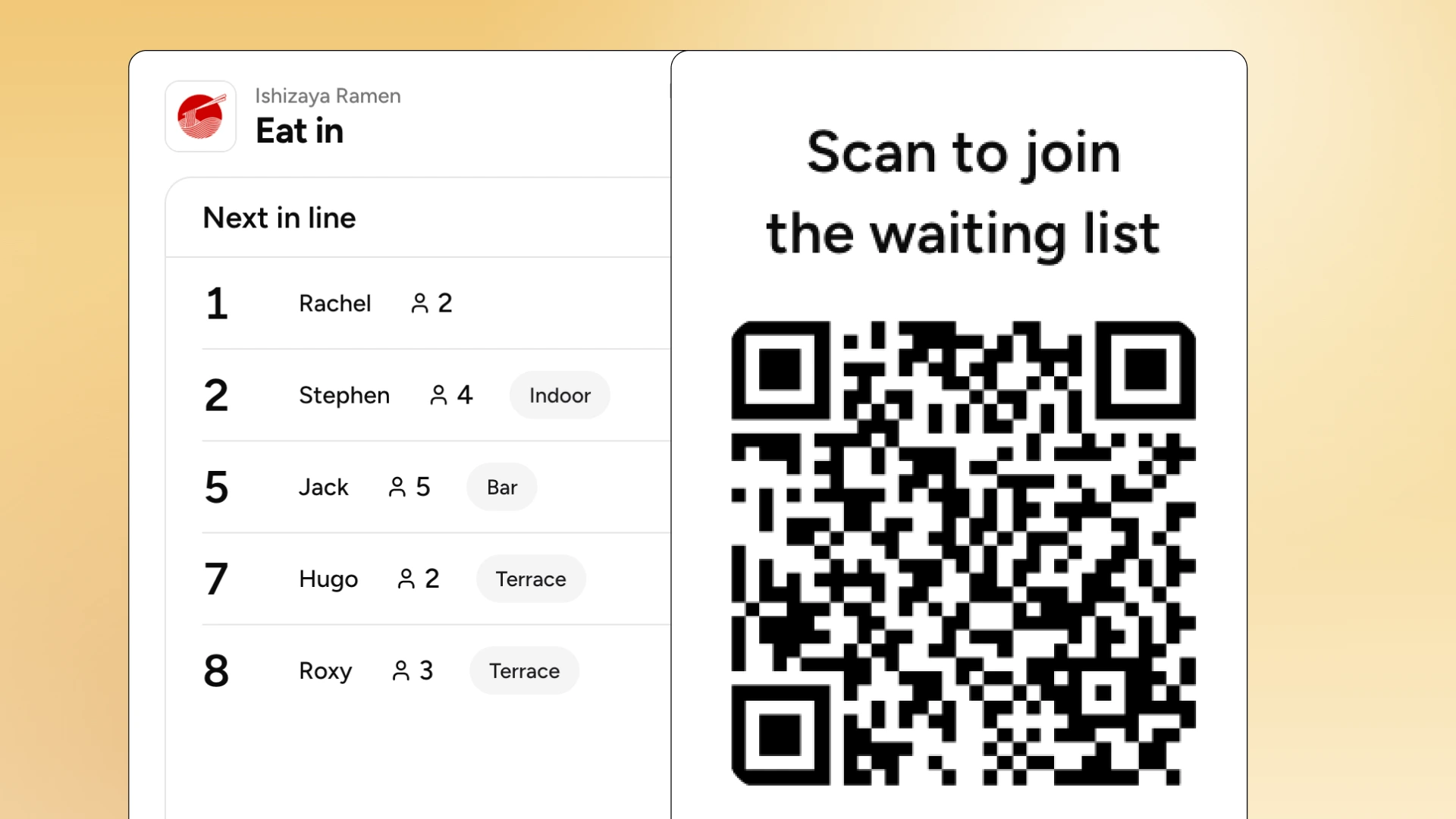
Live public display

Show every queue on a screen near the counter, with names shown or hidden to protect shopper privacy.
Live public display

Wait analytics

Compare waits and visits by service and by store to plan staffing before your busiest hours.
Wait analytics

How do retail stores use digital queues?

Specialist consultations

Personalized fittings and shopping

Click-and-collect counters

Service desks & Return counters

Fitting rooms

Product launches & brand activations
Run a separate queue for click-and-collect counters

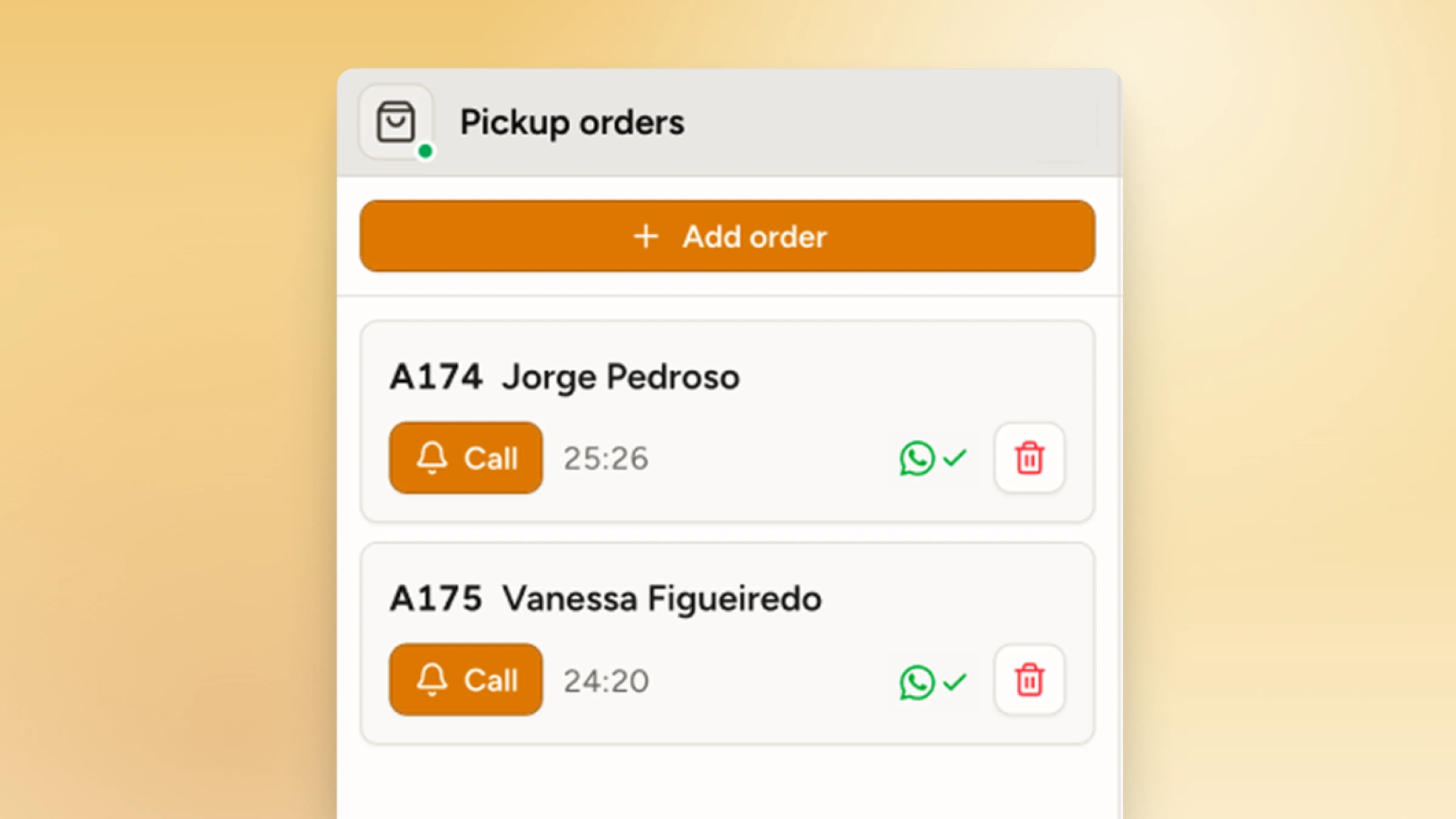
Run a separate queue for click-and-collect counters

Order pickup customers check in when they arrive, keep browsing and get a message when their order is ready. Your team sees pickups right next to walk-ins.

For busy stores

Keep shoppers browsing while they wait

Set up your first service queue in minutes and run it from any device in the store.

Try WaitQ for freeSee pricing

Free 7-day trial • Unlimited visits • No app downloads

Frequently asked questions

What is a retail queue management system?

Instead of forming a physical line, customers scan a QR code, get a spot in the queue, and carry on until they're called. Staff see exactly who's next. No crowding, no guesswork, no one standing around waiting to be noticed.

Does WaitQ speed up checkout?

Not directly, but it does improve service efficiency. WaitQ doesn’t scan items or add tills. It’s built for service points where shoppers can wait somewhere else: returns, repairs, order pickup, fitting rooms and consultations.

Can I run separate queues for different counters?

Yes. Create a queue for each service, such as returns, repairs or pickup, and shoppers choose the one they need when they join.

How do digital queues improve sales in retail?

Keeping people standing in one spot costs you money because a physical line locks customers in place and kills the browsing mindset. Businesses that switch to digital queuing experience consistently see fewer walk-aways and higher average spend per visit.

Can I use WaitQ for click-and-collect order pickups?

Yes. You can assign a order number to each queue entry in WaitQ. Your team pulls the order, and sends a text when it's ready. No counter wait, no idle standing, just a smoother pickup.

Is WaitQ suitable for stores that mix walk-ins with scheduled services?

WaitQ is built for walk-in queues. If your business also takes appointments, walk-ins can be added to a separate queue alongside your existing schedule.

Do shoppers need to download an app?

No. Shoppers join from their phone’s browser and choose push notifications, text messages (SMS and WhatsApp) or email.

What about shoppers without a smartphone?

They can join at a kiosk, or an associate can add them to the queue. The public display shows the order for everyone.