

Kiosk check-in for walk-in queues
One tablet at the door. Customers check in themselves, without tying up your staff. Set it up in minutes and your front-of-house runs itself.
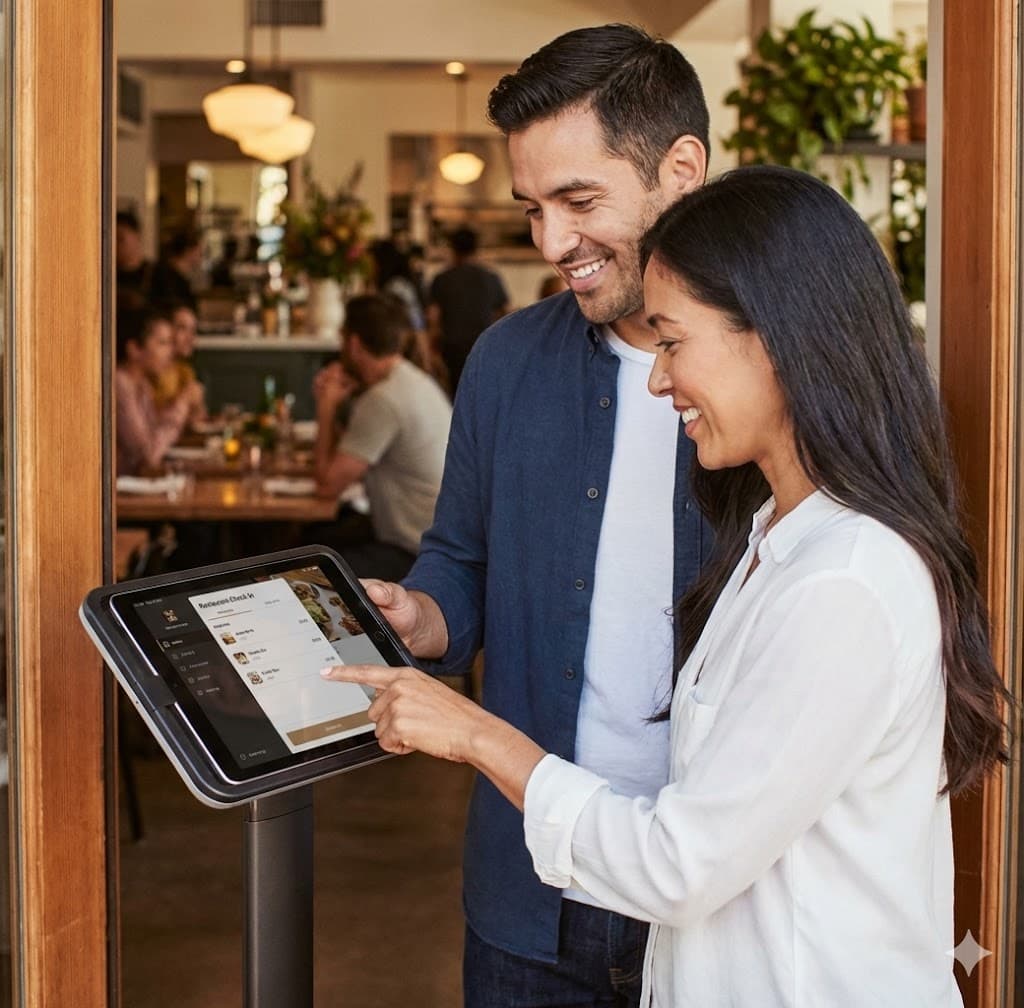
How kiosk check-in works in WaitQ
Customers walk up, tap their name and phone number, and join the digital waitlist on the spot.
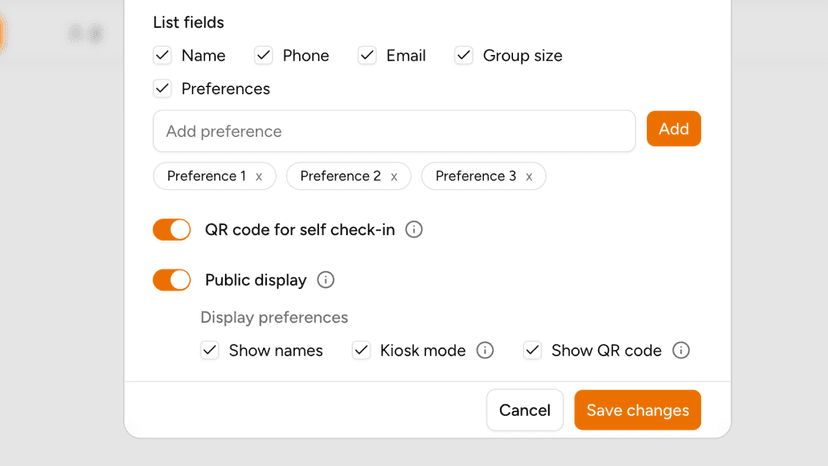
Create a branded waitlist
Create a waitlist that matches your brand and with the form fields your business needs.
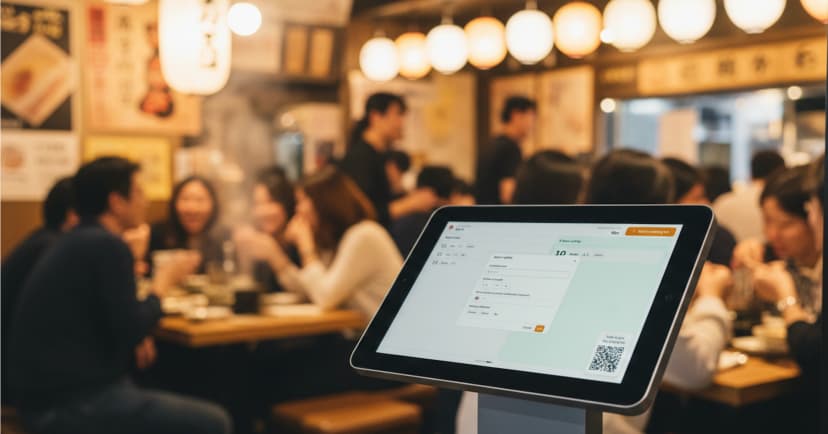
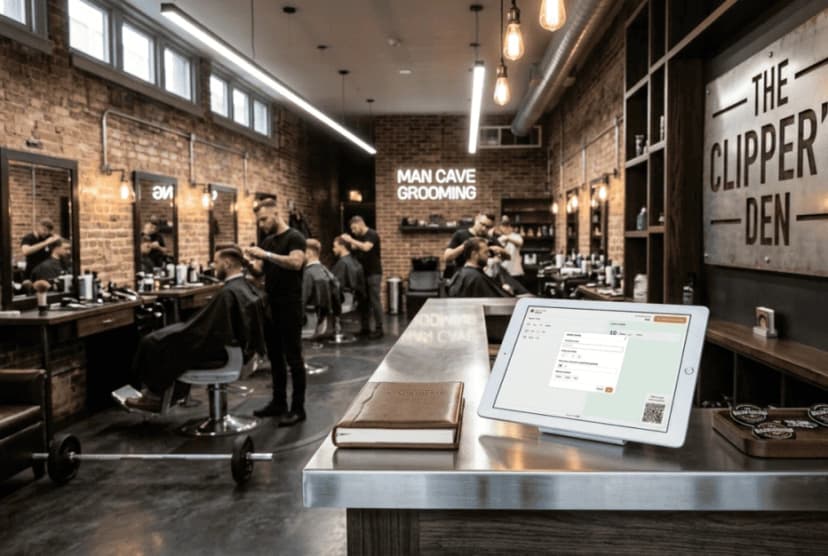
Place a tablet or screen at the entrance
Customers walk up, tap their name and phone number, and join the digital waitlist on the spot.
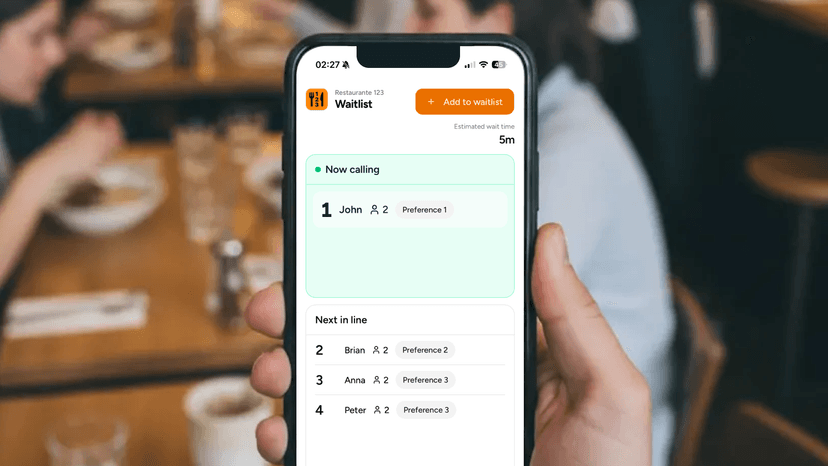
Customers add themselves
No one waiting at the counter just to be added to a list.
Why a dedicated check-in kiosk works

For managers
Keep the line moving, without the stress
- Staff focused on service, not admin at the door
- Consistent check-in experience across every shift
- Fewer missed names, typos, and frustrated customers
For customers
Customers join the queue on their terms
- Walk up, tap in, done in seconds
- No app downloads required
- Wait from anywhere and get notified when it's their turn
The last queue your customers will complain about.
Start your WaitQ trial for free today.
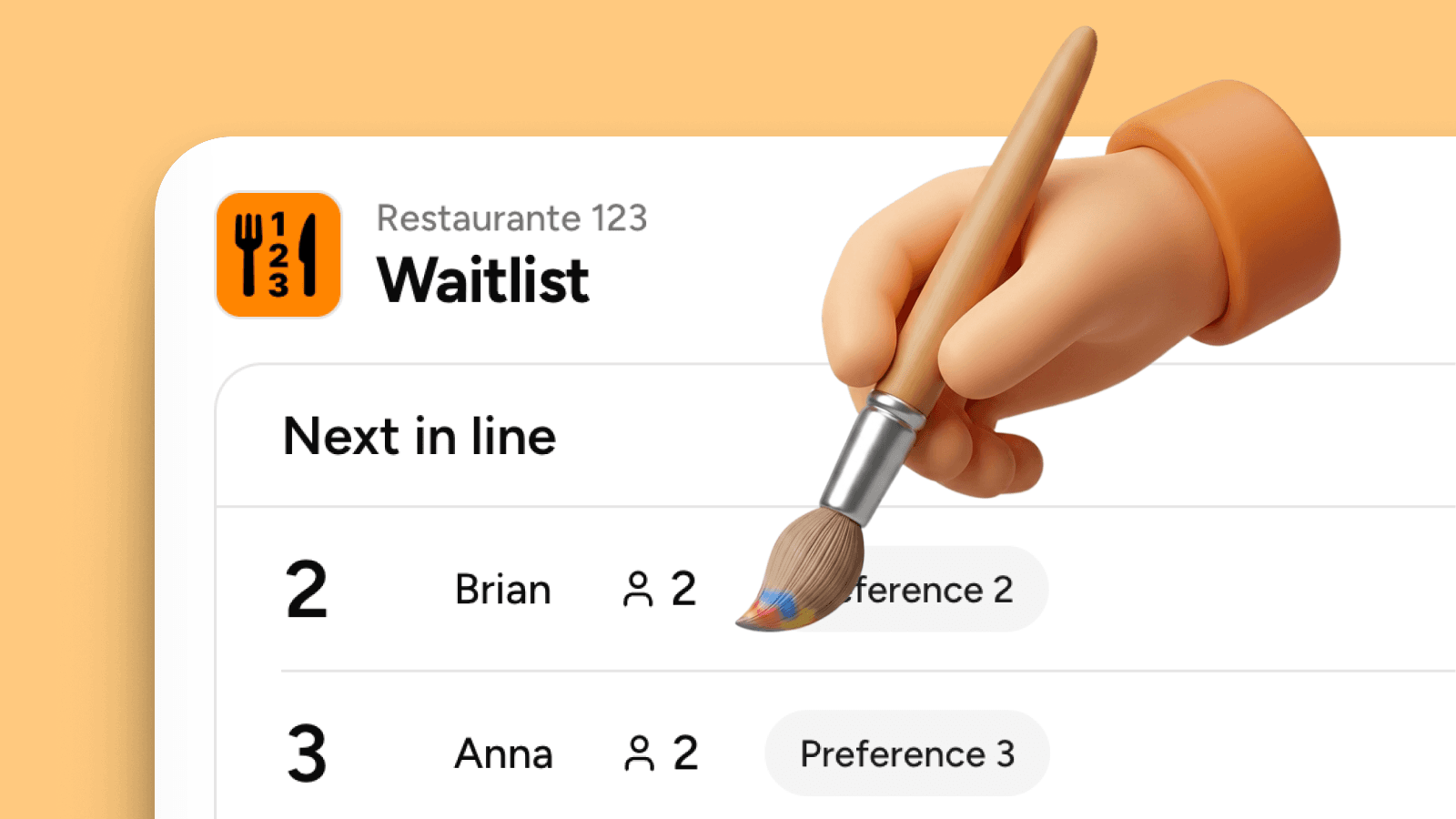
What you can customize
- Your brandingUpload your Business logo, change the name of waitlists, tailor the check-in form to fit your needs. You have full control.
- Form fieldsChoose between customer name, phone number, email, group size and preferences. You decide.
- Waitlist hoursDefine the active working hours to accept guests. Define it for each location and all the waitlists will follow.
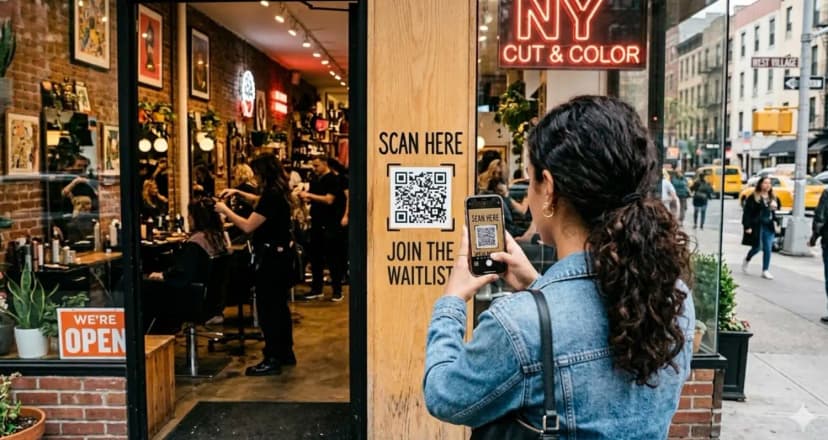
Smooth queue check-in for any business


.webp&w=828&q=75)
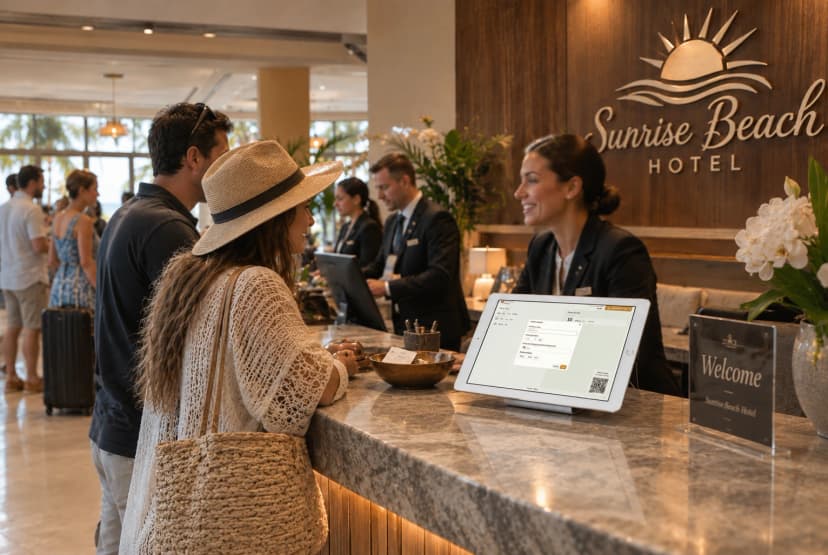
Smarter check-in, smarter business
Customers join the quee in seconds, your staff focuses on service, and your business becomes more efficient.
5-minute setup • Free 7-day trial • Cancel anytime