

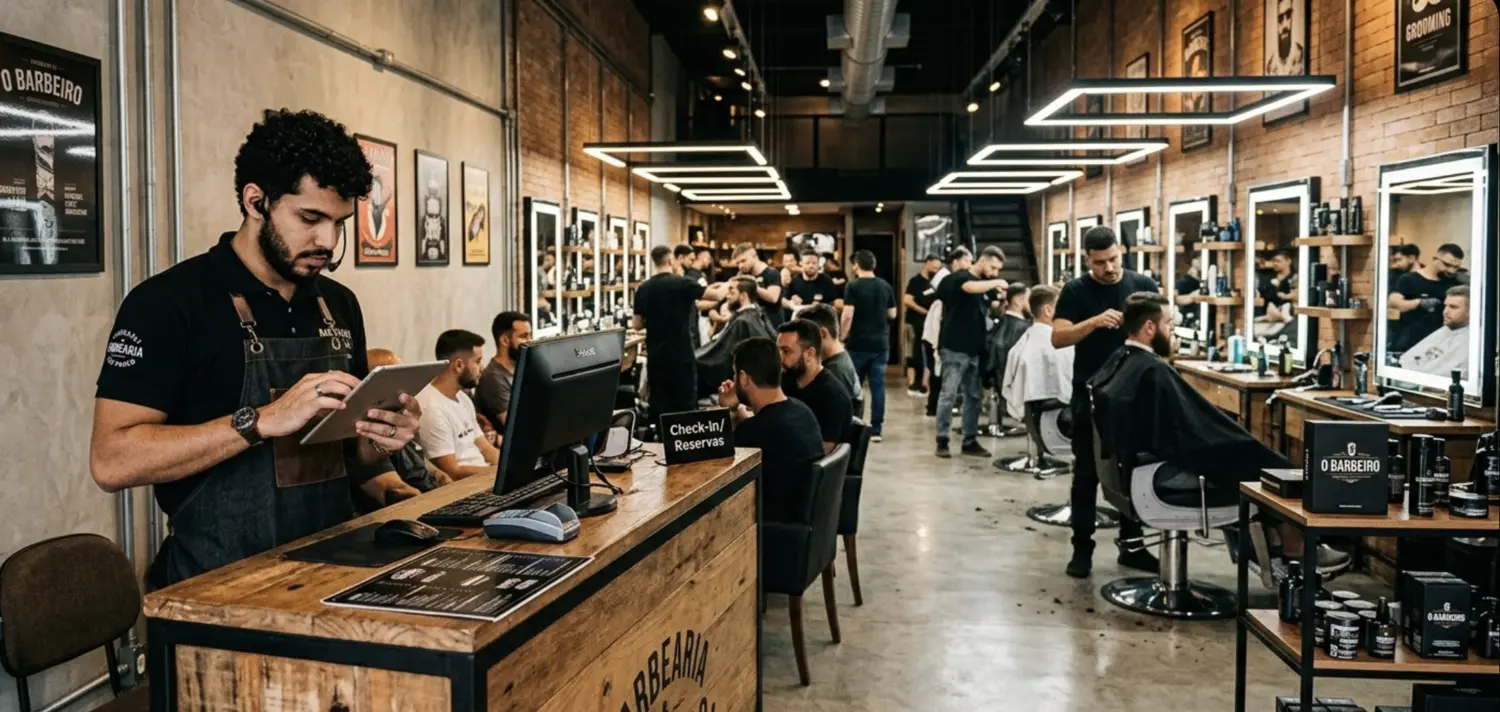
Most barbershops lose customers not because of bad haircuts, but because of unpredictable waits. A customer walks in, sees ten people ahead of them, and leaves. Worse: they don't come back.
You want a busy shop, but not a chaotic, packed one. A queue management system enables customers of your barbershop to join a digital queue from their phone, see live wait times, and get notified when it's their turn.
A digital queue gives visibility: each walk-in client gets a confirmed spot they can track from their phone and gets notified them the moment their barber is free. Your front desk stops managing a crowded lobby and starts calling clients in one at a time.
Why most barbershops still run on paper
Paper lists have one genuine advantage: every barber already knows how to run one. That's also why most shops don't switch until a busy Saturday forces the issue.
The problem is that paper hides its real cost. You don't know your walk-away rate because a paper list can't track what it can't see. When a client leaves after waiting 10 minutes without a clear sense of where they stood, that name just disappears off the list. No record, no data, no way to know how often it happens.
Barbershop data shows that wait time uncertainty is the leading reason walk-in clients leave before being served, ahead of the actual length of the wait. A client who knows they have 25 minutes will usually stay. A client with no information can leave in 10.
The other issue is the lobby itself. When clients can't see where they are in the queue, they cluster near the front desk asking how much longer. That's pressure on your barbers and a worse experience for everyone waiting.
What a digital queue does differently for a barbershop
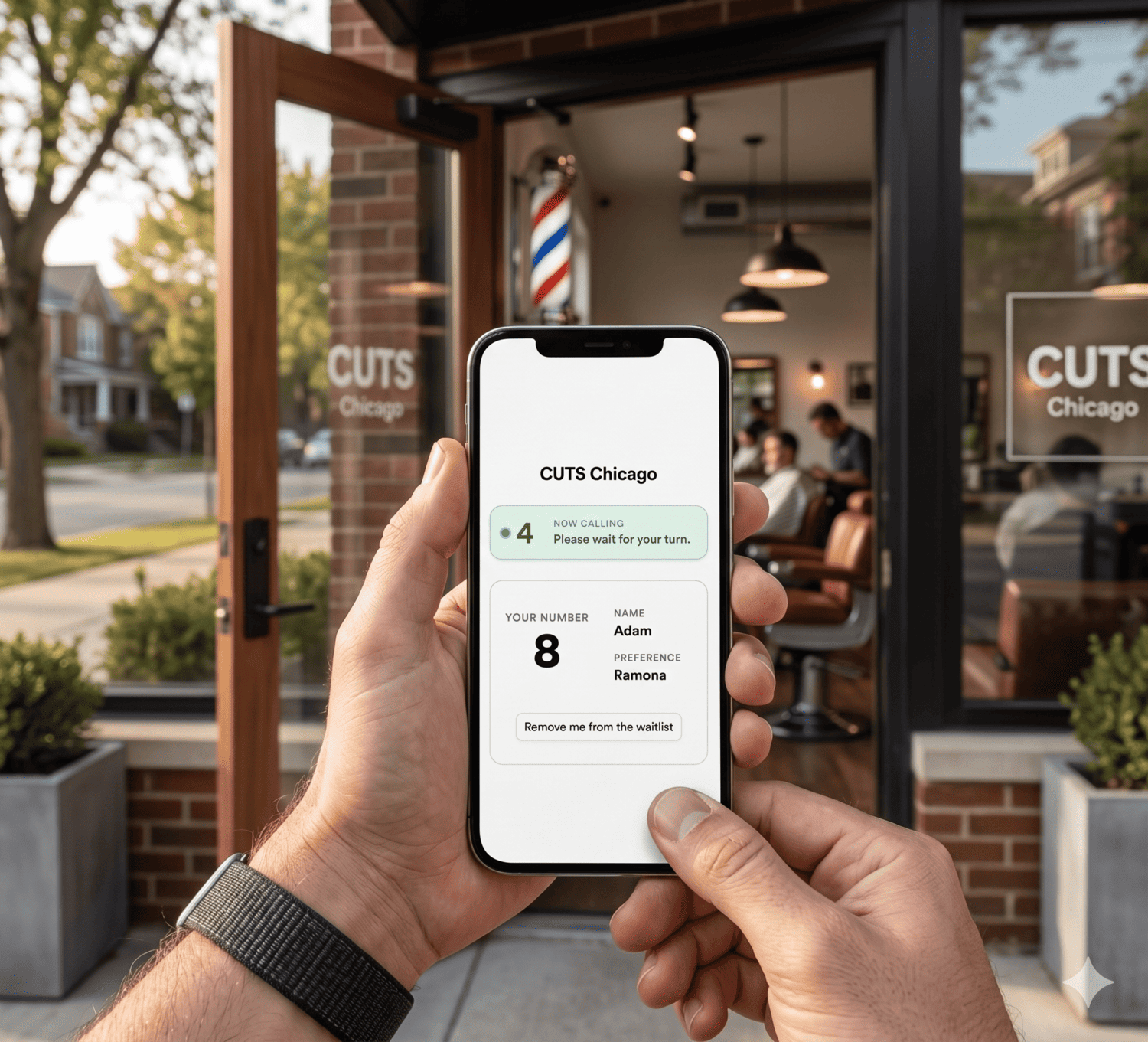
A digital queue is software that manages your waiting clients in real time. Each client joins with a link or by scanning a QR code at the door, enters their name, and picks their barber. They see their position on their phone. When their chair is ready, they get a text. Your barbers call clients in with one tap, from any device they already have.
A good digital queue app lets you run a separate list per barber, so each one knows exactly who's waiting for them and in what order. No guesswork, no crossed wires between chairs.
Clients step outside, sit in their car, or grab a coffee nearby. They come back when the text arrives. Clients who might have walked out stay because they can see their spot moving.
Do per-barber queues work differently from a single shared queue?
Per-barber queues and shared queues solve different problems. In a shared queue, clients wait for "the next available" barber. In a per-barber queue, each client picks their barber at check-in and joins that barber's individual list. Most barbershops run per-barber queues because regulars are loyal to a specific barber and will wait longer for them rather than take whoever is free.
How to set up a walk-in queue at your barbershop, step by step
What you need before you start
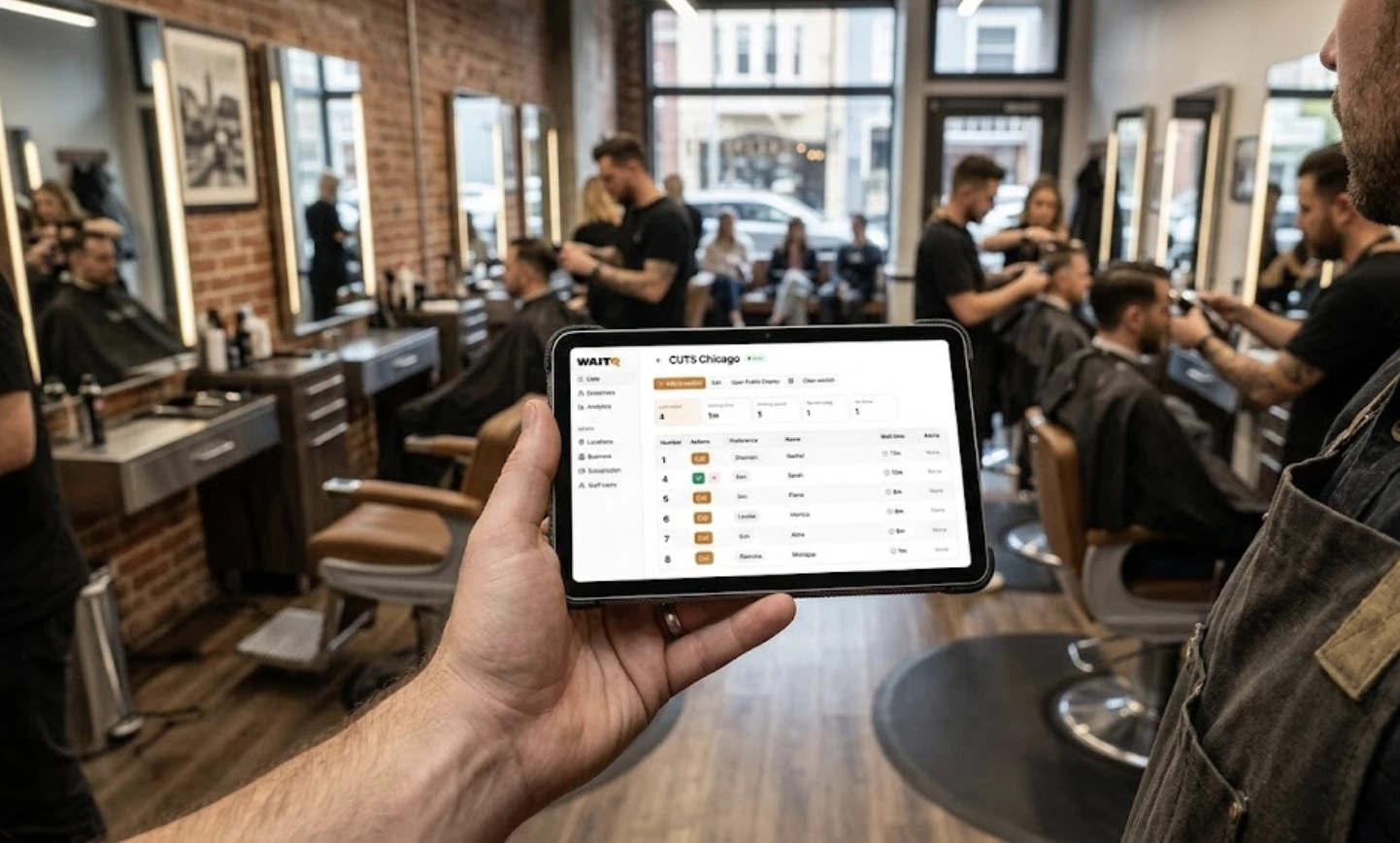
With WaitQ, you just need one device connected to the internet. No hardware to buy, no app for clients to download, no integration with your booking system required. That can be a phone or computer, although a tablet is more commonly used as the main management screen.
A TV on the wall can show the live queue so clients see their position without checking their phone, but that's optional.
Step 1: Sign up and create your queue
Create an account. Name your queue (usually just the shop name), set your operating hours, and choose how many clients can be on the list at once. This takes under two minutes.
Step 2: Set up a queue per barber
This is the step that makes a digital queue work for a barbershop specifically. Create a separate queue for each barber on your team. Clients choose their barber when they check in. Each barber sees only their own queue on their screen and calls in their next client independently.
If a barber calls in sick, you can merge their queue or reassign clients in a few taps.
Step 3: Generate your QR code and place it at the entrance
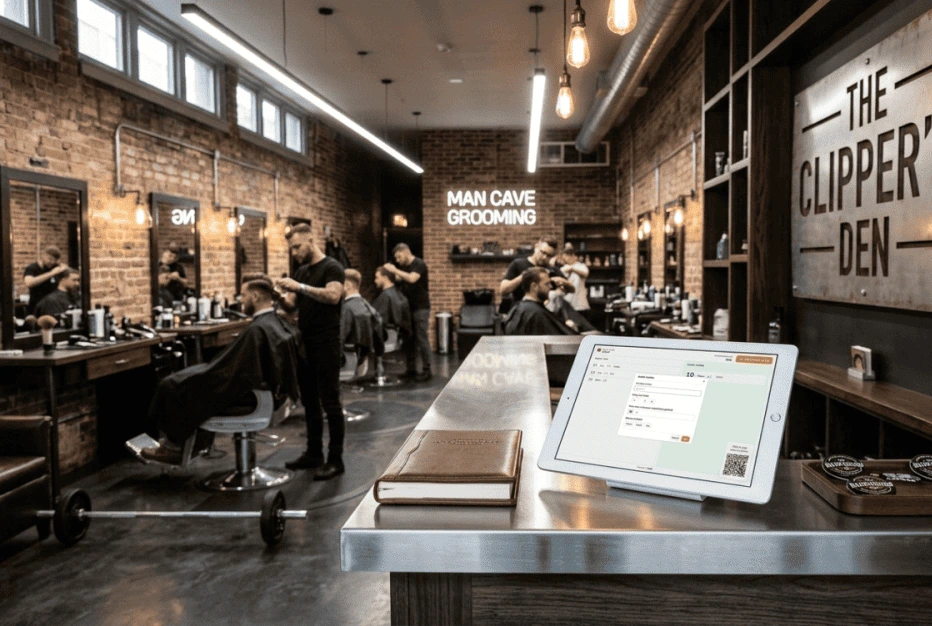
Your QR code links clients directly to your check-in page. Print it or display it on a screen. Put that code or the final URL where clients naturally pause when they walk in.
Here are a few spots that work well:
| Placement | Why it works |
| Outside the front door | Clients can join before they walk in, which clears the entrance immediately |
| Front desk sign | Catches anyone who missed the door |
| Google Business Profile | Clients can check wait times before leaving home |
| Instagram bio | Worth adding if you post your daily availability |
Step 4: (Optional) Set up a public display
A screen near the waiting area showing the live queue cuts "how much longer?" questions more than any other single feature. Clients can see their name move up the list in real time.
This runs in any browser on any screen. No extra hardware required.
Step 5: Test it before you open
Have one person join the queue as a test client, then call them in. Walk the full flow: check in, wait, notify, seat. Make sure the text arrives and the queue updates correctly. Two minutes before opening is enough.
What if your barbershop takes both walk-ins and appointments?
Most digital queue tools handle both streams, but they work best when kept in separate lanes rather than merged into one list. Appointments anchor the schedule, walk-ins fill the gaps between them. The problem without a system is that the two streams collide: a barber finishes an appointment, calls the next walk-in from the queue, and then their 3pm booking arrives at the same time.
With separate views, each barber sees both their booked appointments and their walk-in queue on the same screen. They call in clients in the right order without having to guess or negotiate at the chair. WaitQ shows walk-in clients and staff-added entries in the same live queue, so nothing gets lost between the two.
4 common objections that come up (with honest answers)
- "My older clients won't scan a QR code." This comes up at almost every shop. Clients don't need an account, an app, or anything installed. They scan a QR code and enter their name. For clients who prefer not to, the barber or front desk adds them manually, same as today. Both work at the same time.
- "My barbers won't use another app." There's no app to install. Barbers open a browser on their phone and manage their queue from there. If they can send a text, they can run their queue. Most barbers are comfortable after one shift.
- "What if two barbers finish at the same time?" Each barber manages their own queue independently. When two finish simultaneously, each calls in their next client from their own list. No coordination required between chairs.
- "Paper works fine for us." Paper works until it doesn't: a spilled drink, illegible handwriting during a rush, or a name crossed off for someone who left 20 minutes ago and nobody noticed. More importantly, paper gives you no data. You can't see your walk-away rate, your average wait time, or which barbers have the longest queues. A digital queue shows you all of that from the first day.
What to do in your first week with a digital queue system?
Run paper and digital in parallel for the first two or three shifts. Some clients will have questions; a few will prefer the old way. That's fine.
After your first busy day, check your queue analytics: average wait time per barber, clients served, and clients who left before being called. That last number is your walk-away rate. It's the metric your paper list never showed you, and it's usually higher than most shop owners expect.
If one barber consistently has a longer queue, you know where to focus. The guide on managing walk-ins at your barbershop covers how to read those patterns and adjust staffing around them.
Setting up your barbershop queue with WaitQ
WaitQ is designed for walk-in barbershops that want a clean digital queue without overhauling how the shop runs.
Clients visit a URL or scan a QR code at the door, pick their barber, and join the queue. No app download, no account required. They see their position in a branded virtual waiting room and get notified by SMS, WhatsApp, or email when their chair is ready.
Setup takes under five minutes. There's no hardware to buy, no training session to schedule, nor booking system integrations required. Start your free trial and set up your first queue before your next shift.