WaitQWaitQ
WaitQ vs OneWayQueue

WaitQ vs OneWayQueue: the best OneWayQueue alternative

OneWayQueue needs a dedicated TV, an HDMI cable and a channel your customers may not use. WaitQ runs in a browser and sends push notifications, SMS, WhatsApp and email.

Push, text (SMS, WhatsApp) & email · No hardware required · Unlimited visits

By Bruno B.Updated

OneWayQueue is a WhatsApp-based queue system for restaurants, clinics and other busy businesses. It works well where WhatsApp is the default messaging app, includes unlimited customers and offers a per-event plan. Its main limitation is reach: it notifies by WhatsApp only, its queue display needs an HDMI-connected smart TV, and reservations are a separate plan.

WaitQ is a queue management and reservations platform for restaurants, clinics and other busy businesses. Queues and reservations come together on every plan, with unlimited visits. Guests get called by push, SMS, WhatsApp or email, and the queue display runs on any screen with a browser.

On this page

What are the main differences between WaitQ and OneWayQueue?

WaitQ includes reservations and four notification channels on every plan. OneWayQueue focuses on WhatsApp queueing and offers a per-event plan, but needs a smart TV for its display and charges separately for reservations.
WaitQBest for businesses that want queues and reservations in one plan
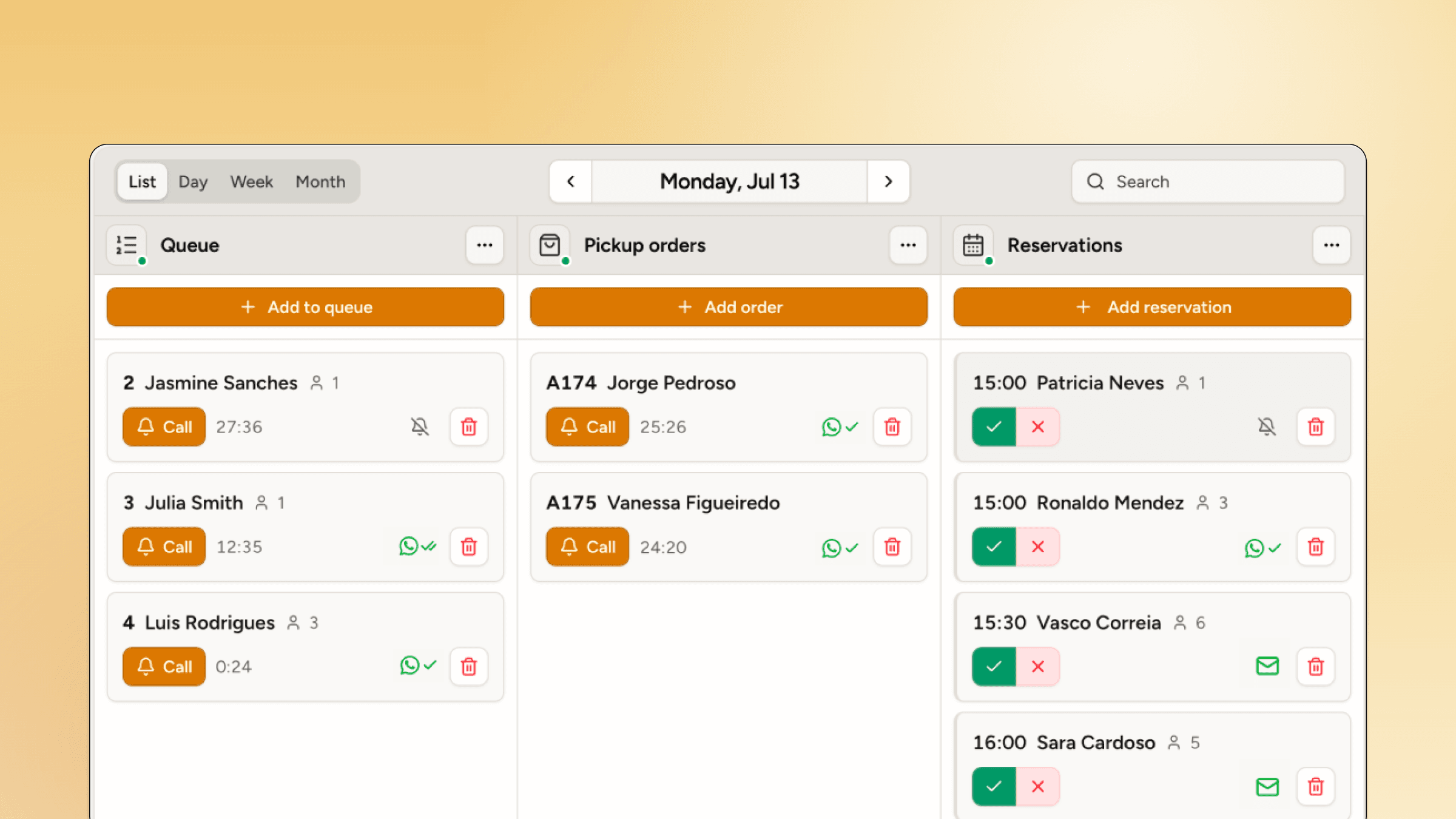
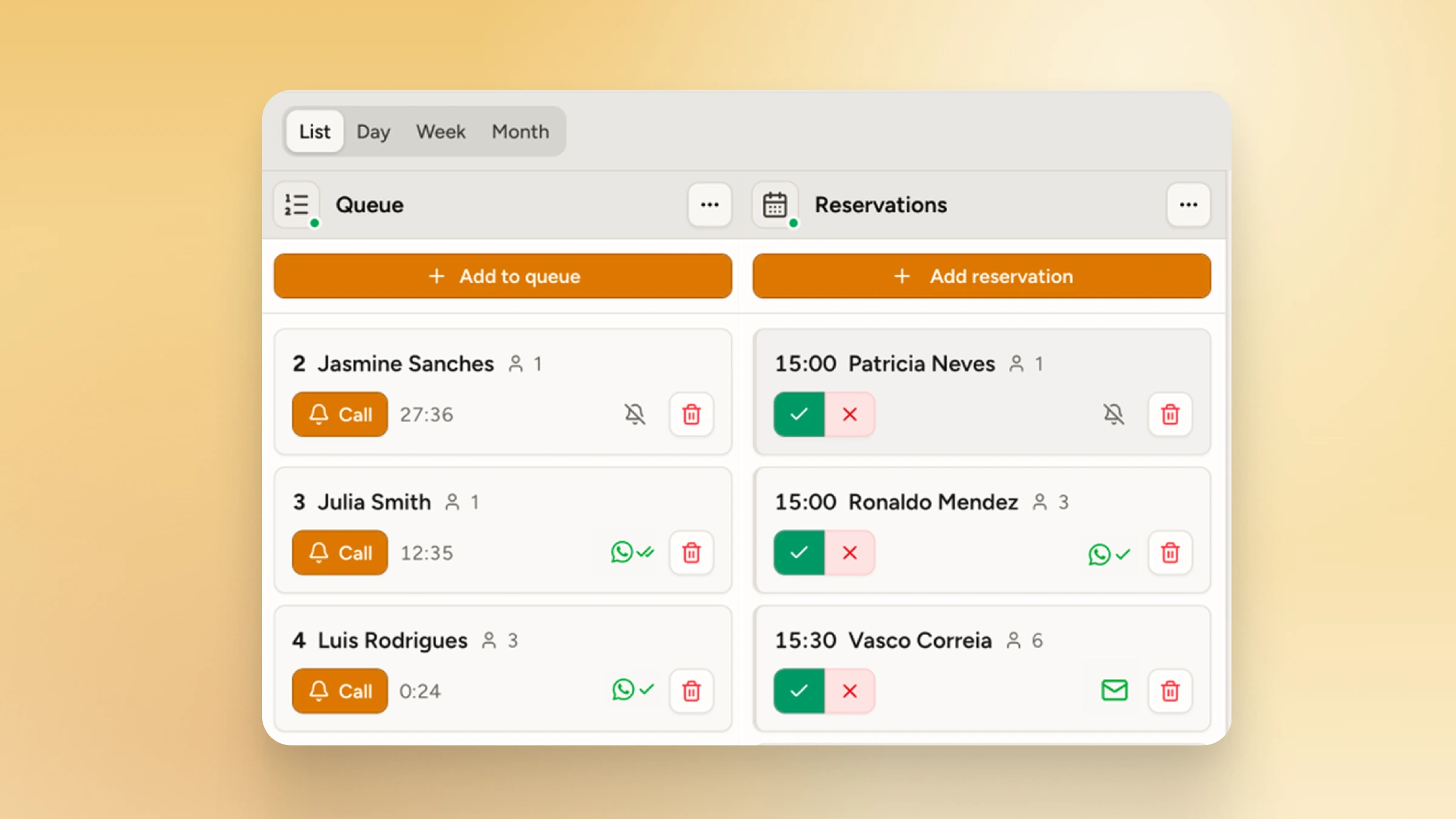
WaitQ waitlist and reservations on one screen
Starting price
$27/month
Notification channels
✓ Push, SMS, WhatsApp, email
OneWayQueueBest for businesses whose customers all use WhatsApp
Starting price
RM300/month, billed quarterly
Notification channels
WhatsApp only
Strength:
Push, SMS, WhatsApp and emailCustomers get called on the channel they actually read (notifications).
Limitation:
WhatsApp onlyCustomers who don't use WhatsApp can't be notified.
Strength:
Included on every planQueues and reservations share one dashboard at no extra cost.
Limitation:
Separate planReservations cost another RM200/month on top of queueing.
Strength:
Any screen with a browserShow the queue on a TV, tablet or monitor you already have.
Limitation:
HDMI smart TV requiredThe display needs a smart TV wired in over HDMI.
Strength:
Guest lists for eventsRun event guest lists alongside your daily queue (events).
Strength:
Per-event planQueueing for a single event at RM800, without an ongoing plan.

How do WaitQ and OneWayQueue compare in features?

Both run digital queues with QR check-in, unlimited customers and queue analytics. WaitQ adds reservations, guest lists, custom branding and SMS, push and email on every plan. OneWayQueue offers a per-event plan, but notifies by WhatsApp only.

✓ IncludedPartial or with limits✕ Not available
WaitQ and OneWayQueue compared on 13 features
FeatureWaitQOneWayQueue
Core
Digital queue✓ (Yes)✓ (Yes)
QR code check-in✓ (Yes)✓ (Yes)
Reservations / bookings✓All plans (Yes)Separate plan (RM200/month) (Partial)
Guest lists for events✓ (Yes)✕ (No)
Capacity
Unlimited visits✓All plans (Yes)✓ (Yes)
Multi-location✓1, 2 or 5 included (Yes)Supported, setup not documented (Partial)
Features
Queue display (TV)✓Any screen with a browser (Yes)HDMI smart TV required (Partial)
Queue analytics✓ (Yes)✓ (Yes)
Custom branding✓All plans (Yes)✕ (No)
Notifications
WhatsApp✓ (Yes)✓ (Yes)
SMS✓ (Yes)✕ (No)
Email✓ (Yes)✕ (No)
Push notifications✓ (Yes)✕ (No)

How does WaitQ and OneWayQueue pricing compare?

WaitQ starts at $27/month billed annually, with queues and reservations included. OneWayQueue's standard plan is RM300/month for one location, billed quarterly, and reservations add a separate RM200/month plan. Prices come from WaitQ pricing.

WaitQ

Flat monthly rate. Unlimited visits, waitlists and reservations on every plan.

  • Free trial7 daysNo card needed
  • Starter$27/monthBilled annually, 1 location
  • Grow$49/month2 locations
  • Business$119/month5 locations
  • ✓ No visit cap on any plan
  • ✓ 100 to 1,000 SMS and WhatsApp credits a month

OneWayQueue

Billed quarterly. Queueing and reservations are separate plans.

  • StandardRM300/month1 location, billed quarterly
  • ReservationsRM200/monthSeparate plan for bookings
  • EventRM800/eventOne-off events
  • WhatsApp only, no SMS or email
  • Reservations billed as a separate plan
  • Queue display needs an HDMI smart TV
Switching from OneWayQueue?Start a 7-day free trial, no card needed. Your first waitlist takes about 5 minutes.
Start WaitQ for free

Should you choose WaitQ or OneWayQueue?

Choose WaitQ if you want reservations included, more than one notification channel or a display on any screen. Choose OneWayQueue if every customer uses WhatsApp, or you only need queueing for one event.

Best pick for each situation
Your businessWhat to look forBest fit
Some customers don't use WhatsAppLook for SMS, push and email as well as WhatsApp. OneWayQueue sends WhatsApp only; WaitQ includes all four on every plan.WaitQ
You take reservations as well as walk-insLook for queues and reservations in one plan. WaitQ includes both; OneWayQueue charges RM200/month more for reservations.WaitQ
No smart TV at the venueLook for a queue display that runs in a browser. WaitQ works on any screen; OneWayQueue needs an HDMI-connected smart TV.WaitQ
Your check-in page should look like your brandLook for custom branding on your plan. WaitQ includes it on every plan; OneWayQueue doesn't offer it.WaitQ
A single event, no ongoing planLook for per-event pricing. OneWayQueue offers an event plan at RM800, without a subscription.OneWayQueue

Do more with WaitQ

Queues and appointments together

Run walk-ins and bookings from the same dashboard, no extra charge.

Queues and appointments together

Fully on-brand experience

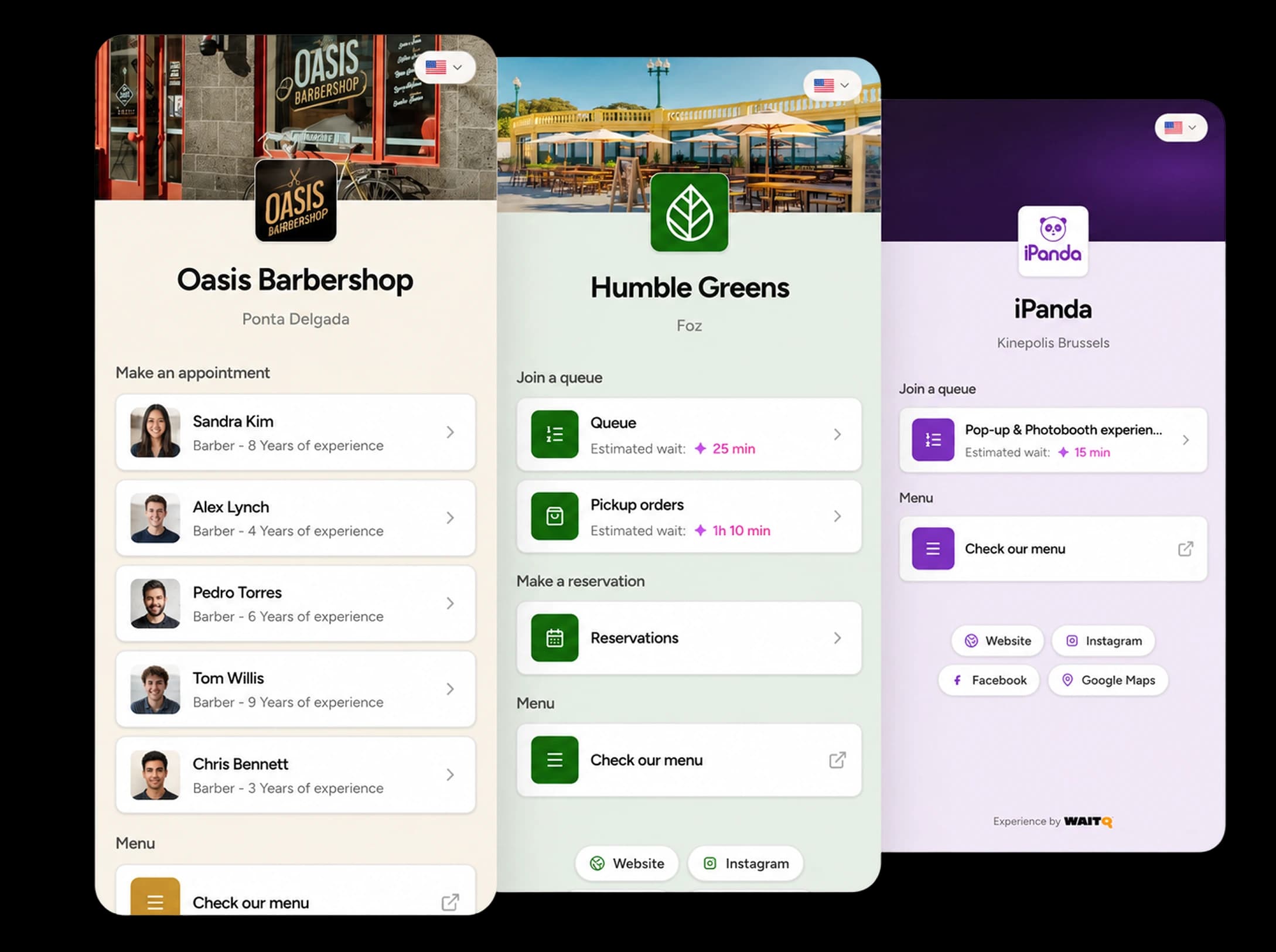
Your logo, colors, and check-in form, branded the moment a customer scans in.

Fully on-brand experience

Flat multi-location pricing

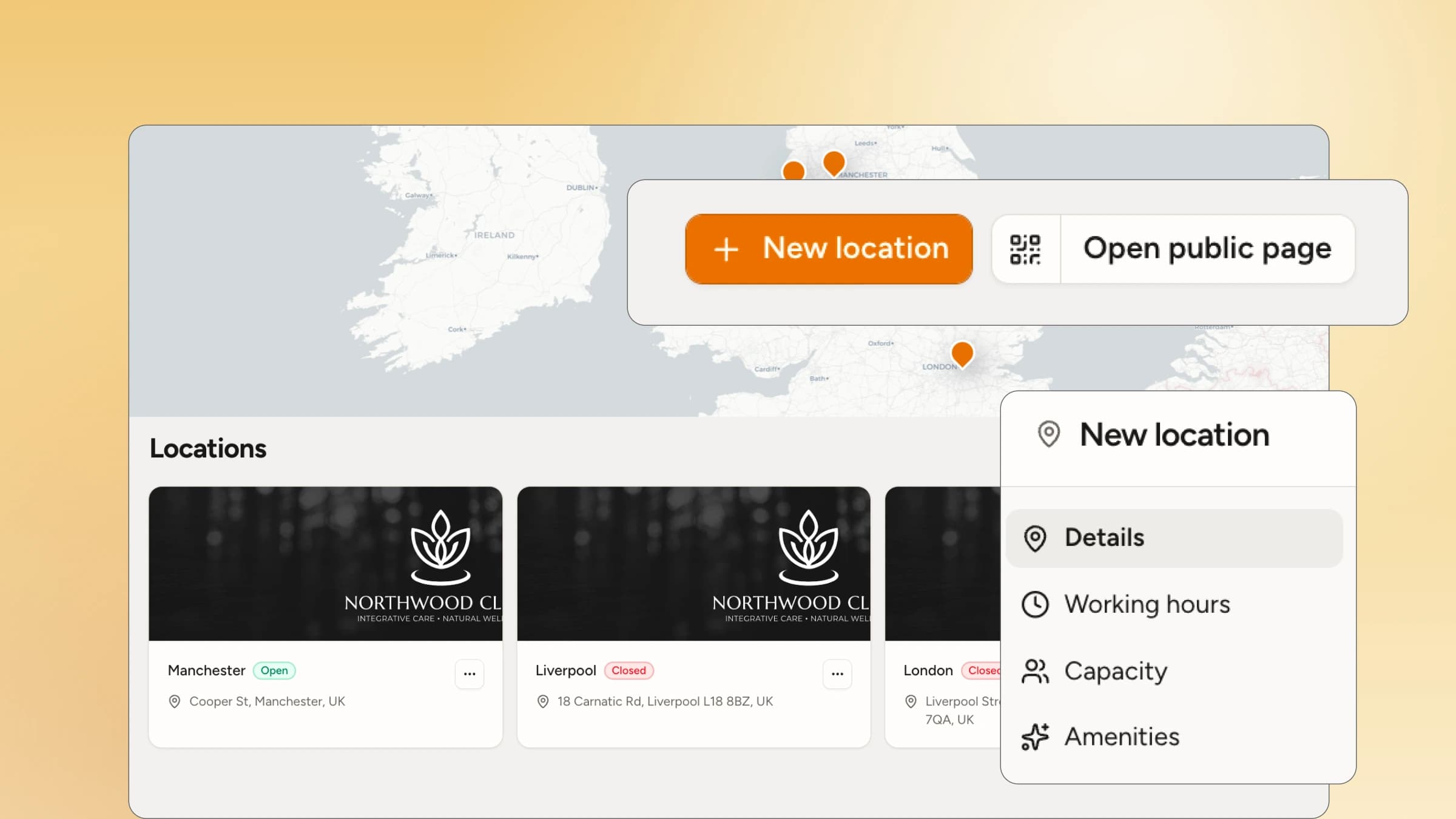
Add locations at a published rate, no guesswork.

Flat multi-location pricing

Guest lists

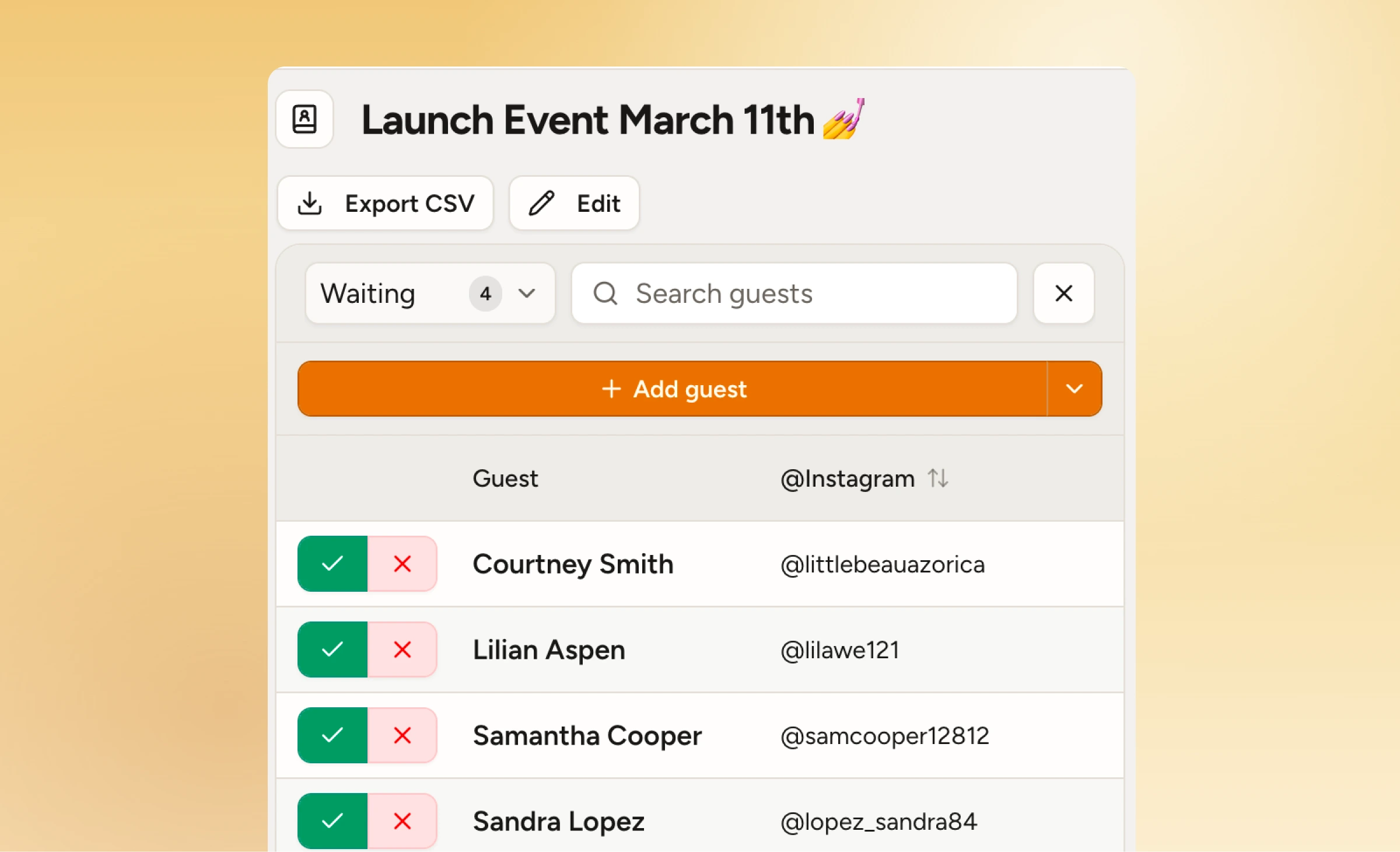
Access to guest lists to welcome special guests at special events and workshops.

Guest lists

Valuable wait data

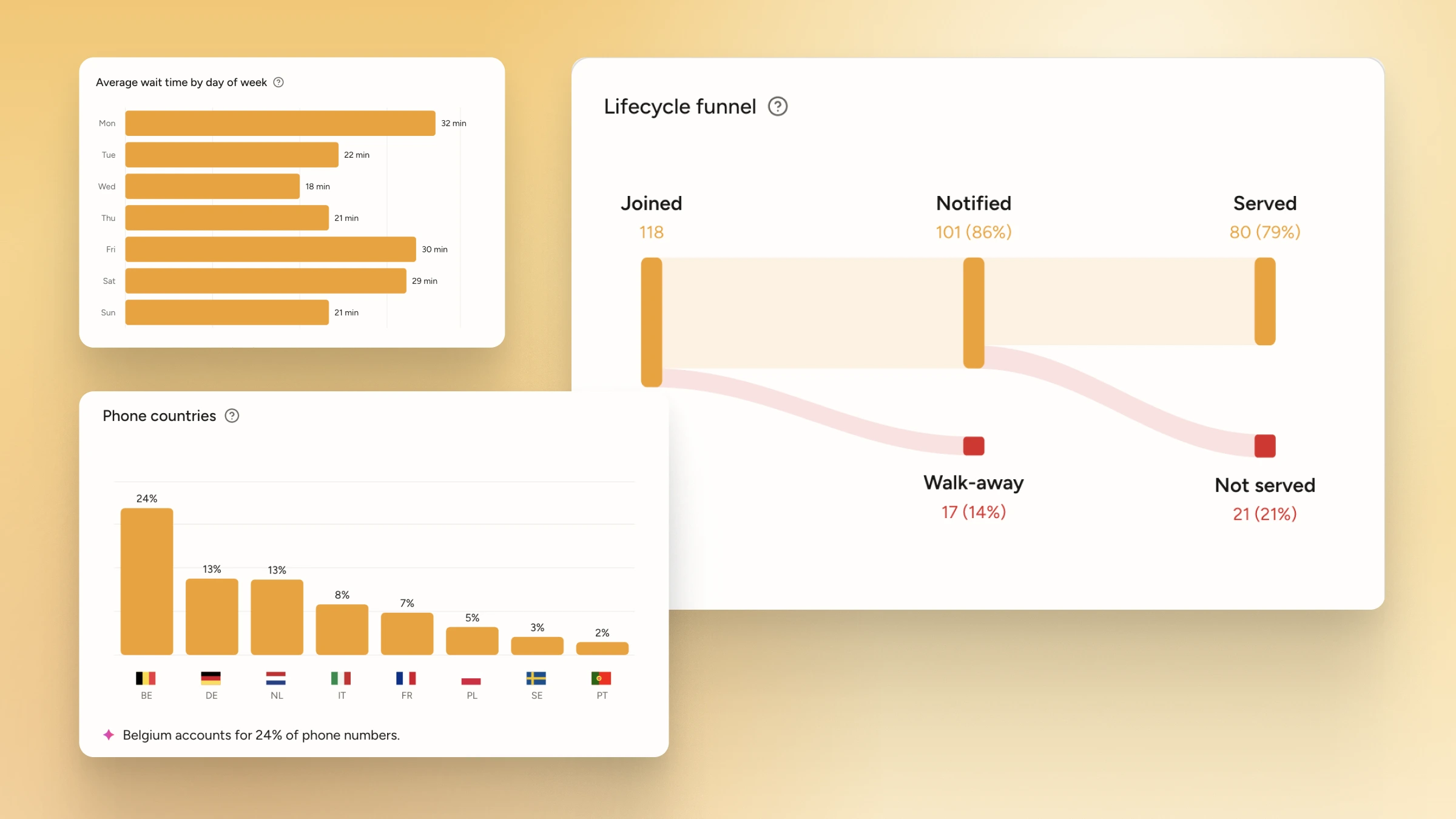
Real-time insights improve service and historical data informs long-term operations.

Valuable wait data

How do you switch from OneWayQueue to WaitQ?

Switching from OneWayQueue to WaitQ takes about an afternoon: set up your business, brand your check-in page, then run both tools side by side for one busy day before you move over.

  1. Start a free trial and add your business.Sign up for a 7-day trial with no card, then add your location and opening hours.
  2. Set up your queue, reservations and notifications.Choose how customers get called, and brand your check-in page with your logo and colors.
  3. Share your QR code and open the display.Print the QR code for the door and open the queue display on any screen with a browser.
  4. Run both for one busy day, then switch.Keep OneWayQueue running for one day while your team gets used to WaitQ, then point customers to WaitQ only.

Choose the plan that fits your operation

Start a 7-day free trial today. No credit card required.

Annual saves up to 23%

Starter

For small businesses looking to optimize their operation

$27/month billed annually
  • 1 business location
  • Unlimited waitlists
  • Unlimited reservations
  • Unlimited customer visits
  • 5 staff accounts
  • Unlimited email notifications
  • 100 SMS/WhatsApp credits included
  • 30 days Analytics & customer history
  • QR code self check-in & kiosk
Start a 7-day trial for free

Grow

Recommended

For busier businesses that need more capacity and fewer headaches

$49/month billed annually
  • 2 business locations included
  • Unlimited waitlists
  • Unlimited reservations
  • Unlimited customer visits
  • 20 staff accounts
  • Unlimited email notifications
  • 400 SMS/WhatsApp credits included
  • 60 days Analytics & customer history
  • QR code self check-in & kiosk
  • Floor plans
Start a 7-day trial for free

Business

For multi-location operators looking to run their business efficiently

$119/month billed annually
  • 5 business locations included
  • Unlimited waitlists
  • Unlimited reservations
  • Unlimited customer visits
  • Unlimited staff accounts
  • Unlimited email notifications
  • 1000 SMS/WhatsApp credits included
  • 90 days Analytics & customer history
  • QR code self check-in & kiosk
  • Priority support
  • Floor plans
Start a 7-day trial for free

Frequently asked questions

What is the best OneWayQueue alternative for businesses in Singapore?

WaitQ is the most direct OneWayQueue alternative for busy businesses in Singapore. It covers the same digital queue with QR check-in, and adds reservations, SMS, push and email notifications and a queue display that runs on any screen.

Is WaitQ cheaper than OneWayQueue?

Yes, for most businesses. WaitQ starts at $27/month billed annually with queues and reservations included, while OneWayQueue's standard plan is RM300/month, billed quarterly, plus RM200/month for reservations.

Does OneWayQueue send SMS or email notifications?

No. OneWayQueue notifies customers through WhatsApp only. WaitQ includes push notifications, SMS, WhatsApp and email on every plan.

Do customers need to download an app to join the queue?

No. Customers scan a QR code and join from the browser on their phone, with no app to download.

Does OneWayQueue need special hardware?

Yes, for its queue display. OneWayQueue's display needs a smart TV connected over HDMI, while WaitQ's queue display runs on any screen with a browser.

Can I switch from OneWayQueue to WaitQ easily?

Yes. Most businesses set up WaitQ in an afternoon: add your location, brand your check-in page, print your QR code and you're live.

For busy businesses

Smarter queue management starts here

Let customers join from their phone, wait wherever they like and come back when it's their turn. Unlimited visits on every plan.

Start WaitQ for free

Free 7-day trial · No credit card required

WaitQ

About the author

Bruno B.LinkedIn

Bruno is one of the co-founders of WaitQ, currently the Marketing & Growth Lead. He has spent over a decade leading marketing strategies for SaaS companies across Europe, the US, and Asia.