

Introduction
Every minute a customer spends standing in an unmanaged line is a minute they're thinking about leaving. 73% of customers will abandon a service if they wait more than 5 minutes with no visibility on when they'll be served. For restaurants, salons, hotels, and retail businesses, this is not just a customer experience problem: it's a revenue problem as well.
A queue management system fixes the root cause. Instead of asking customers to stand and guess, it gives them a position, a wait estimate, and a notification when it's their turn. They can sit at the bar, wait outside, or browse the shop floor. The queue keeps moving whether they're watching it or not.
What is a queue management system?
A queue management system is software (sometimes combined with hardware) that organises, tracks, and moves a queue of waiting customers without requiring them to stand in a physical line. Customers check in digitally, receive a position in the queue, and get notified when it's their turn via SMS, WhatsApp, or email.
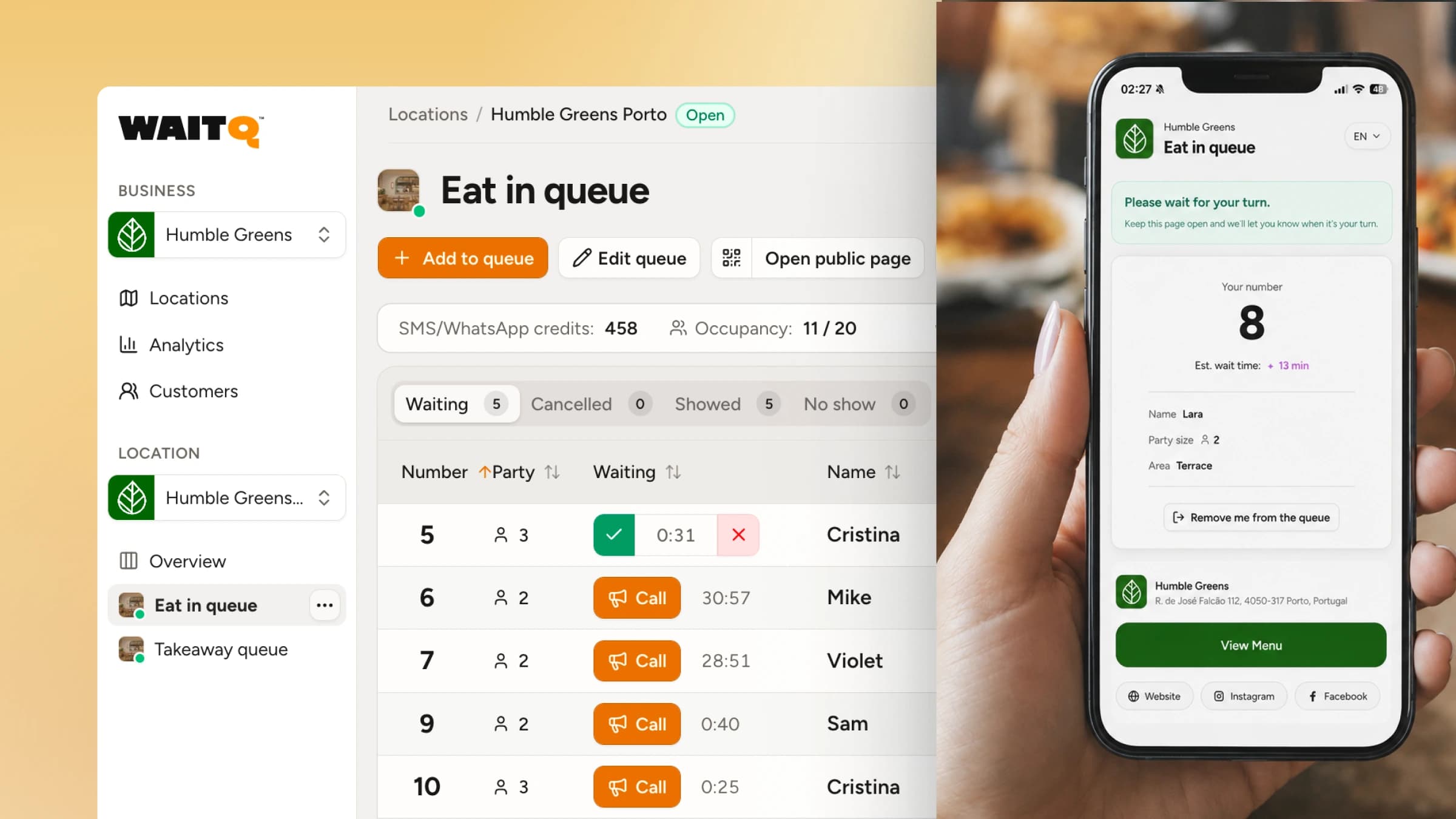
The customer-facing flow works like this: someone arrives, scans a QR code or checks in at a kiosk, and instantly holds a position in the queue. The system tracks where they are in the line, shows them a live wait estimate, and sends a notification when it's their turn. They can wait anywhere, not just at the door.
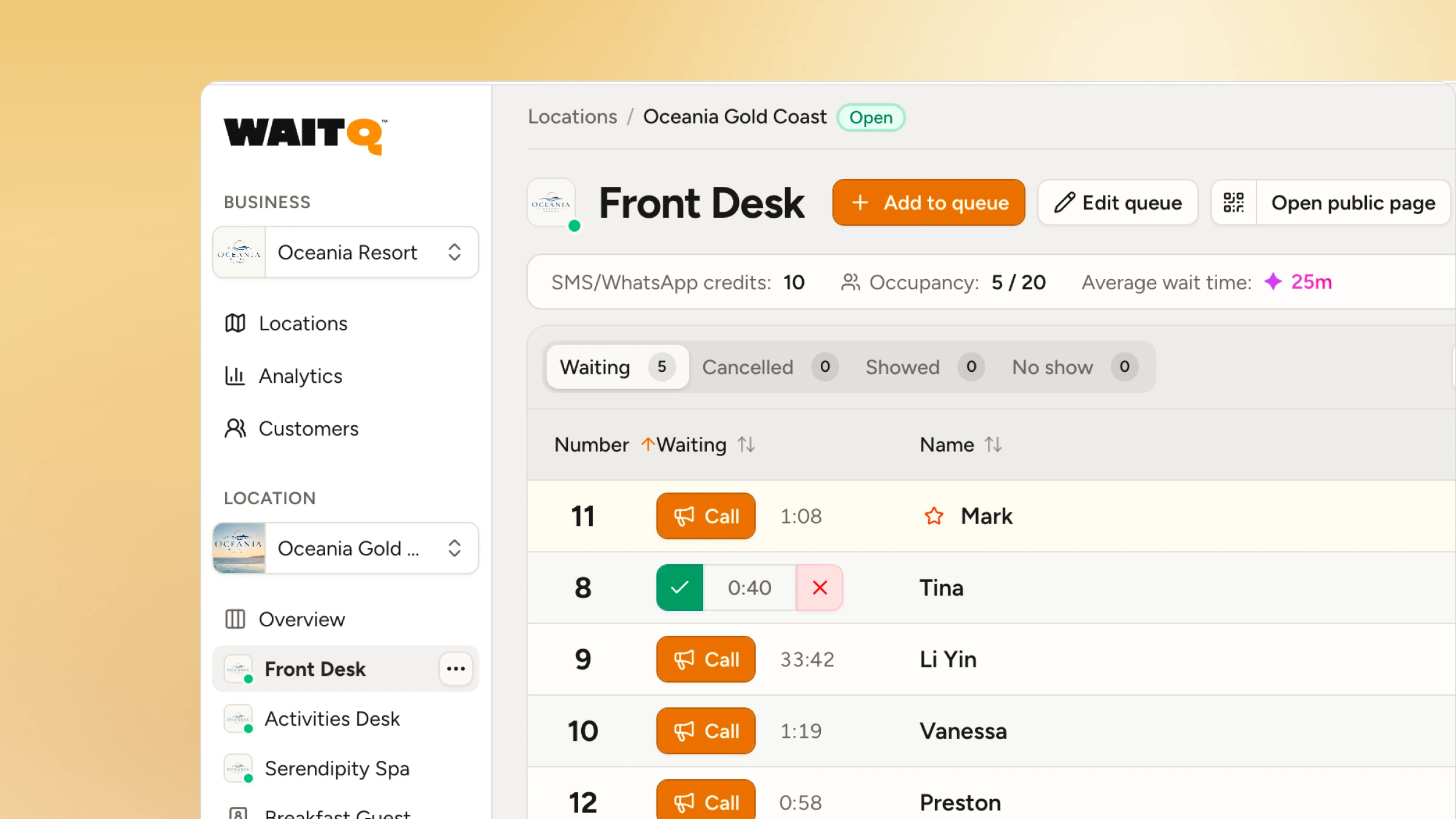
On the staff side, a live dashboard shows who's in the queue, how long each person has waited, and who to call next. No clipboard, no guessing, no shouting names across a waiting room.
Why unmanaged queues cost more than you think
Most businesses underestimate what a disorganised queue actually costs. Walk-aways are the most direct loss: customers who leave before being served rarely come back. A 5-minute reduction in average wait time correlates with a 10% increase in repeat visit likelihood. In other words, long unmanaged waits actively erode your returning customer base.
The numbers compound quickly. A mid-sized restaurant serving 200 walk-in covers per week with a 10% walkaway rate loses 20 covers. At an average spend of $40 per head, that's $800 in weekly lost revenue, or over $40,000 annually.
Beyond revenue, unmanaged queues damage perception. 73% of customers equate long wait times with poor service quality, regardless of how good the actual service is. And negative wait experiences generate disproportionate online review activity compared to positive ones, meaning the reputational damage compounds long after the visit.
A queue management system doesn't eliminate wait time. It makes the wait tolerable by giving customers certainty. They know their position, they know roughly when they'll be called, and they don't have to stand there to hold their place.
How much are walk-aways actually costing you?
See how much revenue your business could be recovering right now.
The 4 types of queue management systems
Not every system suits every business. Here's how the four main types compare.
| Type | Best for | Typical cost | Setup time |
| Physical (ropes, signs) | Very low foot traffic | £50–£500 one-time | Same day |
| Hardware kiosks | Banks, hospitals, government | £2,000–£10,000+ per location | 2–4 weeks |
| App-based software | Repeat customer bases | £100–£500/month | 1–2 weeks |
| QR code / web-based | Restaurants, salons, hotels, events, retail | £0–£200/month | Under 5 minutes |
1. Physical queue management
Stanchions, ropes, take-a-number dispensers, and "please wait here" signs. No software involved.
- Works for: very small businesses with predictable, low-volume foot traffic.
- Limitations: no wait time visibility, no notifications, no data, and customers must stand in line for the duration.
2. Hardware-based kiosk systems
Customers check in at a touchscreen terminal, receive a number, and wait while a display screen calls them forward. Common in banks, government offices, and large hospitals.
- Works for: high-volume fixed-service environments with IT staff to manage hardware.
- Limitations: expensive to install and maintain, customers remain on-site, and setup typically takes weeks.
3. App-based systems
Customers download a dedicated mobile app to join the queue, view their position, and receive notifications.
- Works for: businesses with loyal, repeat customers willing to install an app (gyms, membership-based services).
- Limitations: Research consistently shows that the majority of customers won't download an app for a one-time visit. This creates a two-tier experience: app users get the fast lane, everyone else gets the clipboard. For walk-in businesses, app-based systems are almost always the wrong choice.
4. QR code / web-based virtual queue systems
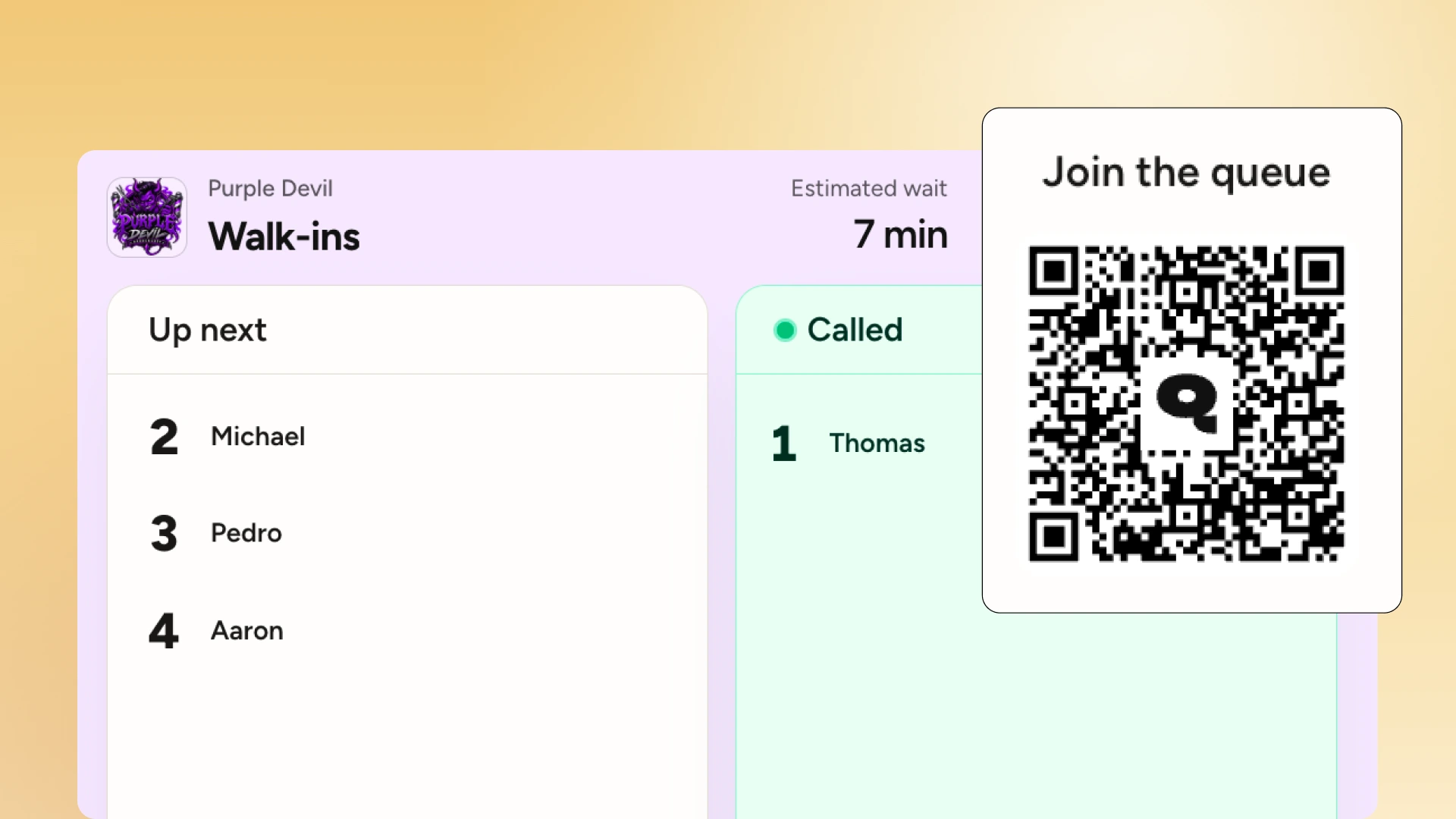
Customers scan a QR code with their phone camera, no app download needed, and join a virtual queue through a mobile web page. Notifications arrive via SMS, WhatsApp, or email when it's their turn.
- Works for: restaurants, salons, barbershops, hotels, events, retail: any business where customers visit occasionally or for the first time.
- Why it wins: zero friction for the customer, no hardware to purchase or maintain, works on any smartphone, and typically the lowest monthly cost.
How to pick the right system for your business
The right system depends on two questions: how often do your customers return, and how tech-savvy is your team?
Choose QR code / web-based if:
- You serve walk-in customers, not just pre-booked appointments
- You want to go live today, not in four weeks
- Budget is a real constraint
Choose a hardware/kiosk system if:
- You're a bank, large hospital, or government-facing service
- You need physical ticket dispensers at fixed service counters
- You have dedicated IT staff to manage and maintain hardware
- Budget is not the primary constraint
Choose app-based if:
- You have a strong repeat customer base that you're able to translate to an existing loyalty or membership app
- You already have a customer-facing mobile product
For most small and medium walk-in businesses (restaurants, salons, hotels, retail stores, events), a QR-based virtual system offers the best balance of cost, setup speed, and customer experience.
Key features to look for
Once you've chosen the type, here's what separates a solid system from one you'll regret.
Must-have for any business:
- Real-time queue dashboard, accessible from any device
- Customer notifications via SMS, WhatsApp, or email
- Wait time estimates shown to customers
- Basic analytics: metrics such as average wait time, peak hours, no-show rate
Important as you scale:
- Multi-location support with a single dashboard
- Staff accounts with role-based permissions
- Custom branding on the customer-facing interface
- Unlimited customer visits (watch for per-visit caps on cheaper plans)
Nice-to-have for larger operations:
- Appointment scheduling alongside walk-in queue management
- Post-service feedback collection
- API access for custom integrations
- Advanced analytics and forecasting
One thing to check before committing to any plan: whether notifications are included at a flat rate or charged per message. Look for plans with a fixed notification allowance or flat-rate pricing.
How queue management works by industry
The same core technology adapts differently depending on how your business runs.
Restaurants and cafes
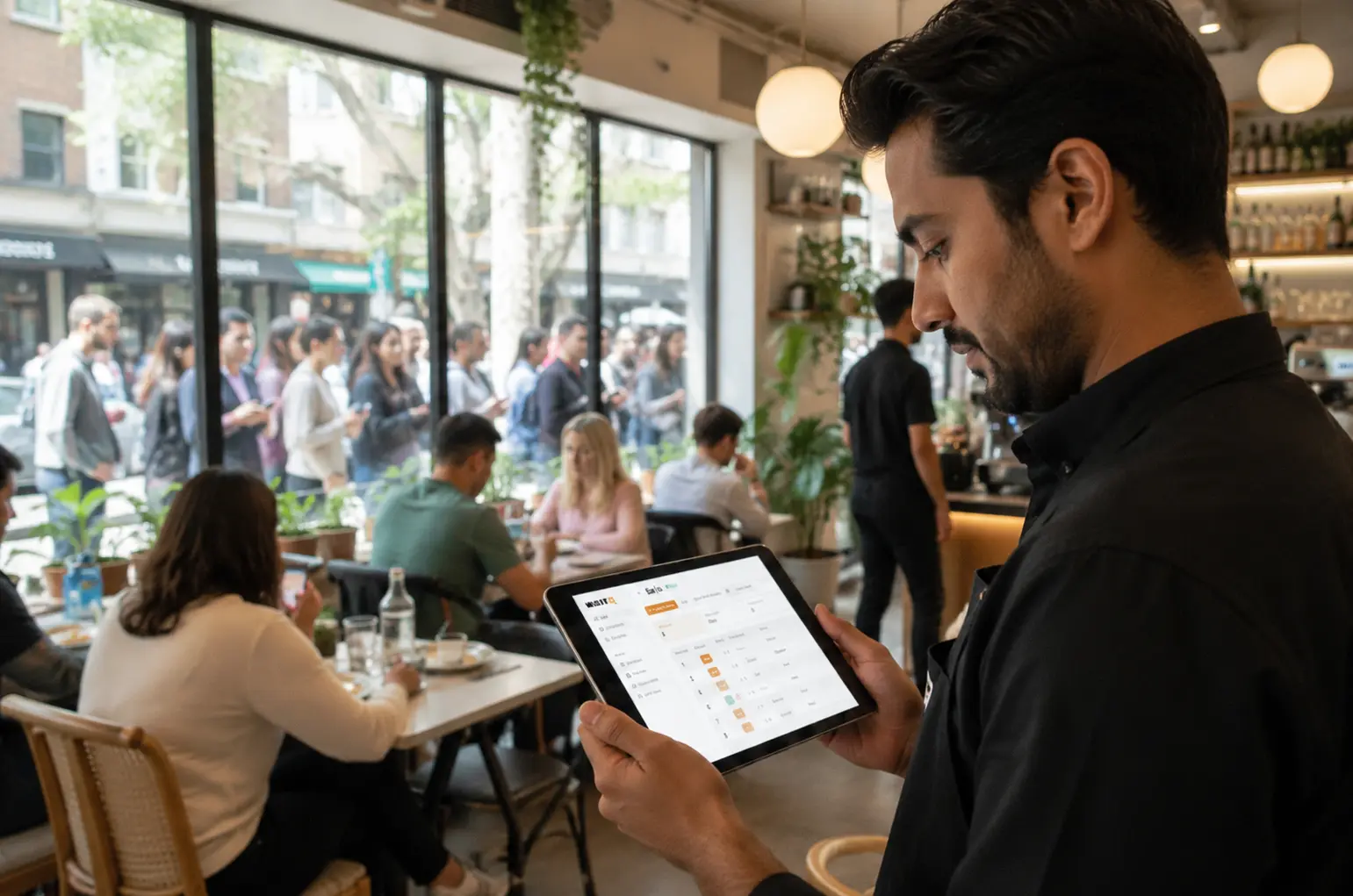
The most common use case. Replace the host stand clipboard with a QR code at the entrance. Guests scan, join the waitlist, and receive an SMS when their table is ready. They wait at the bar, outside, or down the street. Result: fewer walk-aways, bar revenue during waits, and a calmer front-of-house. Toast data shows restaurant guests on a waitlist wait around 20 minutes on average, which is a long time to stand at a door with no certainty.
Hair salons and barbershops
Walk-in management is the biggest operational headache for hair salons and barbershops. A QR code on the door or window lets walk-in clients join the queue without entering a packed shop. They get a notification when the chair is free. No more "how long is the wait?" phone calls disrupting the stylist mid-cut.
Hotels
Guests check in via QR code from the car or curb instead of queuing at a crowded front desk, then get a text or WhatsApp message once their room is ready. Hotel queue management matters most during peak check-in windows and group arrivals, when front-desk lines build fastest and a calm arrival experience sets the tone for the whole stay.
Events and brand activations
Managing foot traffic at events, food trucks, merch booths, or brand activations. QR codes scale to any crowd size without additional hardware. Real-time capacity tracking prevents bottlenecks and helps staff redistribute to high-demand points.
Retail
Retail queue management applies to fitting rooms, service desks, or click-and-collect counters. Customers who can leave the physical queue and browse freely tend to spend more, linking virtual queuing to increased in-store dwell time and higher basket values.
How much does a queue management system cost?
The cost of queue management systems range from a one-time small fee for physical signs to over $10,000 per location for hardware kiosks.
For most small businesses, a QR code-based system with text or WhatsApp notifications costs anywhere between $15 and $200 per month.
- Physical systems (ropes, signs, ticket dispensers): $50–$500 as a one-time purchase, no ongoing fees.
- Hardware kiosk systems: $2,000–$10,000 or more per location for hardware, plus monthly software fees and ongoing maintenance costs.
- App-based systems: typically $100–$500 per month, with setup fees and sometimes per-notification charges layered on top.
- QR code / web-based systems: paid plans typically starting between $15–$200 per month depending on the number of locations, staff accounts, and notification volume. Look for options that include at least a flat notification allowance, especially if you run a high-volume operation.
These systems are due to pay for its investment quickly, sometimes in a matter of days. Calculate how much walk-aways can cost your business and see the potential ROI of WaitQ here.
How WaitQ handles your queue
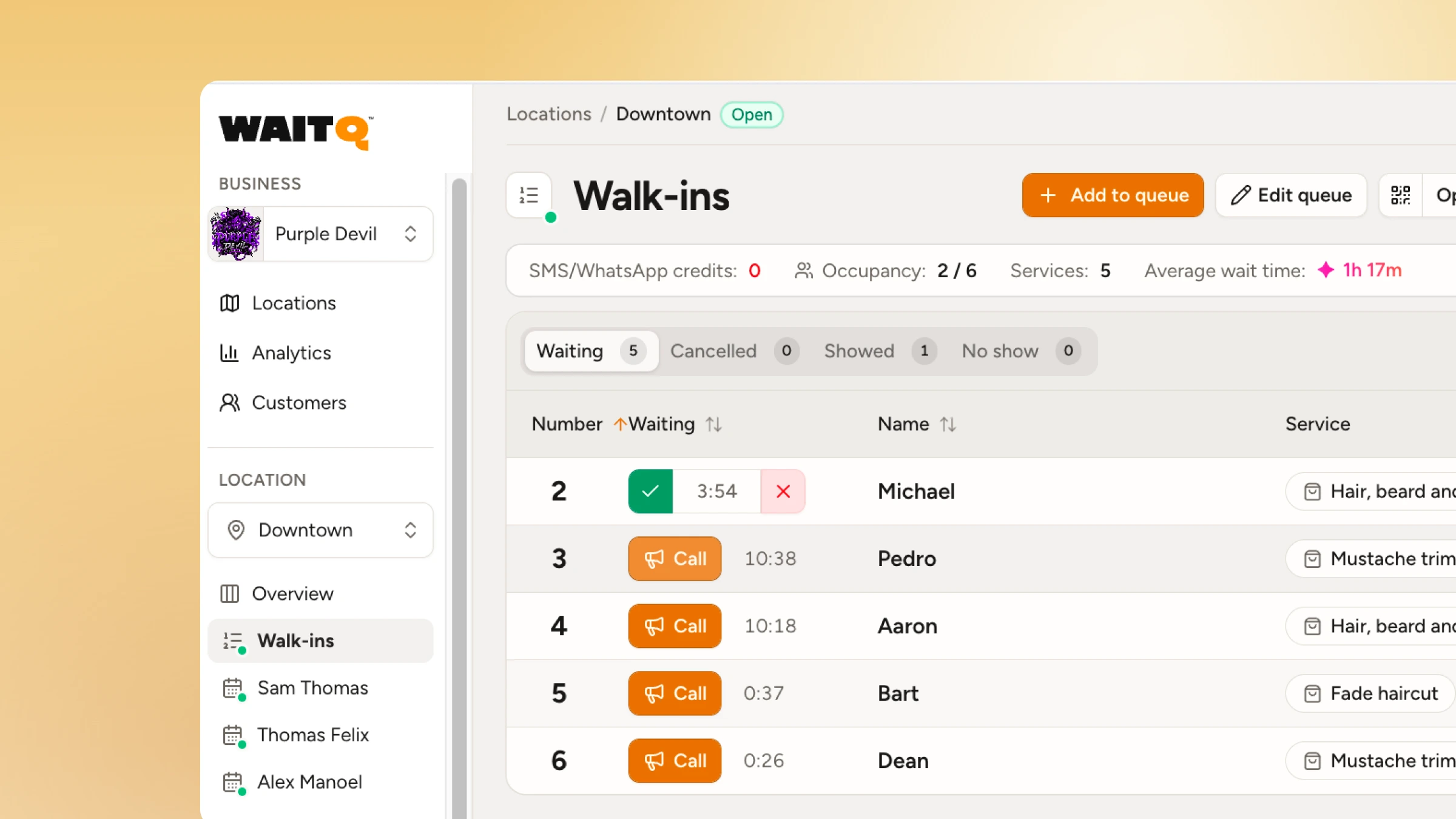
WaitQ is a web-based queue management system built for walk-in businesses: restaurants, salons, barbershops, hotels, and events. Customers join the queue by scanning a QR code, no app download needed. They see their live position and get notified via SMS, WhatsApp, or email when it's their turn.
Both WaitQ plans include unlimited queues, bookings and customer visits, which means no per-visit caps or surprise overage charges as your volume grows. Multi-location management, staff accounts, and a real-time analytics dashboard come built-in.
If you're running a restaurant, salon, barbershop, hotel, retail shop, or an event operation, WaitQ is worth starting with. Setup takes under 5 minutes.
Conclusion
A queue management system turns an invisible problem (customers walking away because the wait feels unmanageable) into a solved one. The right type depends on your business model, but for most walk-in businesses, a QR code-based virtual system is the clear answer: low cost, fast setup, and zero friction for the customer.
The most important thing to check before choosing a platform is how notifications are priced and whether visit volume is capped. Both factors hit harder than the base plan price as you grow.
