

Paper list versus digital waitlist: when to switch?
A paper waitlist works until a busy shift, a lost clipboard, or an unanswered "how much longer" breaks it. Here's how paper and digital waitlists actually compare, and 6 signs paper is already costing you customers.

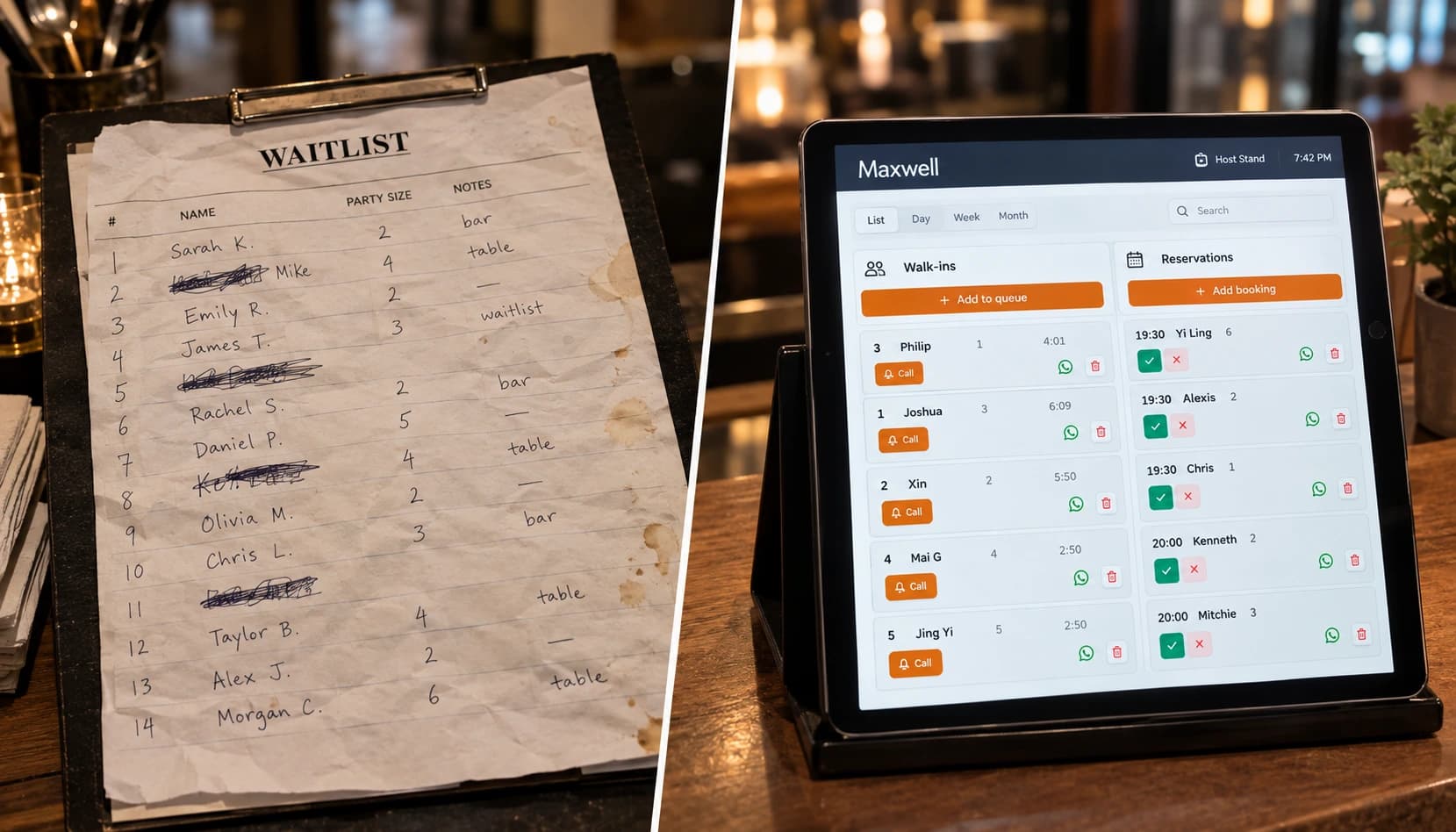
Paper vs digital waitlist: side-by-side comparison
| Paper list | Digital waitlist | |
| Cost | Free, just a notepad and a pen | Roughly $20 to $200+/month for most small businesses, depending on the provider, features, and number of locations. Enterprise systems can run higher |
| Dependency | Works with no wifi, power, or software | Needs a working device and an internet connection |
| Customer wait visibility | None, unless someone walks over and asks | Usually a live position customers can check from their own phone |
| Notifications when it's their turn | Shouting a name across a room | Automated alert, most commonly text, WhatsApp, or email depending on the provider |
| Check-in method | Handwritten, one entry at a time | Often self check-in (QR code or similar), though some tools still rely on staff entry |
| Accuracy under pressure | Degrades fast at peak hours; crossed-out names, guessed order | Timestamped automatically, so order is harder to dispute |
| Reporting and history | None; yesterday's wait times are gone | Most providers keep a history you can review later |
| Multi-location consistency | A different list per site, no shared view | Usually one shared view across locations, depending on the plan |
| Privacy of customer information | Visible to anyone standing nearby, but it never leaves the building | Not visible to other customers, but it's stored with a third-party provider |
| Recovery if the list is lost or damaged | Starts over from memory | Nothing to lose, assuming the provider keeps backups |
Let's face it, paper-based waitlists still win on two things: independence and price. It costs virtually nothing to run, and it doesn't care whether the wifi is down, a device is dead, or the company behind a digital tool is still around next year.
However, once the business grows and staff are spending a significant amount of time managing the list by hand, those advantages get outweighed by what paper can't do: show a customer where they stand, or reach them the moment it's their turn. Whether that trade is worth making usually comes down to how much that daily uncertainty is already costing the business, whatever its size.
What does the data say?
A digital waitlist earns the switch when it does what paper structurally can't: show customers a live position, notify them the moment it's their turn on a channel they actually check, and keep a record staff can learn from.
The wait-time data across restaurants and walk-in businesses tells a consistent story: businesses that show customers where they stand see fewer walk-aways and shorter perceived waits, even when the actual wait doesn't change. The industry is already moving in that direction: 53% of restaurant operators prioritized investment in point-of-sale and operational technology last year and queue management is part of that same shift. Counted together, recovered walk-away revenue and staff time saved usually pay back the switch within the first few months.
6 signs your paper queue is hurting your business
1. Staff spend more time managing the list than serving customers
Every "how much longer" question pulls someone away from the floor. On a paper system, that question can only be answered by walking over, checking the sheet, and guessing. Multiply that interruption by every person waiting and a slow night gets even slower.
2. You have no idea how many customers you're losing
A paper list only tracks who showed up, not who gave up. Customers who get tired of waiting and leave rarely tell anyone; they just don't come back. American Express found that 62% of U.S. consumers have left a store without buying anything after waiting too long, and a third haven't returned to a store at all after a bad wait.
Without a system that logs abandonment, that leak stays invisible, which is exactly the gap a queue management system is built to surface: put in an average wait, walk-away rate, and ticket size, and the lost revenue stops being a guess.
See what your queue is costing you
Estimate the walk-away revenue you lose when customers give up and leave.
3. Customers get frustrated even when the wait itself is reasonable
How long a wait feels usually has less to do with the clock and more with whether the customer knows what's coming. Research on the psychology of waiting found that uncertainty about wait length causes more frustration than the wait itself, and that people tolerate much longer waits when someone keeps them updated. A paper list has no mechanism to do that: it tells a customer nothing about where they stand or how much longer they'll be there.
4. Personal information sits in plain view
A sign-in sheet on a counter is readable by every person who walks past it. Even in healthcare, where privacy rules are strictest, federal HIPAA guidance permits sign-in sheets that stick to the minimum necessary information, typically just a name, not the reason for the visit or anything beyond it. Most paper lists at salons, clinics, and walk-in retail counters were never designed with that constraint in mind, and it shows the moment a customer glances at who else has checked in that day.
5. Peak hours turn into guesswork
A quiet afternoon is no test for a paper system; a packed Saturday is. Names get crossed out, order gets disputed, and a coffee-stained or misplaced page means starting over from memory. The system that worked fine an hour ago becomes the reason service slows down exactly when it matters most.
6. You can't see what happened yesterday, let alone last month
A paper list disappears at the end of the shift. There's no record of how long people actually waited, which hours ran over capacity, or whether last week's changes made things better or worse.
Decisions about staffing and scheduling end up based on impression instead of actual data insights, because the data was never kept in the first place.
How to switch to a digital waitlist
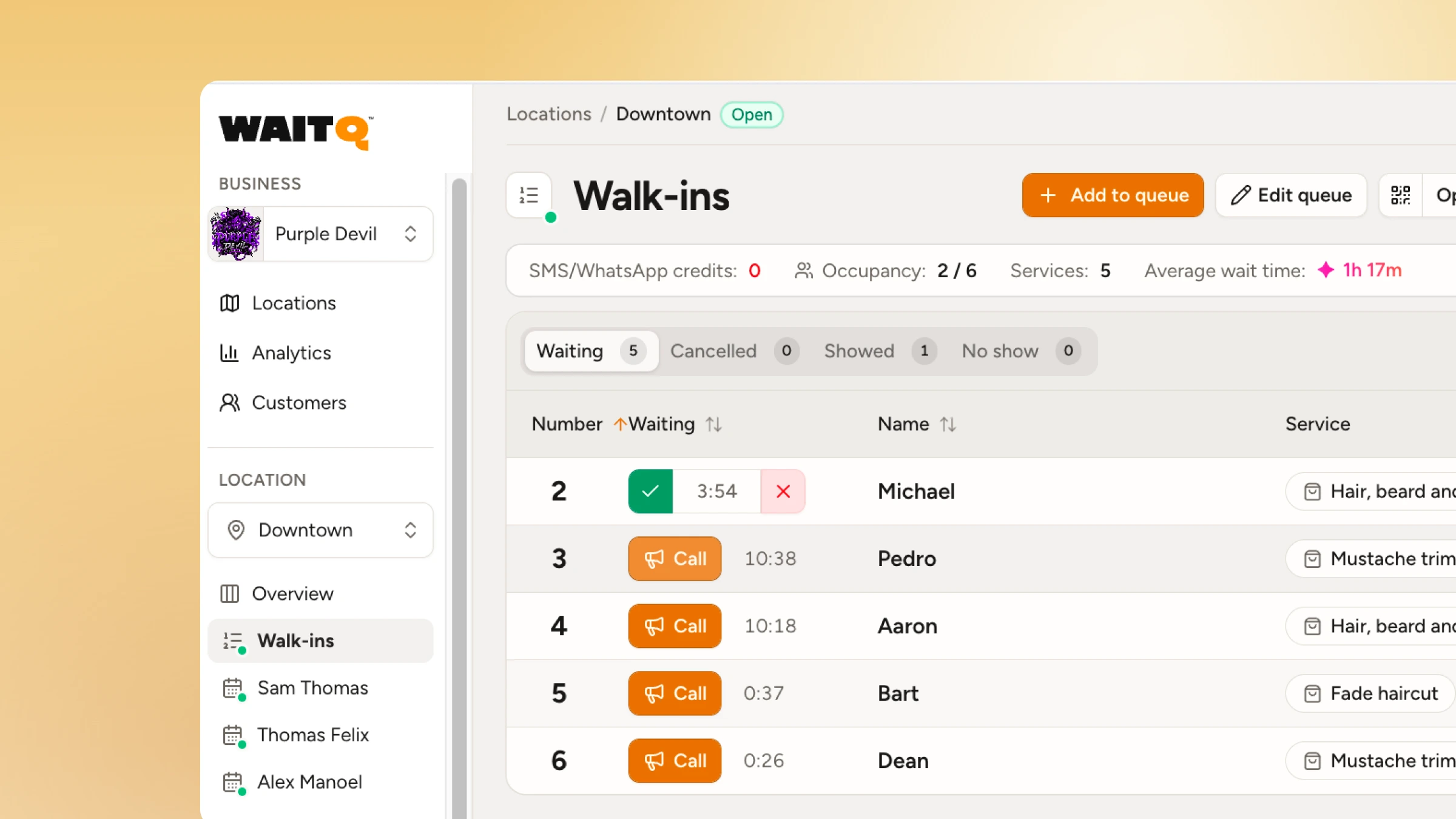
Moving off paper doesn't need a full weekend shutdown or a big rollout plan. Most businesses phase it in a few days, alongside normal service.
- Set up check-in first. Get self check-in live at the entrance before touching anything else, and confirm staff can see the queue update the moment someone joins.
- Brief staff on what to do when something breaks. A phone dies. A customer doesn't own a smartphone. Wifi drops for a minute. Agree on a fallback before any of that happens live, not during it.
- Run it next to paper for one shift. Keep the clipboard as a backup on day one and compare the two side by side. Most teams stop reaching for paper within a few hours once check-in gets faster.
- Turn on notifications before the first busy period. Decide which channel customers will actually check and send a test message to a real phone before relying on it during service.
- Review the first week's data. Look at how long people actually waited, when the queue peaked, and where customers dropped off, then adjust staffing or check-in placement based on what the numbers show rather than a hunch.
- Retire paper once the team trusts the new flow. Most businesses hang onto it for a week or two out of habit more than necessity. Once nobody reaches for it anymore, it's safe to put away.
Start with WaitQ
WaitQ replaces the clipboard with a queue customers can check from their own phone and staff can run from any device they already own. Supports appointment bookings and guest lists as well. Every plan includes unlimited guest visits, waitlists which means pricing stays flat no matter how busy a shift gets. Try it free for 7 days and see how it holds up against your next rush.
Frequently Asked Questions
Is a paper waitlist bad for business?
Not automatically, but it stops scaling the moment more than a few people are waiting at once. It has no way to notify customers remotely, no record of abandonment or wait times, and no protection for customer privacy, all of which cost a business more the busier it gets.
What's better than a paper sign-in sheet?
A digital waitlist that lets customers check in by QR code, see their live position from their own phone, and get notified by SMS or WhatsApp when it's their turn, without needing to hover near the entrance or ask staff for updates.
Do digital waitlists actually reduce walk-aways?
Giving customers visibility into their wait reduces the uncertainty that drives frustration and early departures. Businesses that switch to a live, visible queue consistently report fewer no-shows and fewer customers leaving before being served.
Can I run a digital waitlist without buying new hardware?
Yes. A browser-based system works on any phone, tablet, or existing device, so there's no proprietary kiosk or terminal to buy.
