

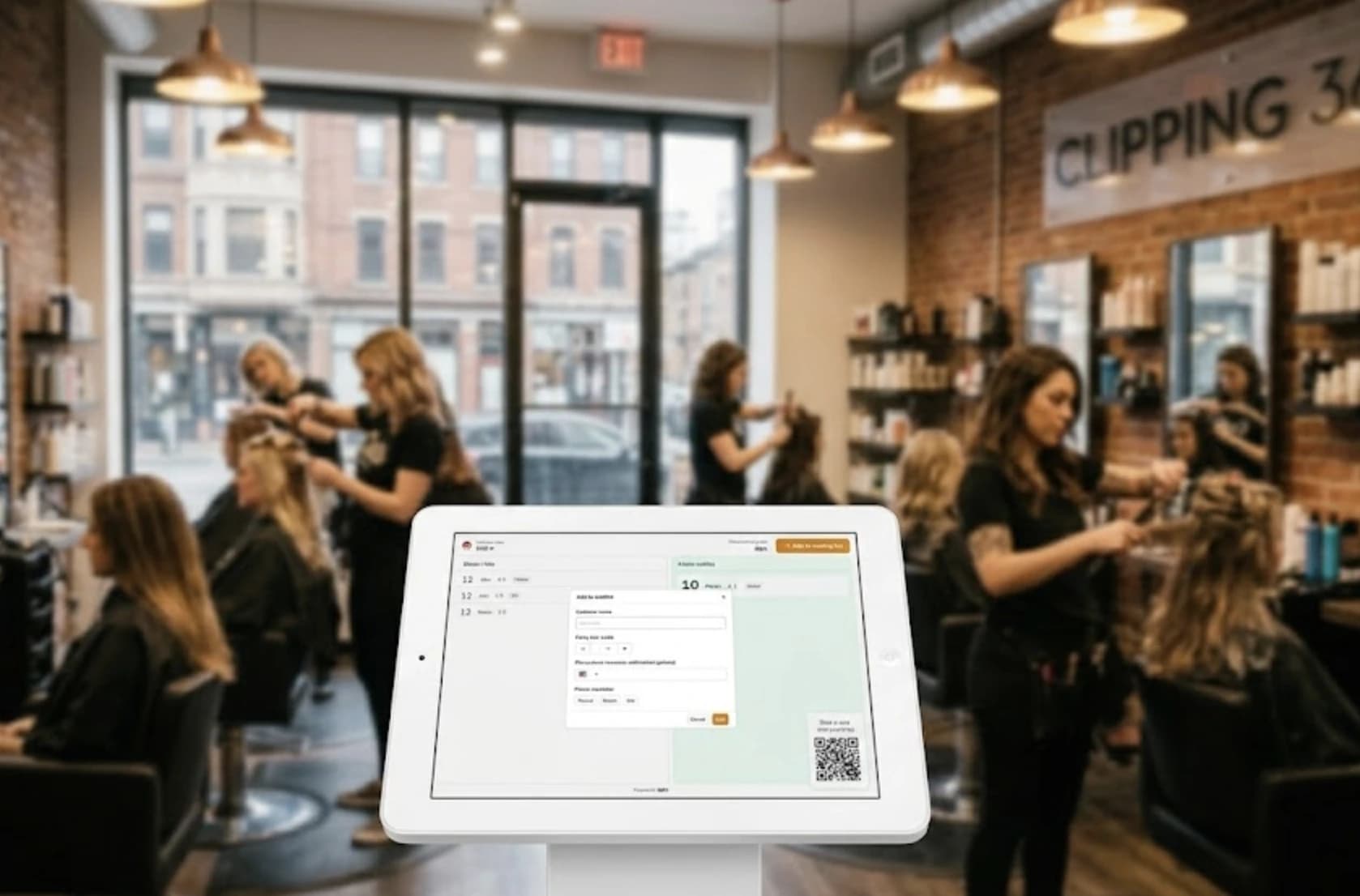
Managing walk-in traffic at a hair salon is a different problem from managing a restaurant queue or a hotel front desk. Service times vary wildly. Clients want a specific stylist. Saturdays hit differently than Tuesdays. And your team is usually too busy cutting hair to babysit a paper sign-in sheet.
A good waitlist app takes that overhead off your team's plate. Clients join the queue themselves, get a text when their turn is close, and show up at the right moment. Your stylists stay focused. The entrance stays calm.
What should a hair salon waitlist app actually do?
A hair salon waitlist app replaces the paper sign-in sheet with a real-time digital queue that clients can join from their phone, a tablet at the door, or the front desk. Once they're in the queue, they get a notification when their turn is approaching and can wait off-site instead of crowding your entrance.
The core workflow is simple: client joins, staff manages the queue, client gets notified, client arrives. Analytics, multi-stylist routing, and public display builds on top of that foundation.
The best waitlist apps for hair salons & studios, compared
| System | Starting price | Unlimited visits | Walk-in focused | Free trial |
| WaitQ | $27/mo | Yes, all plans | Yes | 7 days, no card |
| Waitwhile | $31/mo | Enterprise only | Mixed | Yes |
| GlossGenius | $24/mo | No | No (appt-first) | 14 days |
| Fresha | $19.95/mo | No | No (appt-first) | 7 days |
| Booksy | $29.99/mo | No | No (marketplace) | 14 days, no card |
| Vagaro | $30/mo | No | Mixed | 30 days |
| Boulevard | $176/mo | No | No (appt-first) | No (demo only) |
What makes salon walk-in management harder than most service businesses?
Salons have a specific set of challenges that queue tools don't handle well.
52% of salon and spa guests say wait time is the single most frustrating aspect of their visit. Service times vary more than almost any other service type. A trim takes fifteen minutes. A full color and treatment can run two hours. When your average service time spans that range, wait estimates become unreliable quickly and walk-aways increase.
On top of that, clients frequently want a specific stylist, not just whoever's free next. That's not a first-come-first-served queue problem. It's a routing problem. A tool that doesn't account for this creates friction for both the client and your team.
Walk-in volume also spikes unpredictably, usually on Saturday mornings and lunch hours, exactly when your staff has the least time to manage names at the door. A QR check-in system that lets clients add themselves to the queue removes that bottleneck entirely.
7 top waitlist apps for hair salons & studios
WaitQ
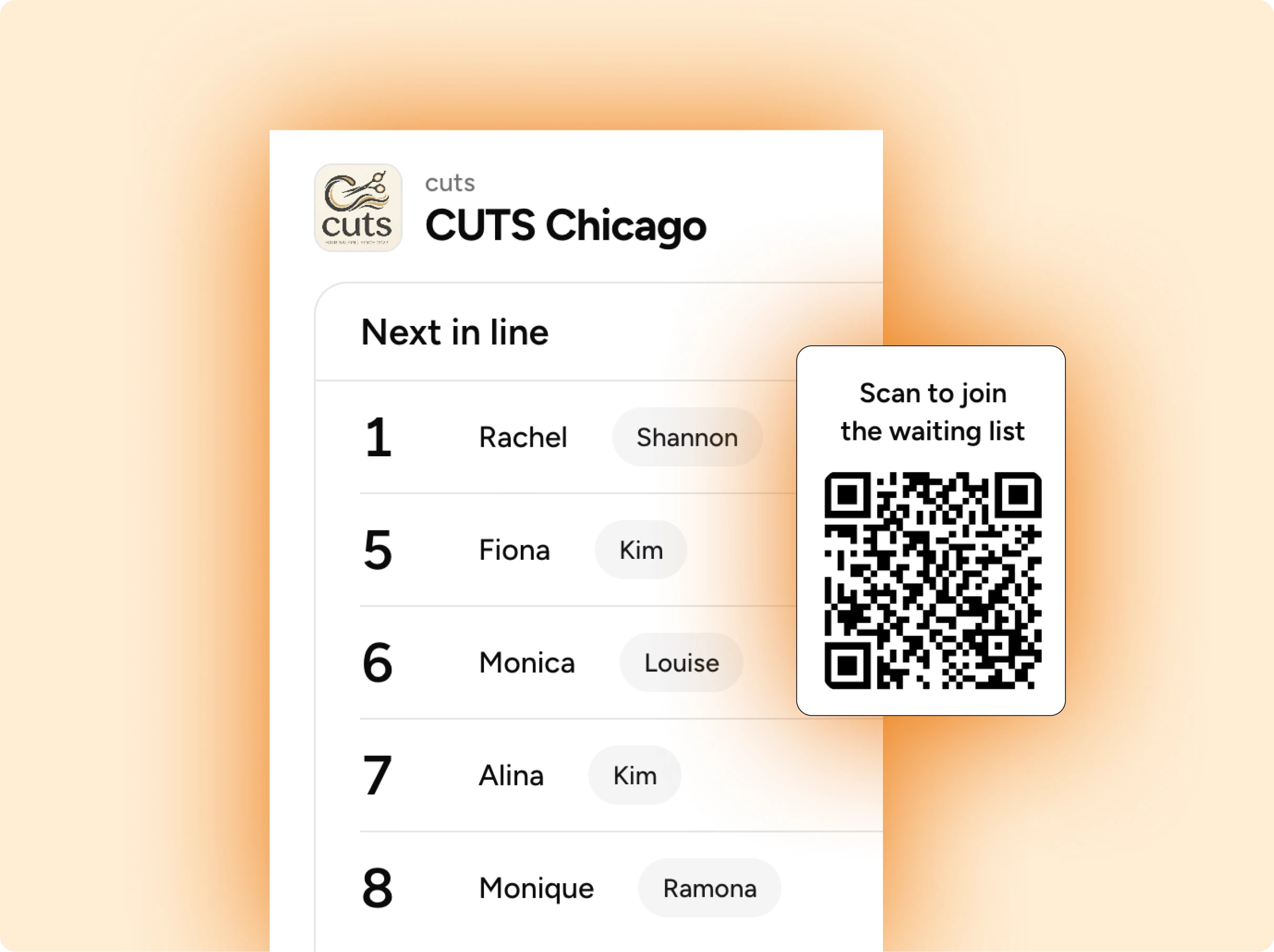
WaitQ is built specifically for walk-in focused businesses that want a simple, real-time queue without complex setup. Clients join via QR code at the door or a shared link to enter a branded check-in page. Staff trigger push notifications, text messages (SMS, WhatsApp) or email with a single tap when it's a client's turn.
WaitQ runs on devices you already own and takes under five minutes to configure.
The key differentiator on pricing: plans include unlimited client visits, so there's no cap on how many people can join each month. Busy salons won't hit a ceiling or face overage charges.
| Plan | Price (annual) | Locations | Staff | SMS/WhatsApp |
| Starter | $27/mo | 1 | 5 | 100/mo included |
| Grow | $49/mo | 2 | 20 | 400/mo included |
| Business | $119/mo | 5 | Unlimited | 1,000/mo included |
Waitwhile
Waitwhile combines waitlist management with appointment scheduling, which makes it a solid pick for salons that run both. The platform handles two-way messaging, customizable intake forms, and integrations with other business tools.
The pricing structure is visit-based: paid plans cap how many clients can join per month. The Starter plan allows up to 2,500 visits/month across all locations. The Business plan goes up to 5,000 visits/month. Salons with heavy walk-in traffic may find themselves upgrading tiers as volume grows. Unlimited visits are only available on the Enterprise plan, which is custom-priced.
| Plan | Price (from) | Visit cap |
| Free | $0 | 50/mo |
| Starter | $31/mo | 2,500/mo |
| Business | $55/mo | 5,000/mo |
| Enterprise | Custom | Unlimited |
GlossGenius
GlossGenius is an all-in-one platform built for independent beauty professionals: scheduling, payments, client management, and marketing in one place. The design is polished. Setup is fast. It's the most popular choice among solo stylists who want a single tool.
Worth noting: waitlist features are only available on the Gold plan and above. The Standard plan ($24/mo) doesn't include them.
| Plan | Price (annual) | Waitlist included |
| Standard | $24/mo | No |
| Gold | $48/mo | Yes |
| Platinum | $148/mo | Yes |
Fresha
Fresha moved away from its fully free model in 2025. It now charges a monthly subscription, plus a 20% commission on new clients who book through the Fresha marketplace. For salons that rely on organic foot traffic rather than marketplace discovery, the subscription plans are the more relevant cost to consider.
| Plan | Price |
| Individual | $19.95/mo |
| Team | $14.95/mo per staff member |
Payment processing fees (around 2.19% + $0.20) apply on top of the subscription. The marketplace commission applies to first-time clients booked via the Fresha consumer app.
Booksy
Booksy's main strength is its consumer-facing marketplace with over 35 million users. Salons get visibility to new clients who are actively searching for nearby providers. Waitlist functionality is included, but it's more of a secondary feature than a core focus.
| Plan | Price | Staff |
| Boost | $29.99/mo | 1 |
| Boost+ | $49.99/mo | 1 |
| Biz+ | $79.99+/mo | 1 |
Each additional team member costs $20/mo extra.
Vagaro
Vagaro is a full-service salon management platform covering scheduling, payroll, email marketing, inventory, and waitlist management. It's built for multi-stylist salons that want operational depth. Costs scale per bookable calendar: each additional staff member adds $10/mo.
| Staff size | Approx. monthly cost |
| 1 stylist | $30/mo |
| 3 stylists | $50/mo |
| 7+ stylists | $90/mo |
Marketing add-ons (text campaigns, forms, branded website) cost extra on top of the base subscription.
Boulevard
Boulevard targets upscale salons and spas that want a premium client experience from booking through checkout. The platform emphasizes client profiles, a polished booking interface, and detailed reporting. It's priced accordingly.
Plans start at $176/mo (Essentials), or $158/mo on an annual plan. There's no self-serve free trial; onboarding is handled through a sales demo.
Best for: Luxury salons and spas where the client experience is a core part of the brand and budget reflects that.
Features to look for in a queue app for salons & studios
Not every salon needs the same feature set. A solo stylist working by appointment has different priorities than a six-chair shop running heavy Saturday walk-in traffic. That said, there are a few features that matter for most salons.
- Unlimited customer capacity. Some waitlist apps cap how many clients can join per month and charge more as your volume grows. For a busy walk-in salon, those limits become a problem fast. Look for plans that include unlimited visits.
- Real-time notifications via SMS. Clients get a text when their turn is close. No app download required. SMS or WhatsApp notifications are the feature that most directly reduces walk-aways, because clients can wait somewhere comfortable instead of hovering near the door.
- Self QR check-in. Clients scan a code at the door or tap a tablet to add themselves to the queue. This keeps your front desk free for actual service work and cuts down on errors from handwritten names. On a packed Saturday, it can be the difference between a calm entrance and a line of people waiting just to give their name.
- Public queue display. A screen in the waiting area showing the live queue position does two things: it reduces "am I next?" questions, and it cuts perceived wait time. Research from Cornell's hospitality school found that customers who receive wait information perceive their wait as significantly shorter than those who don't. Any smart TV or spare tablet running a browser handles this. No special hardware needed.
- Simple setup with no training required. If your team can send a text, they can manage the waitlist. Apps that require a training session before they're useful often go unused after the first busy week.
- Walk-in and appointment sync. Salons mixing walk-ins with scheduled clients need a single view of who's next. Without it, you get the awkward moment where a walk-in and a 2pm appointment both show up expecting to go first.
- Analytics. Even basic reporting helps. Knowing that Saturday between 11am and 2pm is when your queue peaks is enough to make smarter staffing decisions. Waitlist analytics that track average wait times, busy hours, and walk-away patterns are worth having.
How to choose the right app for your salon
The right tool depends almost entirely on how your salon gets clients through the door.
| Business setting | Best fit | Reasoning |
| High walk-in volume, no receptionist | WaitQ | You need clients to manage themselves without staff involvement: bet on self QR check-in and a public display |
| Mix of appointments and walk-ins | WaitQ, Waitwhile, and Vagaro | WaitQ now includes bookings alongside walk-ins on every plan; Waitwhile and Vagaro also merge both into a single queue |
| Solo stylist or booth renter | GlossGenius and Fresha | An all-in-one tool that handles booking, payments |
| Multiple locations | WaitQ | Manage separate queues and analytics per site at a cost-effective rate |
One practical tip: test the client-facing experience yourself before committing. Join your own waitlist as if you were a walk-in. What clients see when they check in and wait is the part most salon owners never actually look at.
How WaitQ handles walk-in queues for hair salons
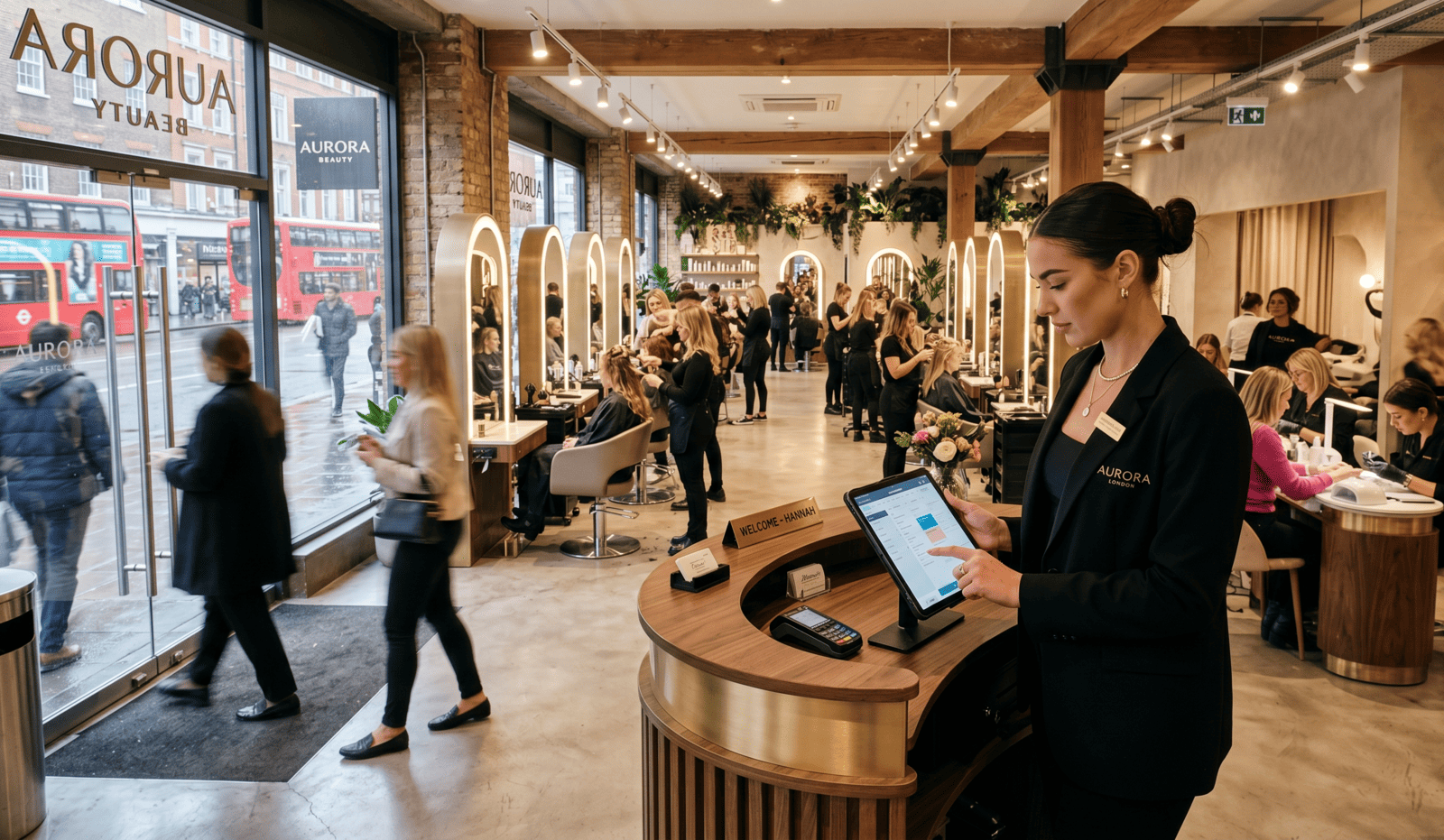
WaitQ is built around one idea: walk-in clients should be able to join a queue without friction, and your team should be able to manage it without distraction.
Clients scan a QR code at the door or follow a link you share in your bio or on a sign at the entrance. They add their name and phone number. That's it. No app download. No account creation.
When a stylist is ready, they tap to send a notification via push, SMS, WhatsApp or email. The client gets a message with their position and estimated wait. They can stay nearby or grab a coffee. When it's their turn, they come in.
The public display keeps the waiting area calm. Anyone sitting in your salon can see the live queue on a screen without asking your team.
Start a 7-day free trial with no credit card required.
