

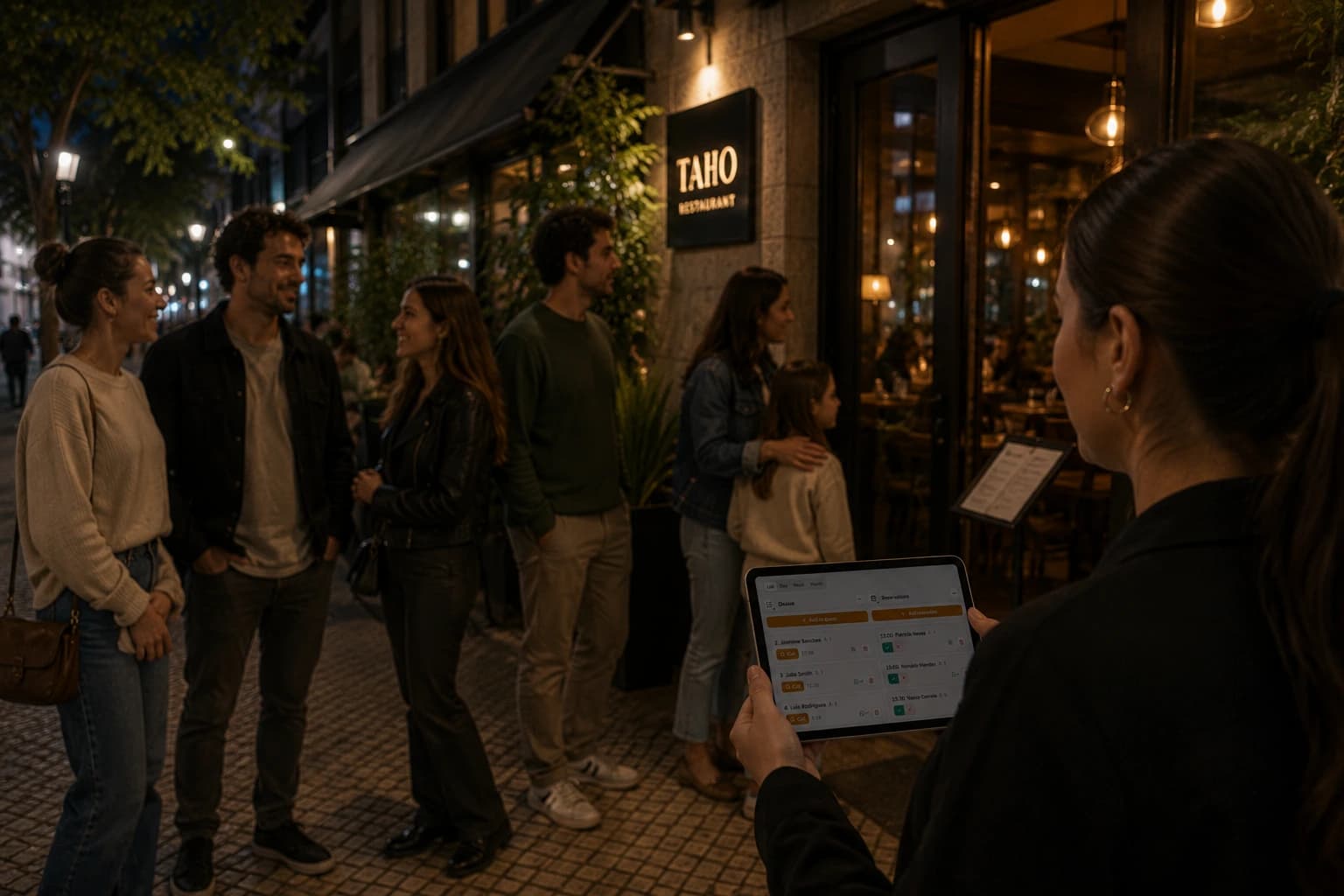
A restaurant that takes both walk-ins and reservations usually ends up with at least two workflows:
- A queue at the door
- A booking calendar somewhere else
There could be even more if we think of takeaway queues for instance.
This guide is for restaurants that when faced with the decision of taking waitlist or reservations, decided to to run both. Bringing both workflows onto one system changes how the floor and the whole customer flow operates.
What does managing walk-ins and reservations in one system mean?
It means having a single, intuitive platform to run the customer flow, whichever the way guests arrive. Running a waitlist and reservations well comes down to one thing: these workflows sharing the same facts about what's actually happening on the floor, so a host never has to guess which list is right.
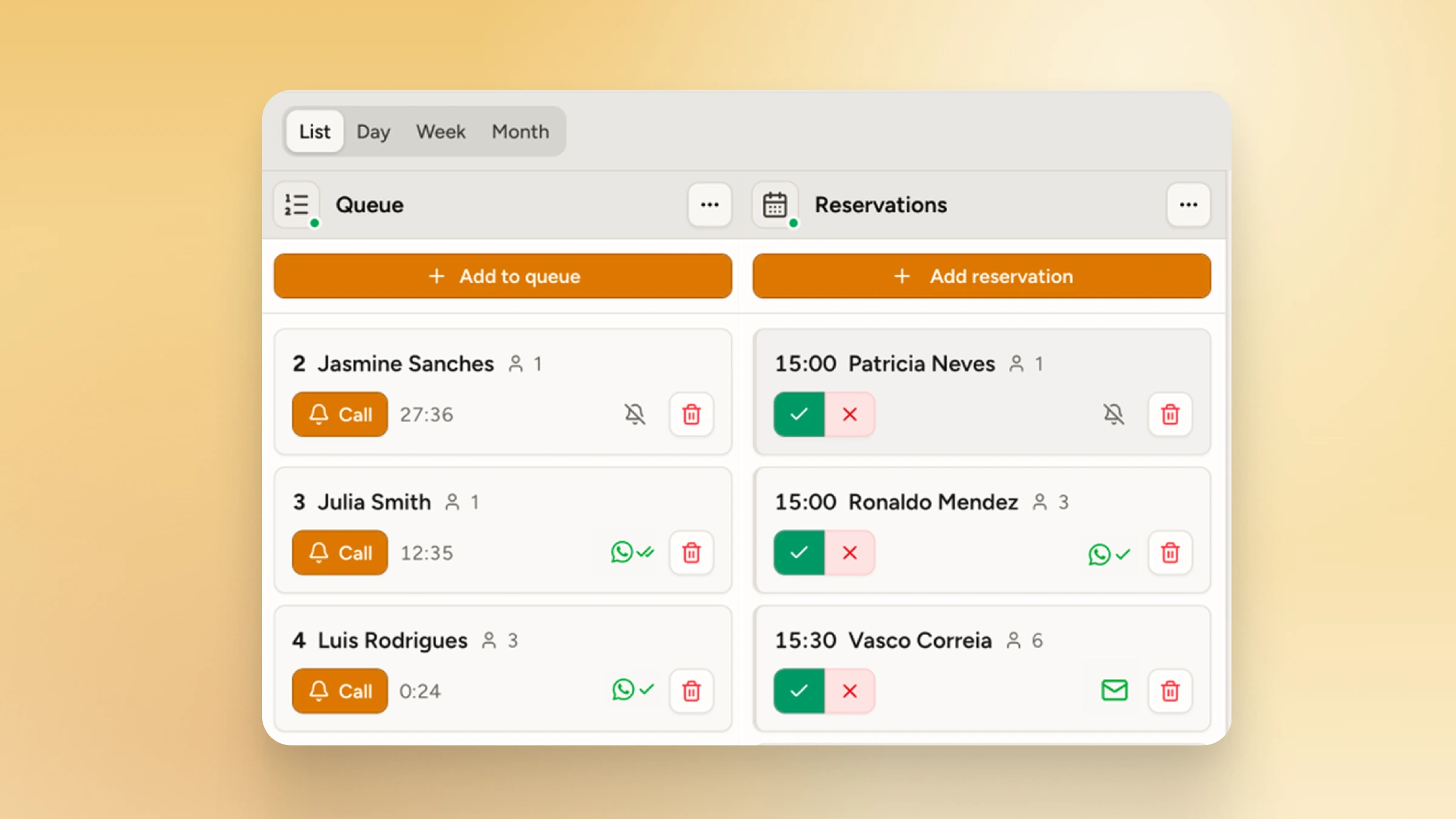 WaitQ supports walk-in queues and reservations on the same view.
Benefits of running walk-ins and reservations together on the same system
- One view of the whole floor. Staff stop toggling between a reservation book and a queue screen. Whoever is working the door can see every table's status at a glance, regardless of how it filled.
- Fewer double-booked tables. When a table's status is shared in real time, a host can't accidentally offer a seat that's already held for an incoming reservation.
- No-shows get caught faster. Restaurant operators are already navigating uneven traffic and elevated operating expenses, and a table sitting empty for a guest who never arrives adds directly to that pressure. A shared system flags an overdue reservation automatically, rather than leaving staff to notice on their own mid-shift.
- Better data on how the floor actually runs. With walk-ins and reservations in one place, patterns become visible: which restaurant areas cause the most conflicts, which nights need tighter buffer windows, where turn times are slower than expected.
Best practices to manage walk-ins and reservations
Set buffer windows around reservation times
A buffer window is a short block of time before and after a reservation's start time during which that table isn't offered to a walk-in, even if it looks open. Fifteen minutes on either side is a reasonable starting point, with tighter turns needing less and slower fine-dining rooms often needing more.
Buffer windows matter more now than they used to. Same-day reservations account for nearly half of all bookings, so hosts are increasingly working with bookings that landed only hours before service, not days in advance.
Document a clear rule for releasing no-show tables
Decide in advance how long a table stays held once a reservation is overdue, and write that rule down rather than leaving it to a host's judgment mid-rush. A shared system can flag a reservation as overdue automatically once it passes its buffer window, which turns a judgment call into a simple, visible trigger.
Keep both workflows visible to the whole floor team
The queue and the reservation calendar should be checkable from more than one device, not just the host stand. A server or manager who can see table status from anywhere on the floor catches conflicts earlier than one relying on a single screen at the door.
Review conflict patterns weekly
Once walk-ins and reservations run through one system, patterns in waiting and booking data become visible: which areas cause the most conflicts, which nights need tighter buffer windows, where turn times run slower than expected. A periodic check of that data is enough to catch problems before they become habits.
Use dedicated customer flow software able to handle both well
The software you use to manage customer arrivals is one of the important tech decisions at your restaurant. The real capacity of a location rarely matches what's printed on a floor plan, and that gap gets worse when walk-ins and reservations run through separate tools. Pick intuitive software able to both manage queues and take reservations.
Give every table one live status
A table should show as seated, held, or open the same way to everyone looking at it, whether they're managing the queue or the reservation calendar. That single status is what makes the rest of these practices possible. Without it, staff are back to cross-checking two lists by hand.
What if there is a walk-in and an upcoming reservation booking the same table?
Set a simple rule before the rush starts, not during it. If a reservation is due within its buffer window, the table isn't offered to a walk-in, full stop. If a walk-in party is willing to wait past that window, seat them at the next available table instead of holding one hostage for a booking that hasn't arrived yet.
The harder case is a no-show. Restaurant operators are already navigating uneven traffic and elevated operating expenses, and an empty table held for a guest who never shows up adds directly to that pressure. A shared system that flags a reservation as overdue past its buffer window gives staff a clear, visible trigger to release the table.
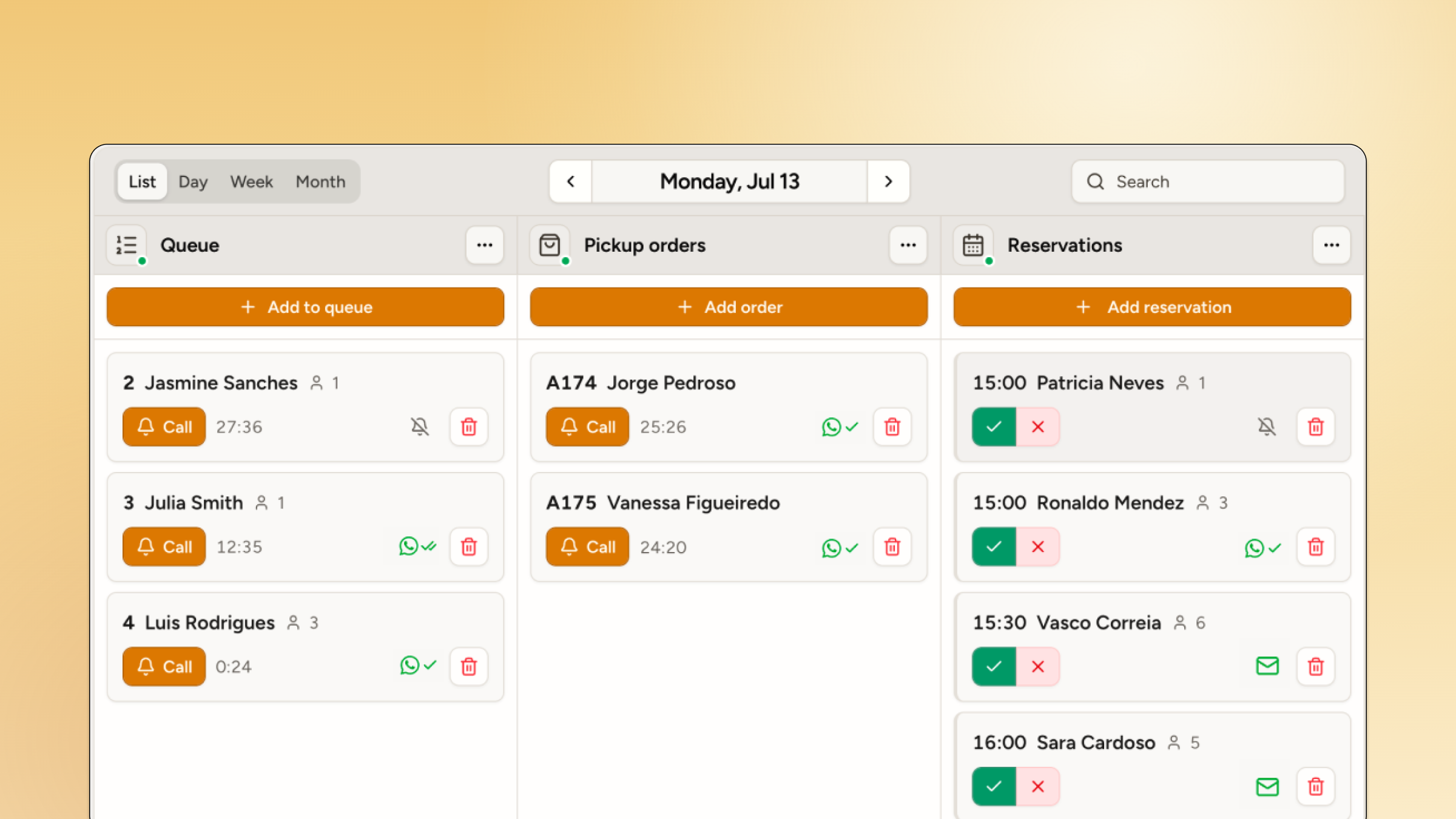
How WaitQ manages reservations and walk-ins side-by-side
WaitQ manages walk-ins, reservations and even pickup/takeaway queues from the same dashboard, so it's easier to see and manage customer flows across each restaurant location. This means a host adding someone to the digital queue sees the same availability as a manager confirming an appointment, because both are pulling from the same live view rather than separate lists.
Notifications work the same way across both workflows. Whether a customer is waiting for a table or holding a reservation, WaitQ can reach them by SMS, WhatsApp, or email when it's time, and staff manage that messaging from one place instead of switching tools depending on how the guest arrived.
